How to Restore Old Photos with AI (Free)
Why Restore Old Photos?
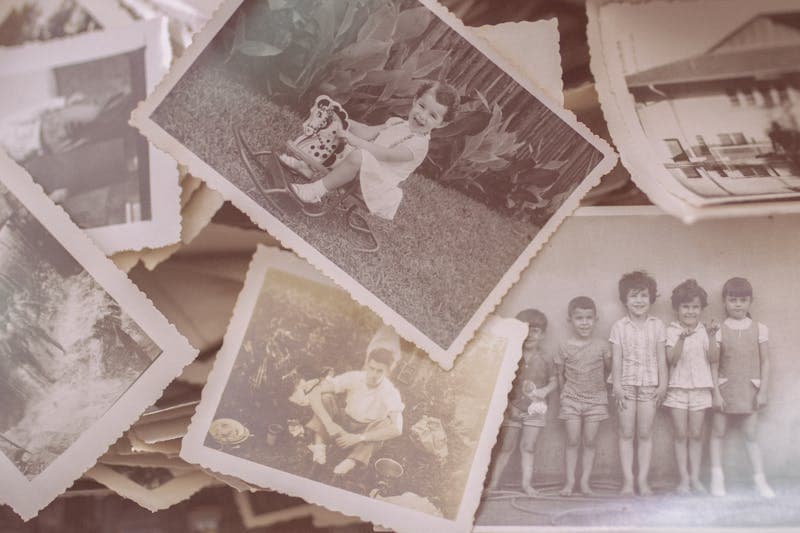
Old photographs capture irreplaceable moments — your grandparents' wedding, your parents as children, historical family events. But time degrades these precious memories. Photos fade, develop scratches, get water-damaged, or simply lose their clarity.
Thanks to advances in AI, you can now restore these photos to near-original quality in seconds, right from your browser.
How AI Photo Restoration Works
Modern AI models like Gemini and GFPGAN have been trained on millions of photographs. They understand what a "clean" photo should look like and can:
- Detect damage — scratches, tears, stains, water marks, and fading
- Reconstruct missing details — filling in torn or damaged areas
- Enhance clarity — sharpening blurry areas while preserving natural details
- Restore faces — reconstructing facial features that have degraded
- Add color — transforming B&W photos into full color
Step-by-Step Guide
Step 1: Upload Your Photo
Go to our restore tool and upload your old photo. We support JPG, PNG, and WebP formats up to 10MB.
Step 2: Choose Your Options
Select which enhancements you want:
- Colorize — adds natural color to B&W photos
- Face Restore — enhances blurry or damaged faces
- Upscale — increases resolution up to 4x
Step 3: Click Restore
Our AI processes your photo in 10-30 seconds. You'll see a before/after comparison slider.
Step 4: Download & Share
Download your restored photo in full resolution, or share the before/after comparison on social media.
Tips for Best Results
- Scan at high resolution — 300+ DPI scans produce better results than phone photos
- Clean the physical photo first — remove loose dust and debris
- Crop out borders — remove album page edges and tape marks before uploading
- Try multiple times — AI results can vary; try with different options enabled
Privacy & Security
Your photos are never stored on our servers. They're processed in memory and returned directly to your browser. We believe your family memories are yours alone.
Get Started
Ready to bring your old photos back to life? Start restoring now — credit packs start at $4.99. Explore all our AI restoration tools to see what's possible.