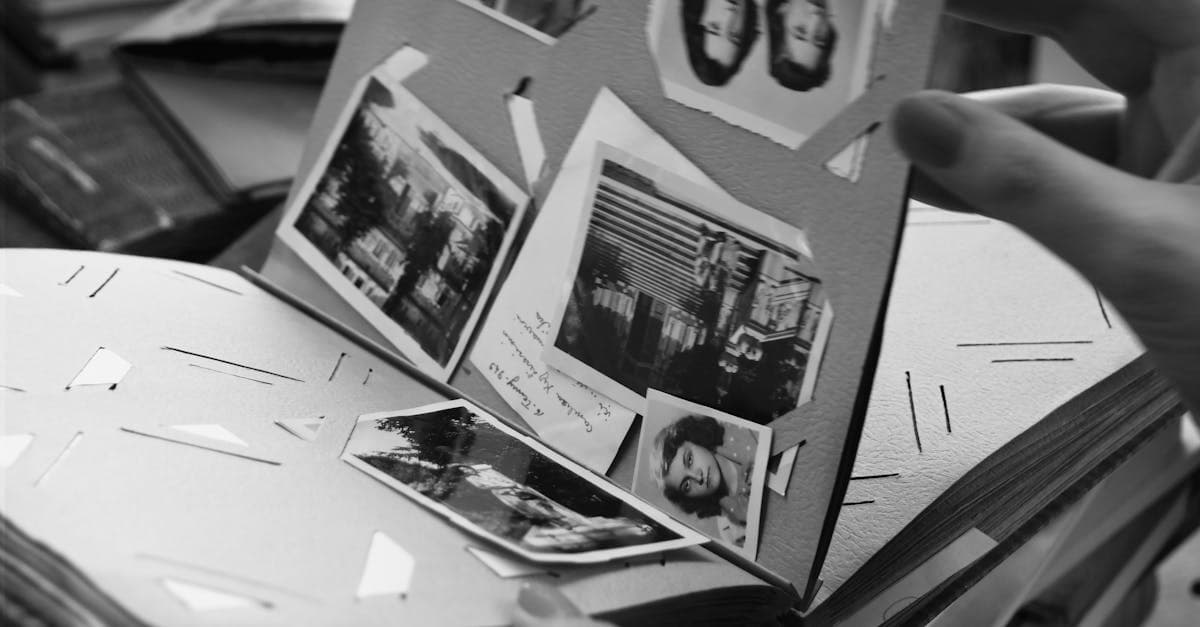
A wedding photo carries a specific weight that most family pictures don't. It's usually the one image a couple hangs for decades, the one grandchildren ask about, and often the only formal portrait a family ever commissions. When the print starts to yellow or the album's sticky-back pages eat the emulsion, people feel the loss in a way that's hard to describe until it happens to them.
What wedding photos look like — convention and damage
Wedding photography has a surprisingly consistent visual grammar. From roughly the 1950s onward, the dominant format was a chromogenic (C-type) color print, often 8x10 or 5x7, mounted in a leather or padded album behind a mylar sleeve or, worse, a "magnetic" self-stick page. Earlier weddings (pre-1950) were almost always black-and-white silver gelatin prints from a studio photographer, frequently retouched by hand on the negative to soften the bride's features — a detail worth knowing before restoration, since those retouch marks are part of the original.
The damage patterns track the materials. According to the Image Permanence Institute, color prints from the 1960s through the 1980s suffer from dye fading, and specifically a magenta or pink shift as the cyan and yellow dyes break down faster than the magenta layer (imagepermanenceinstitute.org). That's why so many wedding photos from that era look uniformly pink when pulled out of an album today. The Library of Congress also notes that resin-coated (RC) papers, common in wedding prints after the 1970s, can develop surface cracks and silver mirroring along the edges (loc.gov/preservation/care/photo.html).
Then there's the album itself. NEDCC's preservation leaflet on photographs is direct about this: self-adhesive "magnetic" album pages were a disaster for the wedding photos placed in them. The pressure-sensitive adhesive yellows, migrates into the print, and often bonds the photo to the page permanently (nedcc.org). If you've ever tried to peel a grandparent's wedding portrait off an old album page and heard that little crackle, that's what you were hearing.
What AI can fix on a wedding photo
Honest list of what restoration can actually recover:
- Overall color cast — the magenta shift from faded C-prints can be neutralized
- Yellowing and surface stains from album adhesive residue
- Cracks, creases, and tears along album-page bends
- Mild fading of faces and dress details
- Silver mirroring along print edges (the shiny bronze sheen on black-and-white prints)
- Resolution and sharpness loss from a low-quality phone scan of a glossy print
The limitation worth naming: if the original photographer used heavy soft-focus or a diffusion filter on the bride (extremely common in 1970s–80s wedding work), AI will often "correct" that as blur. You may need to accept a slightly crisper face than the print originally showed, or the softness comes back looking artificial.
Example restorations
A grandparent's 1962 black-and-white portrait. A silver gelatin print pulled from a leather album, with silver mirroring along the border and a crease across the groom's jacket from where the album spine pressed into it. AI can rebuild the crease and desaturate the mirror sheen without touching the retouched face.
A 1978 color wedding shot gone pink. The classic magenta shift. The cake is pink, the dress is pink, the suit is pink. Restoration rebalances the dye layers and recovers something close to the original whites.
An anniversary gift. The most common use case. A couple's 50th is coming up and an adult child wants to reprint the original 8x10 at a larger size for framing. The scan from the album is soft and stained; the restored version can be printed at 16x20 without looking upscaled.
How to restore your wedding photo
- Scan the original at 600 DPI if possible. If the photo is stuck in a magnetic album page, don't force it — scan through the plastic if you have to. A phone photo works too; just shoot it flat under even window light, no flash.
- Upload at /restore. One credit per photo. The browser handles the upload; nothing gets stored on our end longer than needed.
- Review and download. If the faces still look waxy or the dress lost detail, re-run with a lighter touch. Credits don't expire, so experimenting is cheap.
A wedding photo is usually part of a family portrait set. If you have earlier pictures from the same era, take a look at restoring a family portrait or, for a parent's or grandparent's baby picture from the same album, baby photo restoration. Credits work across all types.
Pricing stays simple: one $9.99/month plan with 40 credits, every restoration tool unlocked, and credits that never expire — backed by a 7-day money-back guarantee. See /pricing or how it works.
Sources
- NEDCC on album adhesives, pressure-sensitive tape, and the damage they cause to mounted wedding prints
- Library of Congress on RC paper fading, yellowing, and cracking in 20th century prints
- Graphics Atlas identification page for chromogenic (color) prints, the dominant wedding-photo process from the 1950s onward
- Image Permanence Institute on dye fading in color prints — the magenta shift common in 1970s–80s wedding albums
More photo types we restore
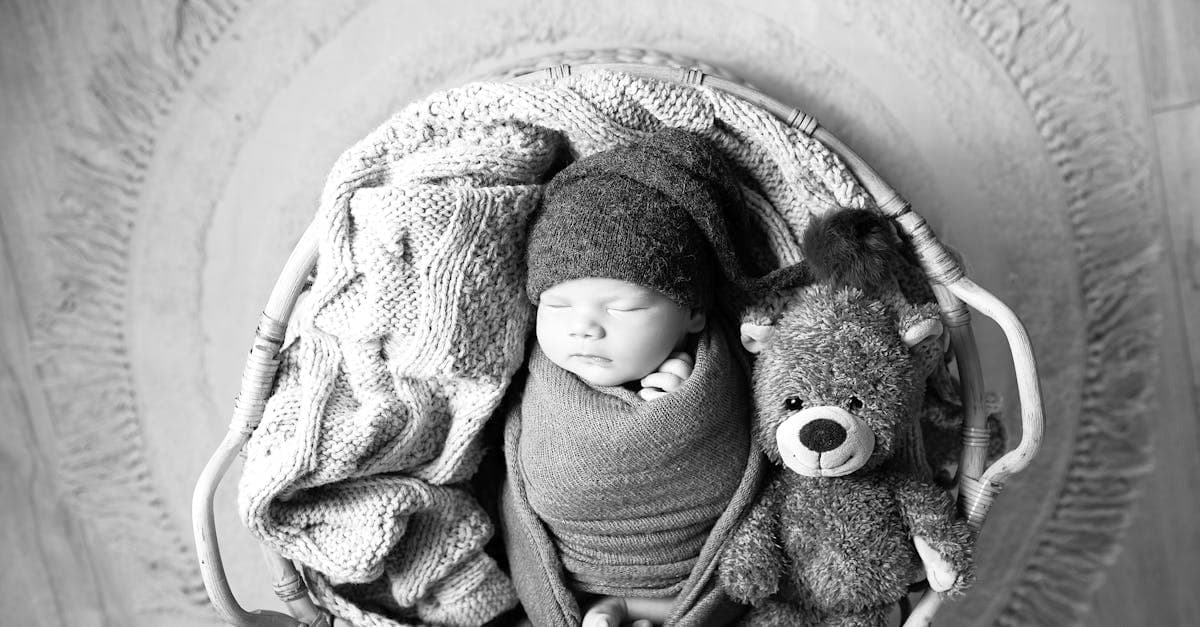
Rescue faded hospital baby pictures, studio portraits, and first-year snapshots. AI restoration for color shift, creases, and album damage.
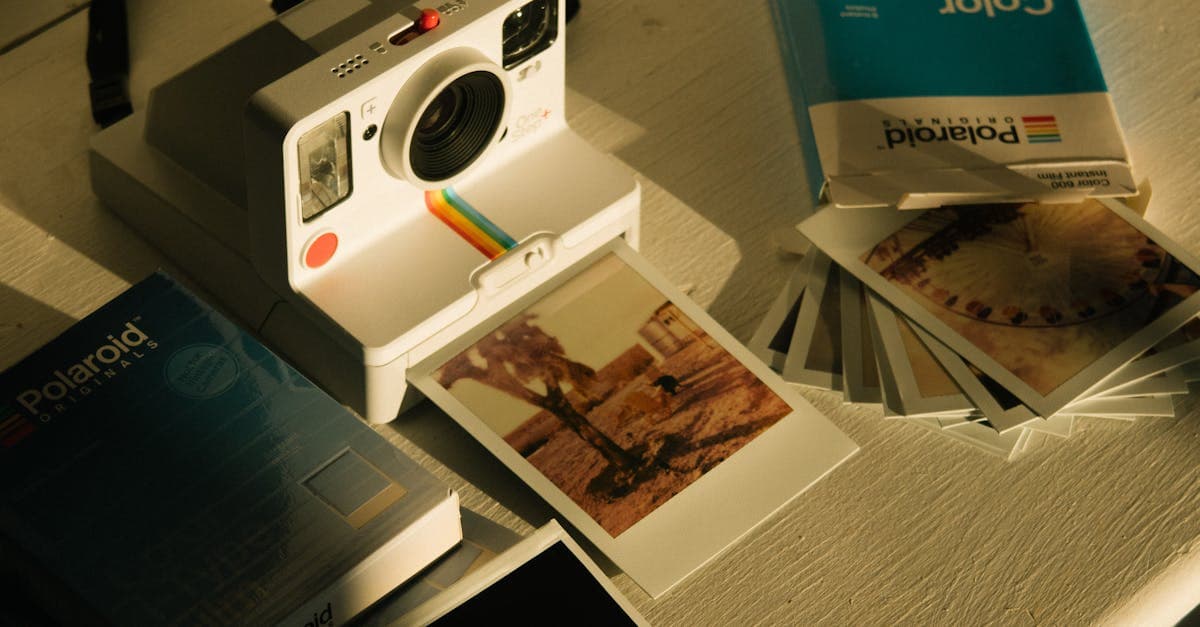
Fix faded, yellowed, or orange-shifted Polaroids. AI restoration for SX-70, 600, and Spectra instant prints with honest limits.
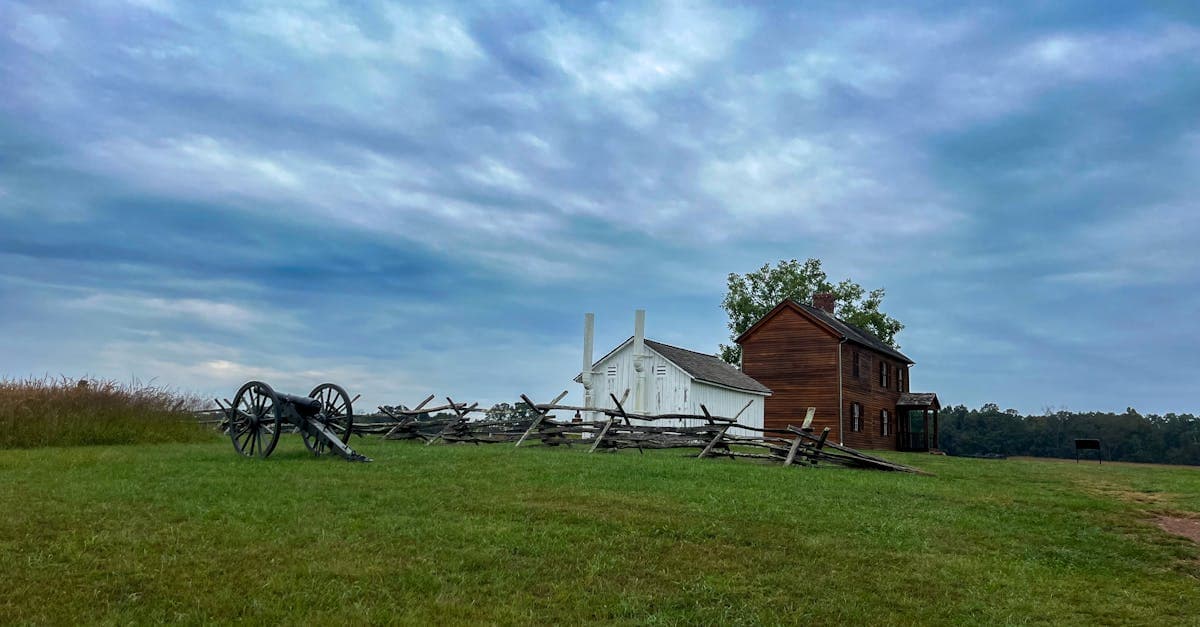
Restore 19th-century tintypes with rust, scratches, or fading. AI-based recovery for ferrotype portraits from the Civil War era onward.
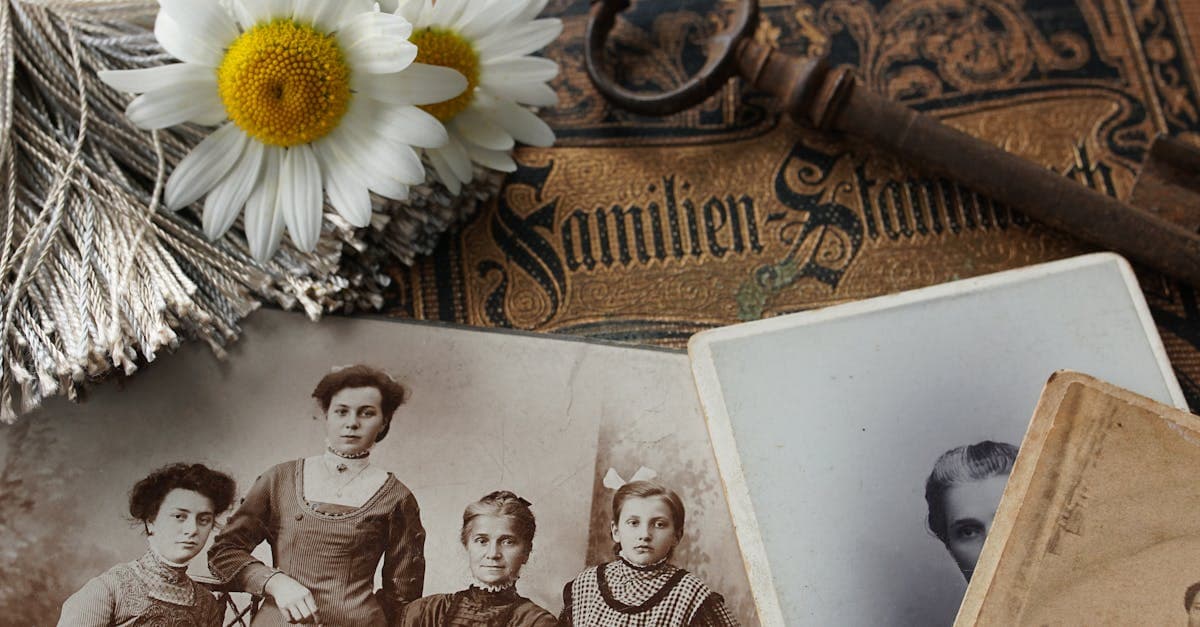
Revive 1840s–1860s daguerreotypes with tarnish, scratches, and case damage. AI restoration that respects the mirror-like original.
Ready to restore your photo?
Free preview, no account needed. Download it in full resolution with a free account.
Upload a photo