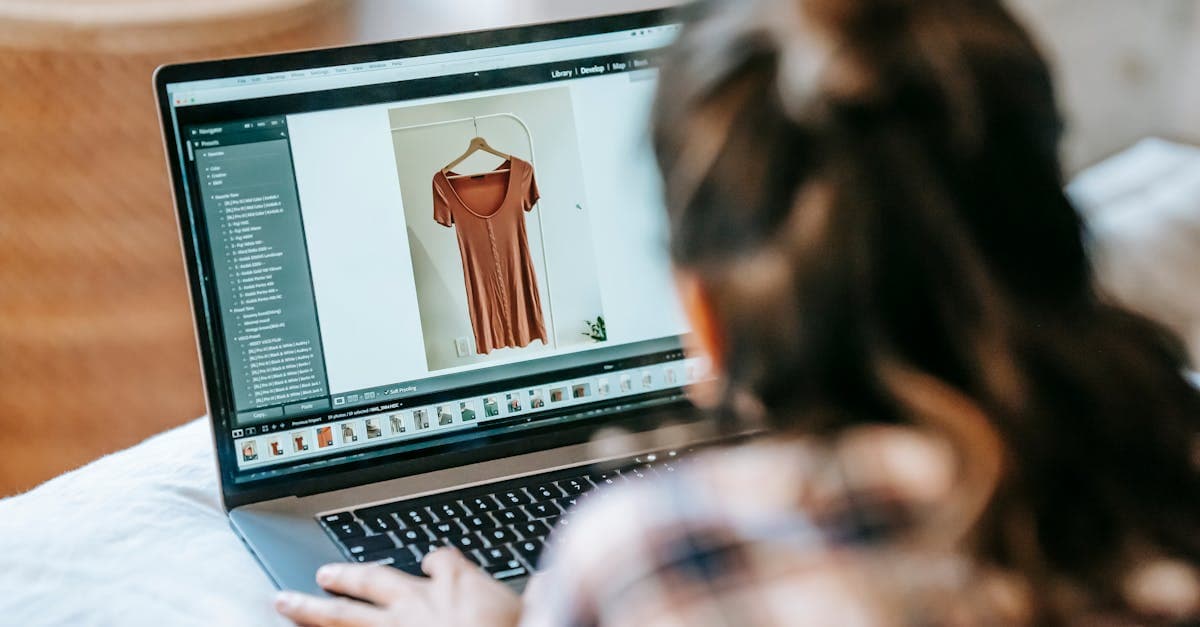
Pixlr has been around for over a decade as a free, browser-based photo editor that gives you Photoshop-like layers, filters, and adjustments without installing anything. It has earned a loyal audience among students, bloggers, and casual editors who need quick crops, overlays, and color corrections. In recent years Pixlr has added AI features — background removal, generative fill, an AI image generator — and repositioned itself as an AI-powered creative suite.
PhotoFlip is a much narrower tool. It does one thing: restore, colorize, face-fix, upscale, and animate old or damaged photos using specialized AI models. No layers, no filters, no graphic design templates. This page compares the two honestly so you can pick the right one for your old photos.
Quick verdict
| Feature | PhotoFlip | Pixlr |
|---|---|---|
| Starting price | $9.99/mo for 40 credits | Free (ad-supported), Plus $1.49/mo (yearly) |
| Free tier | Restore and colorize: free preview, no signup; 3 full-quality photos with a free account | Yes, ad-supported, limited saves |
| Restore old photos | Yes, primary focus (AI damage repair) | Manual only (clone stamp, healing brush) |
| Colorize B&W | Yes | No |
| Face restoration | Yes | No |
| Upscale resolution | Yes (up to 4x) | No |
| Animate still photos | Yes (presets or custom prompt) | No |
| AI background removal | No | Yes |
| Layers and filters | No | Yes, full editor |
| Templates and design | No | Yes, thousands of templates |
| Platform | Web (any device) | Web + mobile apps |
| Billing model | Flat monthly, cancel anytime | Subscription only |
Pricing breakdown
Pixlr runs on a subscription model. The free tier gives you access to the basic editor with ads and limited daily saves. Plus costs $1.49/month billed yearly ($2.49/month if you pay monthly) and removes ads, adds unlimited saves, and gives you 80 AI credits per month. Premium costs $6.49/month billed yearly ($7.99-$9.99/month monthly) and includes 1,000 AI credits per month, private AI generation, and the full template library. Team is $11.99/month per seat billed yearly. There is also an Enterprise tier at custom pricing.
Pixlr's AI credits are used for generative features like the AI image generator and background removal, not for traditional photo editing. The standard editing tools — layers, crop, clone stamp, healing brush — work without credits on any plan including free. If all you need is basic editing, Pixlr Free is genuinely free.
PhotoFlip is one flat plan: $9.99/month for 40 credits, with every restoration tool unlocked. Each restoration, colorization, or face fix costs 1 credit; animation costs 4 credits; upscaling costs 1 credit. Credits never expire, the plan is cancellable anytime from the dashboard, and a 7-day money-back guarantee covers your first charge.
The comparison is slightly apples-to-oranges because the tools do different things. Pixlr Premium at $6.49/month gives you a full photo editor with AI extras. PhotoFlip at $9.99/month gives you a specialized restorer with every tool unlocked. If you need both general editing and restoration, you might use both.
Quality comparison — what each tool actually does best
Pixlr excels at general-purpose photo editing. Need to resize an image, add text, apply a filter, layer two photos together, or remove a background? Pixlr does all of that competently. Its clone stamp and healing brush can handle minor blemishes, and the AI background remover works well on clean, well-lit photos. For social media posts, blog headers, and quick edits, Pixlr is fast and capable.
Where Pixlr falls short is restoration of damaged or old photos. There is no AI restoration model that can fill in scratches, repair missing corners, or reconstruct faded detail. You would need to manually clone-stamp every scratch, which requires Photoshop-level skill and hours of work for a badly damaged print. There is no colorization model — if you have a B&W family portrait, Pixlr cannot add color to it. There is no face restoration — blurry, low-resolution faces stay blurry. And there is no upscaling beyond basic resampling.
Pixlr's AI features have also drawn criticism. Michal on Trustpilot (December 2025) wrote: "Even after buying the so called 'PRO' license the AI editor and the AI generator were utterly bad." Maria (December 2025): "They mentioned 100% free, but only 3 downloads are free. Scam." These complaints center on the AI tools specifically, not the traditional editor, which remains solid.
PhotoFlip takes the opposite approach. No layers, no filters, no design templates, but the AI models are specialized for damaged photos. One model handles scratch removal and damage repair. Another produces historically plausible colorization. A face model recovers facial detail from blurry low-res scans. An upscaler adds resolution without introducing blur, and a video model animates still portraits. On a water-damaged 1950s wedding photo with scratches across every face, PhotoFlip's restore and face-restore pipeline will produce dramatically better results than manually healing in Pixlr.
Who should use Pixlr
Pick Pixlr if you need a general-purpose photo editor and your photos are not particularly old or damaged. Pixlr is excellent for cropping, resizing, adding text overlays, creating social media graphics, removing backgrounds, and applying filters. The free tier is genuinely useful if you can tolerate ads. Premium is reasonable at $6.49/month for the template library and AI credits. If your "restoration" need is really just "crop, brighten, and sharpen a slightly dark photo," Pixlr handles that without any specialized AI. It is also a good pick for educators and students — Pixlr offers a free PixlrEdu plan for verified institutions.
Who should use PhotoFlip
Pick PhotoFlip if you have genuinely old, damaged, or B&W photos that need AI-powered restoration, colorization, or face recovery. Manual clone-stamping in Pixlr will take hours per photo and still miss what a generative model can reconstruct. PhotoFlip's flat pricing also makes more sense for a one-off project: restore a shoebox of family prints in a single $9.99 month, then cancel. Every tool is unlocked and credits never expire. Try the restore tool on one photo free before committing, and explore the full tool suite including colorize and animate.
What reviewers say
Pixlr has a mixed reputation in 2026. On the positive side, Martina Zacarias praised it on Trustpilot (December 2025): "I wanted an object erased from a photo. I used Pixlr and the result was as per my expectations." Alexander Green gave it 3 stars (March 2026): "The actual photo editor is okay, just the ads are annoying." The core editor still works well for basic tasks.
The negatives cluster around AI features and billing. Michal's December 2025 review is representative: the Pro license didn't deliver on the AI promises. Maria's complaint about the "100% free" claim misleading users about download limits echoes across multiple Trustpilot pages. The pattern is clear: Pixlr's traditional editing tools are solid, but the newer AI features have not landed as well, and the free-to-paid transition confuses some users.
PhotoFlip's approach avoids both issues. There are no ads on any tier. The free tier is real: 3 full-quality photos with a free account, no watermarks on paid output, no bait-and-switch. And because the AI models are the entire product (not bolted onto a legacy editor), they are purpose-built and consistently updated.
Try PhotoFlip free
Try restore and colorize free — no card required. Restore an old photo or colorize a B&W portrait and see the output quality before spending anything. If Pixlr handles your editing needs and your photos are already in good shape, keep using it. If your photos are damaged, faded, or black-and-white, PhotoFlip is built exactly for that. The $9.99/month plan unlocks every tool with 40 credits a month and a 7-day money-back guarantee — cancel anytime.
Frequently Asked Questions
Yes, for photo restoration specifically. PhotoFlip has dedicated AI models for scratch removal, colorization, face recovery, and upscaling that Pixlr does not offer. Pixlr is a general-purpose photo editor with layers, filters, and templates — it is better for graphic design and quick edits, but it cannot reconstruct damaged photos the way a specialized restorer can. If your photos are old or damaged, PhotoFlip is the right tool.
Pixlr's basic photo editor is free with ads and limited daily saves. AI features like background removal and the image generator consume AI credits, which are limited on the free tier. Some users on Trustpilot have reported confusion about what is actually free versus what requires a paid plan. The Plus plan removes ads and costs $1.49/month billed yearly. PhotoFlip's free tier gives a free account 3 full-quality restore or colorize photos, with no ads.
No, Pixlr does not have an AI colorization feature. You could manually tint areas using layers and brushes, but that requires significant skill and time and will not produce historically accurate results. PhotoFlip uses a dedicated colorization model to automatically add plausible color to B&W photos in seconds. Try it free at photoflipai.com/colorize.
It depends on what you need. Pixlr Premium is $6.49/month billed yearly ($77.88/year) and gives you a full photo editor plus 1,000 AI credits per month. PhotoFlip is $9.99/month, billed monthly with no yearly commitment, for 40 restoration credits and every tool unlocked. If you only need restoration and colorization for a short project, PhotoFlip is cheaper because you can cancel after a single month. If you also need a general photo editor with templates and design tools, Pixlr provides more breadth for the monthly fee.
Sources
More comparisons
Ready to try PhotoFlip?
Free preview, no card. A free account downloads it in full resolution; more tools from $4.99.
See pricing