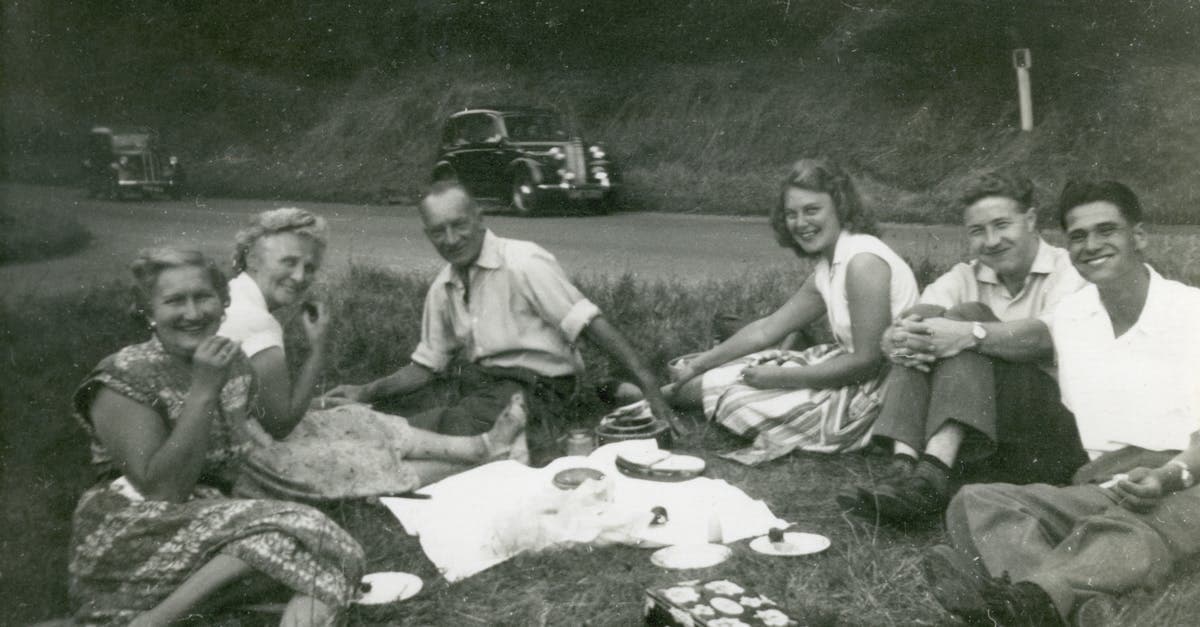
The 1950s is the decade when color photography became a household medium. Kodacolor negatives in little paper envelopes came back from the drugstore alongside their prints, Kodachrome slides became the default medium for amateur travel photography, and the Polaroid Land Camera (by then making Type 42 and Type 40 prints) brought instant photography into suburban living rooms. Surviving family albums from this decade are typically a mix of black-and-white snapshots from earlier in the decade, warm-toned Kodacolor prints from the middle, and Kodachrome slides that were never printed but were projected on the living room wall after dinner.
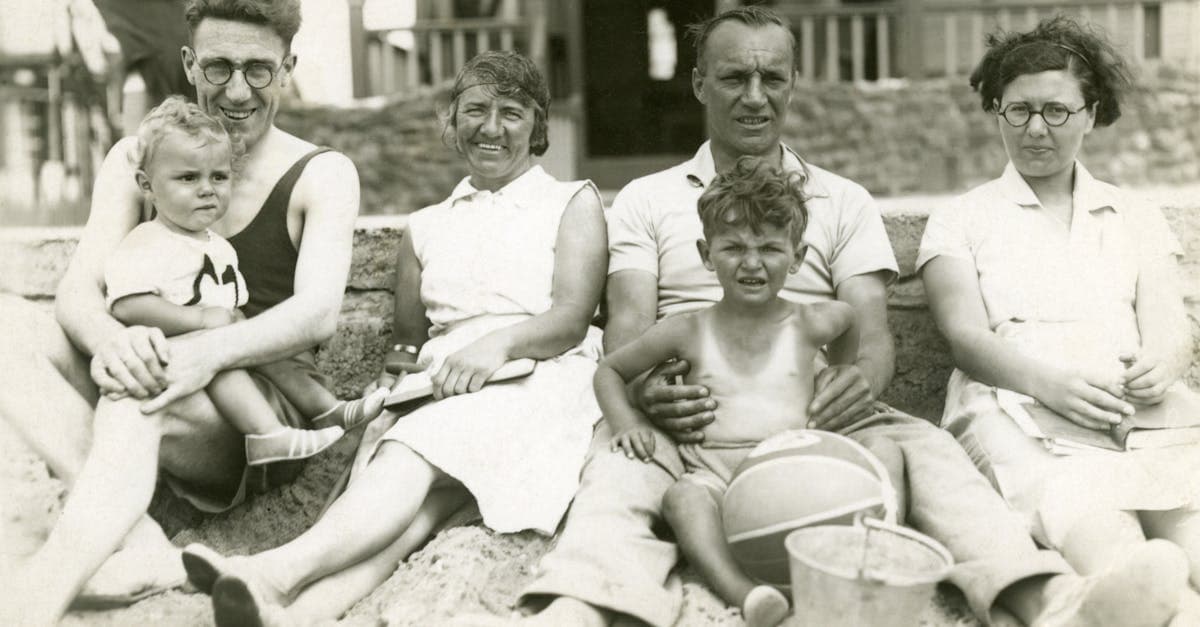
The emotional weight of 1950s photographs comes from their ordinariness. They record the first truly mass-consumer generation of family life: suburban backyards, new cars, station wagons at the beach, children in Easter clothes. Because so many 1950s prints have suffered dramatic color fading, restoring them often feels like recovering a lost palette of postwar life.
How photographs were made in the 1950s
Kodacolor, introduced in 1942 but reaching true mass-market adoption in the 1950s, used the C-22 chromogenic color negative process. C-22 prints are the defining 1950s family photograph: small, warm, and on a thin paper base with a matte or silk finish. Unfortunately, C-22 dyes are among the least stable in photographic history, and almost every surviving C-22 print shows severe color fading today.
Kodachrome (now on the K-14 process for most of the decade) continued to dominate slide photography, with amateurs shooting thousands of frames per year. Ektachrome was on the E-2 process and, like its predecessor, had much weaker dye stability than Kodachrome. Polaroid progressed from Type 40 sepia to Type 42 black-and-white and eventually Type 44 panchromatic, all peel-apart roll films that required post-print coating by the photographer.
What damage looks like on 1950s photos
The signature damage pattern on 1950s photographs is cyan dye loss in Kodacolor C-22 prints. As the cyan dye decomposes, the print shifts progressively toward magenta and yellow until the image looks like an overexposed Polaroid of a sunset, with skin tones turning orange, blue skies turning white, and green grass turning brown. This is not a cosmetic issue — the cyan information is genuinely gone from the print surface, and rebuilding it requires inference.
Black-and-white silver gelatin prints from the 1950s show mild silvering and yellowing but are generally more stable than their 1920s and 1930s predecessors because paper manufacturing had improved. Ektachrome slides fade the same way Kodacolor prints do, while Kodachrome slides from the same era often still look pristine. Early Polaroids yellow overall and develop uneven dark streaks from hand-applied coating.
What AI can restore on 1950s photos
PhotoFlip's restore is particularly well-suited to 1950s material because the failure modes are mathematically predictable. The AI has been trained to recognize C-22 cyan fade and to reconstruct what the missing channel should look like based on the surviving magenta and yellow layers, producing results that approximate the original color rendering with remarkable accuracy. It also handles silvering on B&W prints, tonal flattening, surface scratches, and album adhesive staining.
What AI cannot do: perfectly reconstruct color information that is completely gone (a print that has faded to a uniform magenta field with no differentiation provides nothing for the model to work with), recover Polaroids whose emulsion layer has delaminated, or restore prints that were stored in PVC album sleeves that have chemically fused to the image surface.
Tips for scanning 1950s photos
Remove C-22 prints from plastic album sleeves before scanning if possible, but never force them — if a print is stuck, leave it and scan through the sleeve. Set your scanner to capture a flat, un-corrected color image; the temptation to use auto-white-balance on a faded C-22 print will destroy information that PhotoFlip could otherwise use. Scan at 600 DPI for standard 3.5x5 inch prints, 1200 DPI for smaller material. For Kodachrome and Ektachrome slides, use a film scanner at 4000 DPI. For Polaroid Type 40 series prints, scan at 1200 DPI on a flatbed and avoid pressing the scanner lid against the coated surface.
How to restore a 1950s photo with PhotoFlip
- Scan at 600–1200 DPI for prints, 4000 DPI for slides, with auto-correction off.
- Upload to /restore — the AI automatically detects C-22 fade patterns.
- Review and download; most 1950s color prints do not need additional processing.
Frequently Asked Questions
Yes. That pink-orange cast is the predictable failure of Kodacolor C-22 dyes as the cyan layer decomposes, and because the fade follows a known curve, the AI can reconstruct the missing cyan channel and rebalance the image. Results are often dramatic: skin tones return to neutral, skies become blue again, and foliage recovers green. The original detail is preserved because it lives in the silver structure, not the dyes.
Kodachrome uses non-incorporated dyes that are added during processing, while Kodacolor C-22 uses dyes incorporated into the emulsion that are much less stable. The combination of Kodachrome's chemistry and its archival-grade stability means slides from the 1950s often look essentially untouched sixty years later.
Yes, in most cases. Type 42 prints yellow because of oxidation in the developer paste and unstable early image dyes, and the AI can correct the tonal shift while preserving the soft character that makes early Polaroids distinctive. Prints with heavy coating streaks will show some residual texture, but the underlying image is usually recoverable.
Use only a soft, clean brush or compressed air — never water, alcohol, or any solvent. 1950s color prints have particularly delicate surface finishes, and home cleaning can damage the emulsion permanently. PhotoFlip removes dust and surface debris during restoration, so a gentle brush is all the prep you need.
Sources
Restore photos from other decades


Ready to restore a photo from the 1950s?
Free preview, no account needed. Download it in full resolution with a free account.
Upload a photo