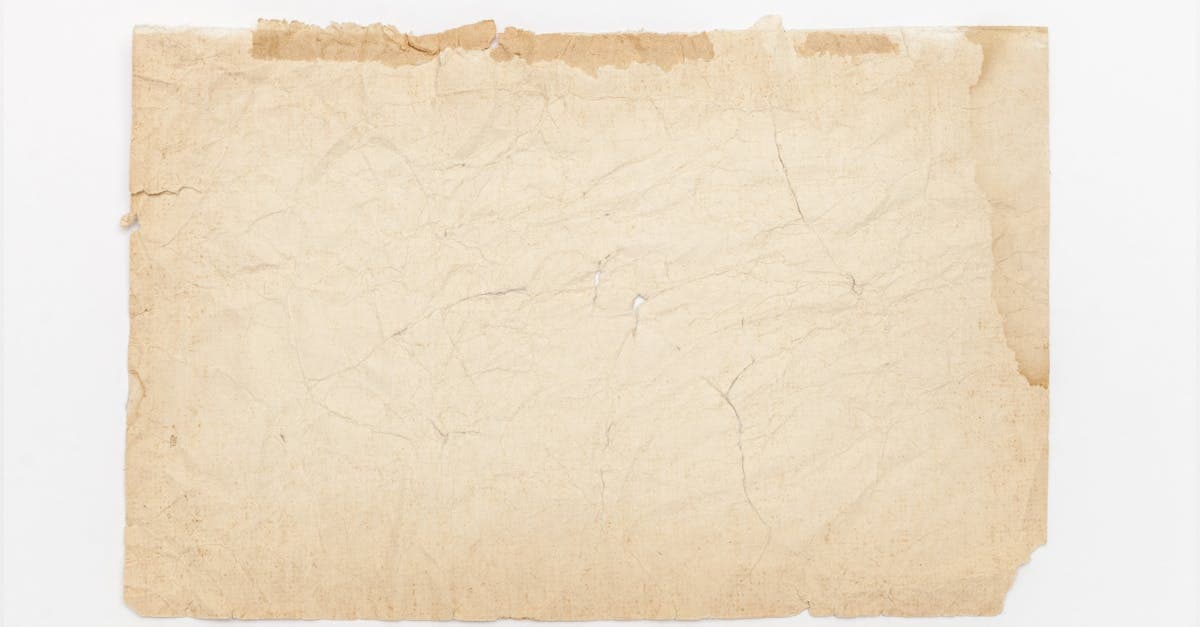
The photo you remember as black-and-white is now the color of weak tea. The highlights went first — whites of eyes, shirt collars, a window frame — and the whole image sits under a mustard cast that scanning and auto-white-balance can't talk out of.
What causes yellowing on old photographs
Yellowing on a silver gelatin print is not grime. It's a chemical conversion. NEDCC's care-of-photographs leaflet is explicit: residual fixer left over from inadequate washing, or sulfur picked up from the storage environment, reacts with the image silver to form silver sulfide — which is itself yellow-brown. The tone shift begins in the highlights because that's where the silver particles are smallest and most reactive (NEDCC 5.3).
Acidic paper mounts and rubber-cement residues contribute a second, separate yellowing: the chromophores released by lignin oxidation in unbuffered cardboard migrate into the emulsion from underneath. The Image Permanence Institute's Photographic Activity Test was developed specifically to screen housing materials for compounds that cause "yellowing of the support" — a signal of how common and measurable this pathway is (IPI / RIT). A 2017 Heritage Science study on silver gelatine prints traced perceived yellowing to the combined effect of silver migration within the binder and sulfidation at the surface, meaning the color change is happening in two planes at once (Heritage Science 2017).
How AI handles yellowing — and where it can't
Yellowing is one of the damage types AI does very well on, because the information is usually still there, it's just been shifted across the color axis. PhotoFlip's model:
- Estimates the non-uniform yellow cast per-region rather than applying a single global white balance — a corner near a cardboard mount is often yellower than the center.
- Reconstructs a neutral tone curve by anchoring on objects with known near-neutral reference (eye whites, paper, teeth, shirts).
- Rebuilds highlight micro-contrast lost to silver migration, so faces don't end up flat after the cast is removed.
Honest limit: if the silver has actually faded — not just discolored, but the density is gone — what you pull back is tone accuracy, not detail. A badly sulfided print can look correct in color but still be softer than the original ever was. That's physics, not software.
Example restorations
- 1940s studio portrait in a cardboard mat. Heavy yellow migration from the mat, clean image elsewhere. AI pulls the whole print back to neutral and the sitter's collar goes from mustard to white.
- 1970s snapshot stored in an attic. Uniform amber cast from sulfidation plus mild fade. Color recovers well but expect some loss of crispness where highlights were chemically thinned.
- Great-grandfather's military headshot. Partial yellowing where a paper sleeve sat over half the image. The model treats it as a gradient problem and evens out the transition.
How to restore a yellowed photo
- Scan at 600 dpi or better in 48-bit color — the extra bit depth gives the model more headroom to correct a shifted cast without banding.
- Upload at photoflipai.com/restore and let the pipeline run.
- If you want to take it further, pass the output through colorize-black-and-white-photos — a yellowed B&W is usually a cleaner input for colorization than a browned one because the cast has already been normalized.
Related damage: yellowing often appears alongside fade and surface dust-spots. Credits at pricing never expire. See how-it-works for the processing pipeline.
Sources
- NEDCC 5.3 explains sulfiding — silver reacting with atmospheric sulfur or residual fixer — produces yellowing, staining, and fading beginning in the highlights.
- Image Permanence Institute describes the chromophores that cause yellowing of photographic supports and how the Photographic Activity Test screens for them.
- Heritage Science peer-reviewed paper on silver migration and perceived yellowing in gelatine silver photographs — confirms yellowing is a migration-plus-sulfidation phenomenon, not surface dirt.
More damage types we restore
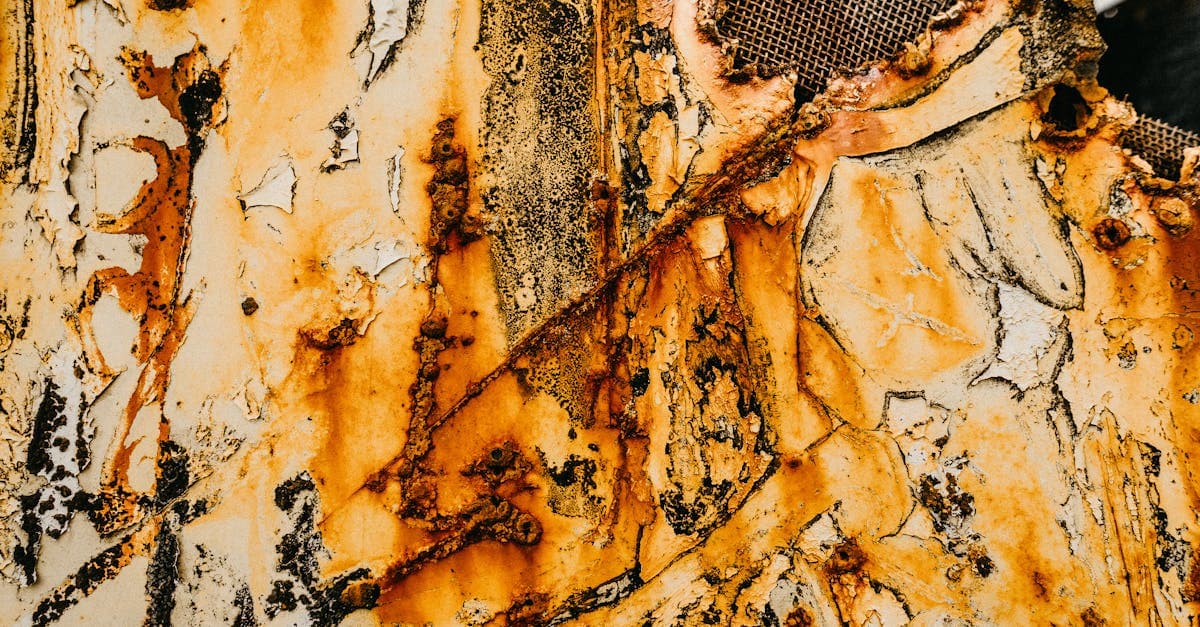
Restore photos ruined by mold stains. PhotoFlip's AI rebuilds faded tones and removes purple, black, and fuzzy spots left by fungal growth on prints.

Red-eye comes from flash reflecting off the retina's blood supply. PhotoFlip detects pupils, replaces the red, and preserves catchlight detail.
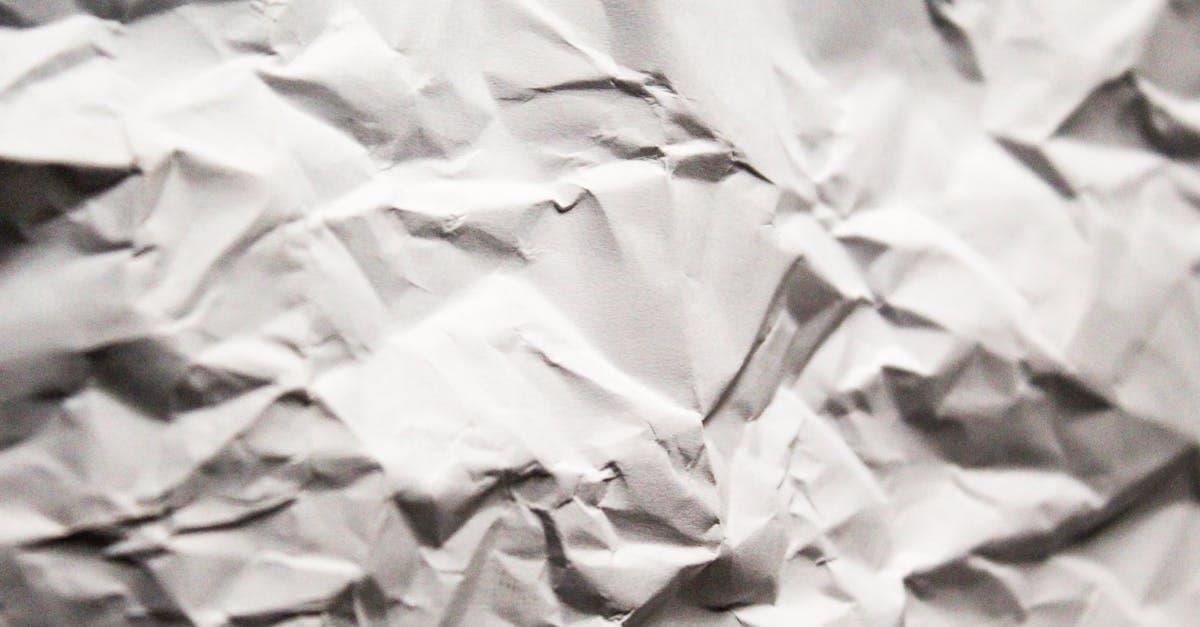
Creases break the emulsion along a fold line. PhotoFlip reconstructs image data across the crease using context from both sides of the fold.
Old tape leaves yellow-brown stains and torn emulsion. PhotoFlip removes adhesive discoloration and rebuilds image content where tape lifted the surface.
Ready to restore your photo?
Free preview, no account needed. Download it in full resolution with a free account.
Upload a photo