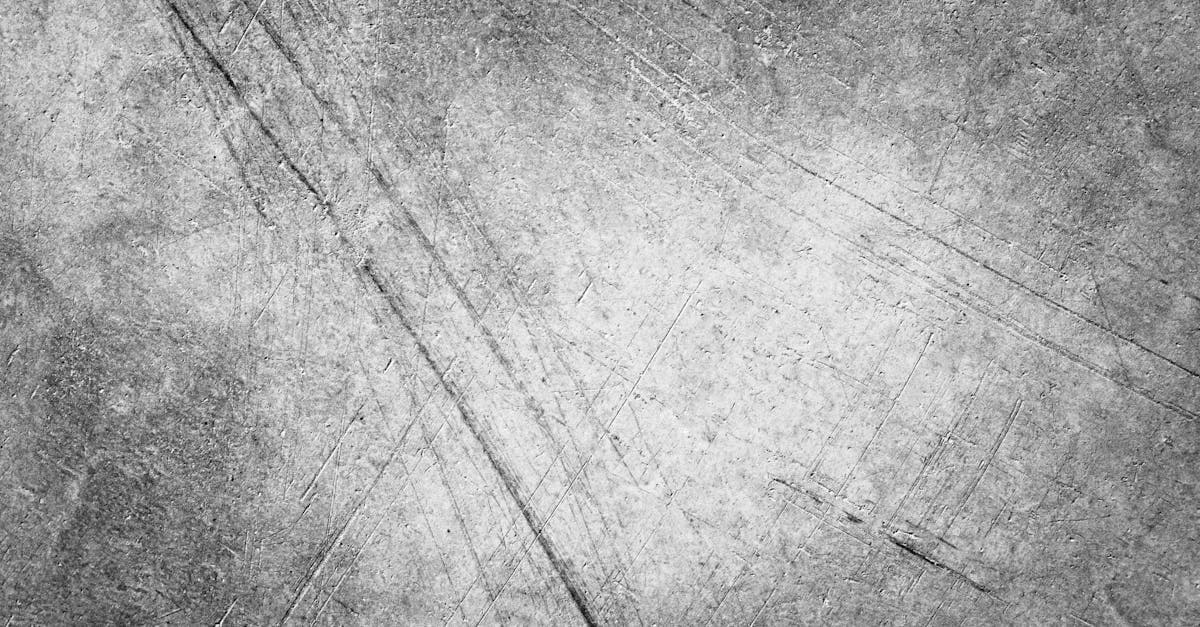
A deep scratch is not a surface scuff. A surface scuff is cosmetic; a deep scratch has punched through the image layer into the paper beneath, and what you see is a white line of exposed paper where the picture used to be. This is why PhotoFlip treats deep scratches separately from general scratch-removal — the severity changes both what the damage looks like and what's recoverable.
What causes deep scratches on old photographs
A silver gelatin print is a stack: paper support at the bottom, then baryta (a barium sulfate smoothing layer), then gelatin binder containing the silver image. NEDCC's care leaflet describes this laminated structure and notes that damage reaching the binder is qualitatively different from damage that only affects the surface (NEDCC 5.3). A deep scratch is one that has physically removed material down to — or through — the binder, exposing the baryta or paper.
NPS Museum Handbook Appendix R distinguishes "scratched, abraded" surface damage from tears and gouges that go deeper, and explicitly warns that surfaces are "easily" scratched when dry and handled carelessly (NPS Appendix R). Common causes are: dragged across a hard surface, caught on a frame edge, poked with a pen or pencil, stacked with grit between prints, or mishandled during wet processing where the emulsion is softest and most vulnerable.
There's a secondary effect documented in the AIC PMG wiki on silver mirroring: freshly exposed silver along a scratch line oxidizes faster than protected silver, so an old deep scratch often has a dark tarnished margin alongside the white gouge (AIC PMG wiki).
Visually: a bright white or darkened line, often longer than a surface scratch, with ragged edges where the emulsion chipped, and sometimes with a raised lip of lifted binder along one side.
How AI handles deep scratches — and where it can't
Deep scratches are a harder problem than shallow ones because there is no partial image information under the scratch — it has to be completely generated. PhotoFlip's pipeline for this specific case:
- Segments deep scratches as wider, higher-contrast linear features distinct from fine surface lines, and routes them through an inpainting model rather than a simple clone-and-blend pass.
- Reconstructs the missing strip by continuing edges and textures across the gap, with special handling for scratches that cross tonal boundaries (sky-into-hair, skin-into-background).
- Handles the tarnish halo by treating the darkened margin as part of the damage mask, not as image content to preserve.
Honest limit: a deep scratch running straight through a face is one of the harder cases. The face-restore prior can plausibly reconstruct eye and mouth geometry but cannot recover a unique feature — a mole, a crooked tooth, a specific expression — that was physically scraped off. What you get back is a face that looks like the person, not guaranteed to match them pixel for pixel. If that distinction matters to you, manage expectations.
If you only have fine surface scratches (cosmetic lines, dense random scratching from a bad sleeve), the existing scratch-removal page handles that better — deep-scratch is for photos with real gouges.
Example restorations
- Single vertical gouge across a landscape. Background sky and grass on either side. Easy inpainting — the model continues the sky gradient and grass texture across the gap seamlessly.
- Diagonal scratch across a portrait face. Harder case. General inpainting patches the skin, face-restore reconstructs the features, and the result is convincing without being a perfect match to the original.
- Multiple parallel scratches from a rough sleeve. Classic wire-shelf or abrasive-envelope damage. The model treats the group as a pattern and handles them in one pass.
How to repair a deep scratch
- Scan at high resolution (600 dpi or better). Inpainting benefits from seeing fine texture on both sides of the gap.
- Upload at photoflipai.com/restore — the general restore detects both surface and deep scratches automatically.
- If a deep scratch crosses a face, chain the output through face-restore for better feature-level reconstruction.
Related damage: deep scratches often come with creases and missing-corners on mishandled prints. For fine cosmetic lines without gouges, use scratch-removal. Pricing: pricing. FAQ: faq.
Sources
- NPS Museum Handbook Appendix R — describes historic photographic print surfaces as easily scratched and abraded, and distinguishes surface abrasion from deeper mechanical damage that reaches the binder or support.
- NEDCC 5.3 — explains the laminated structure of a silver gelatin print where damage that penetrates the binder is fundamentally different from surface scuffing.
- AIC Photographic Materials Group wiki — while focused on mirroring, documents how deep mechanical damage to the emulsion exposes fresh silver to accelerated oxidation along the scratch line.
More damage types we restore
Restore photos ruined by mold stains. PhotoFlip's AI rebuilds faded tones and removes purple, black, and fuzzy spots left by fungal growth on prints.
Reverse the yellow cast from oxidation and acidic paper. Free AI preview, no signup — recover your photo's true tone in ~30s.

Red-eye comes from flash reflecting off the retina's blood supply. PhotoFlip detects pupils, replaces the red, and preserves catchlight detail.
Creases break the emulsion along a fold line. PhotoFlip reconstructs image data across the crease using context from both sides of the fold.
Ready to restore your photo?
Free preview, no account needed. Download it in full resolution with a free account.
Upload a photo