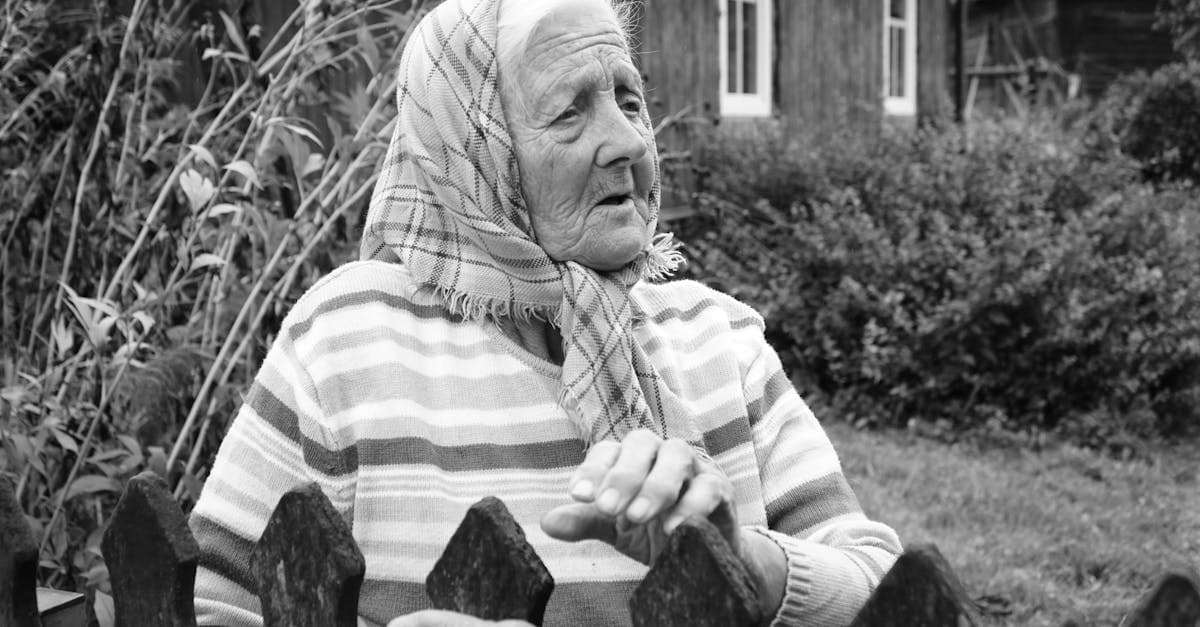
There is something about a grandmother's photograph that feels irreplaceable in a way other family photos don't. It's not just a picture of a person — it's often the only visual record of someone who shaped an entire family. When grandchildren look at a faded studio portrait from the 1940s or a candid snapshot from a kitchen in the 1970s, they're seeing a person who may have passed before they were old enough to remember them clearly. Restoring that photo isn't about pixels. It's about bringing a face back into focus.
The urgency is real, too. Grandmother photos are almost always the oldest prints in a family collection, which means they've had the longest exposure to the things that destroy photographs: light, humidity, handling, and the slow chemical breakdown that every print undergoes over decades. If you've inherited a box or album of your grandmother's photos, the window for preserving them is now — every year of further storage without digitization means more irreversible loss.
What grandmother photos typically look like
Grandmother portraits span an enormous range of photographic eras, and knowing roughly what you're dealing with helps set expectations for restoration.
1920s and 1930s studio portraits. If your grandmother was born in the early 1900s, her formal portraits were almost certainly black-and-white silver gelatin prints, often mounted on thick card stock. Studios of this era used large-format cameras, which means the negatives were sharp and rich in detail. The prints themselves tend to be sepia-toned or warm black, sometimes with hand-tinting on cheeks and lips. These prints are frequently in better condition than you'd expect, because the heavy card stock resisted bending and the gelatin emulsion is remarkably durable when kept dry. The most common damage is foxing — small reddish-brown spots caused by fungal growth on the paper backing — and edge wear from decades in a drawer.
1940s and 1950s portraits. The war and postwar years brought a shift toward smaller prints and lighter paper stock. Many grandmother portraits from this era are wallet-sized or 3x5 prints from local studios, often with a stamped studio name on the back. Black-and-white was still dominant, though early color processes like Kodachrome and Ansco Color began to appear. The Library of Congress notes that prints from this period stored in acidic paper envelopes often develop yellow staining along the edges where the paper contacts the print (loc.gov/preservation/care/photo.html). These prints also tend to show more handling damage, since they were carried, mailed to relatives, and passed around at gatherings.
1960s through 1980s snapshots and color prints. By the 1960s, most family photography had shifted to color. Your grandmother's photos from this era are likely chromogenic C-prints — the standard drugstore color print. The Image Permanence Institute's research on dye fading shows that these prints lose their cyan and yellow dyes faster than magenta, which is why so many photos from this period have turned uniformly pink or reddish (imagepermanenceinstitute.org). Candid snapshots from kitchens, backyards, and holiday tables are common, and these tend to be in rougher shape than studio work because they were handled casually, pinned to refrigerators, or stored in cheap self-adhesive albums.
The magnetic album problem. This deserves its own mention because it has damaged more grandmother photos than any other single cause. From the 1960s through the 1990s, millions of families stored their photos in "magnetic" albums with sticky adhesive pages covered by a plastic overlay. NEDCC's preservation leaflets document the damage these albums cause: the adhesive yellows, migrates into the emulsion, and eventually bonds the print to the page permanently (nedcc.org). Pulling a photo off one of these pages almost always tears the back layer of the print. If your grandmother's photos are still in a magnetic album, the best approach is to scan them in place rather than risk removing them.
Common damage patterns
Grandmother photos accumulate damage in patterns that reflect how families actually treat their oldest pictures.
Mantle and wall display. The favorite portrait — often a formal studio shot — gets framed and hung in a living room or placed on a mantle. Decades of ambient light cause UV fading, which bleaches the highlights and shifts the midtones. The Library of Congress specifically warns against prolonged display of photographic prints in direct or indirect sunlight (loc.gov/preservation/care/photo.html). Framed photos also develop a sharp fade line where the mat covered part of the image, leaving the protected area darker than the exposed center.
Wallet and purse carrying. Grandmothers themselves often carried photos of their children and grandchildren in wallets. But their own photos got the same treatment from the next generation. A wallet photo develops deep horizontal creases from being folded, corner wear from being slid in and out, and body-heat moisture damage from years against a hip.
Passing between siblings. When a grandmother passes, her photos are often divided among children and grandchildren. This means the collection gets split, and individual prints get handled by many people, mailed in envelopes, and stored in attics, basements, and garages with wildly varying temperature and humidity. Each transfer introduces new creases, fingerprints, and moisture exposure.
Shoebox and drawer storage. The catch-all for photos that didn't make it into albums. Loose prints stacked face-to-face in a shoebox develop surface-to-surface sticking, where the emulsion of one print transfers to the back of the one above it. NEDCC notes that this is especially destructive in humid climates (nedcc.org).
What AI can restore
AI photo restoration handles grandmother photos well because the damage patterns are predictable and well-represented in training data. Here is what you can realistically expect:
- Yellowing and color cast correction — the uniform pink shift on 1960s-80s color prints and the yellow staining on black-and-white prints both respond well to AI correction
- Crease and fold repair — wallet creases, album bends, and handling wrinkles are removed by analyzing surrounding pixel data
- Foxing and spot removal — the brown spots on pre-1950s prints clean up cleanly
- Fading recovery — washed-out faces and details from UV exposure are brought back with tonal rebuilding
- Surface damage from magnetic albums — adhesive staining and partial emulsion loss can be reduced significantly
The honest limitation: if a section of the emulsion is completely gone — peeled away by an album page or dissolved by water — the AI has to guess what was there. For backgrounds and clothing, the guesses are usually convincing. For facial features, you should follow up with the dedicated face restoration tool, which specializes in reconstructing eyes, mouths, and skin texture with higher fidelity than general restoration alone.
Tips for scanning grandmother photos
The quality of your scan directly determines the quality of your restoration. A few minutes of care here saves credits and produces better results.
- Use a flatbed scanner at 600 DPI minimum. For small prints (wallet size, 3x5), scan at 1200 DPI to give the AI enough pixel data to work with.
- Don't remove photos from magnetic albums by force. If the print is stuck, scan through the plastic overlay. A slightly hazy scan is far better than a torn original.
- Clean the scanner glass first. Dust on the glass becomes dust spots in the restoration that the AI has to fix.
- If scanning isn't an option, use a phone camera. Shoot in a room with even natural light (no direct sun), hold the phone parallel to the photo, and avoid using flash — flash creates glare hotspots on glossy prints that are harder to fix than the original damage.
How to restore with PhotoFlip
- Scan at 600-1200 DPI depending on print size
- Upload to /restore — one credit per photo, results in under 30 seconds
- Follow up with /face-restore for sharper facial detail, especially on pre-1960s portraits
- Consider /colorize to add natural color to black-and-white grandmother portraits
- Use /upscale if you plan to reprint at a larger size for framing
If you're restoring a collection of family photos, you likely have related pictures that need the same treatment. See our guides on restoring a grandfather's photo, a parent's photo, or a full family portrait. If you have photos from a relative's wedding, those tend to have different damage patterns worth understanding.
Pricing: one $9.99/month plan with 40 credits and every restoration tool unlocked. Credits never expire, and there's a 7-day money-back guarantee. See /pricing.
Frequently Asked Questions
Yes. AI restoration can significantly reduce the yellowing, adhesive staining, and partial emulsion damage caused by magnetic album pages. The best approach is to scan the photo without removing it from the album page — trying to peel it off usually causes more damage than the album itself. Scan through the plastic overlay at 600 DPI, then upload the scan. The AI will correct the color cast from the adhesive and rebuild damaged areas. For sections where the emulsion has completely transferred to the album page, the AI fills in based on surrounding context, which works well for clothing and backgrounds. Faces may need a follow-up pass with the face restoration tool.
Those brown spots are called foxing, and they're caused by fungal growth on the paper substrate of the print. They're extremely common on photographs from the 1920s through the 1950s that were stored in humid environments. AI restoration removes foxing effectively because the spots have a recognizable pattern that's distinct from the actual image content. The AI identifies them as damage and replaces them with the underlying image data. Even heavy foxing that covers large portions of the print can be cleaned up in a single restoration pass, though prints with very dense spotting may benefit from a second pass.
It depends on your goal. If you want to preserve the photo as it originally looked, keep it in black and white — that's how your grandmother saw it. If you want to create a version that feels more alive and immediate for younger family members who may never have met her, colorization can be powerful. The recommended workflow is to restore first (removing damage and fading), then colorize the clean result. Restoring before colorizing gives the colorization AI clean source material, which produces more accurate skin tones and natural-looking colors. Each step uses one credit, and you can keep both versions.
A basic restoration that removes scratches, fixes fading, and corrects color shift uses one credit. If the photo is a portrait and you want sharper facial detail, face restoration adds one more credit. Colorizing a black-and-white photo adds another credit. A full workflow of restore, face-restore, and colorize costs three credits total. The $9.99/month plan includes 40 credits, enough for roughly a dozen full workflows, and credits never expire. For a larger collection of grandmother photos, a single month usually covers the whole project, and you can cancel anytime within the 7-day money-back window.
Sources
- NEDCC on the long-term effects of improper photo storage, including magnetic albums and acidic envelopes common in home collections
- Library of Congress guidelines on caring for photographic prints, covering handling damage, UV fading, and humidity effects
- Image Permanence Institute on dye fading in chromogenic color prints from the 1960s through the 1980s
More family photo guides
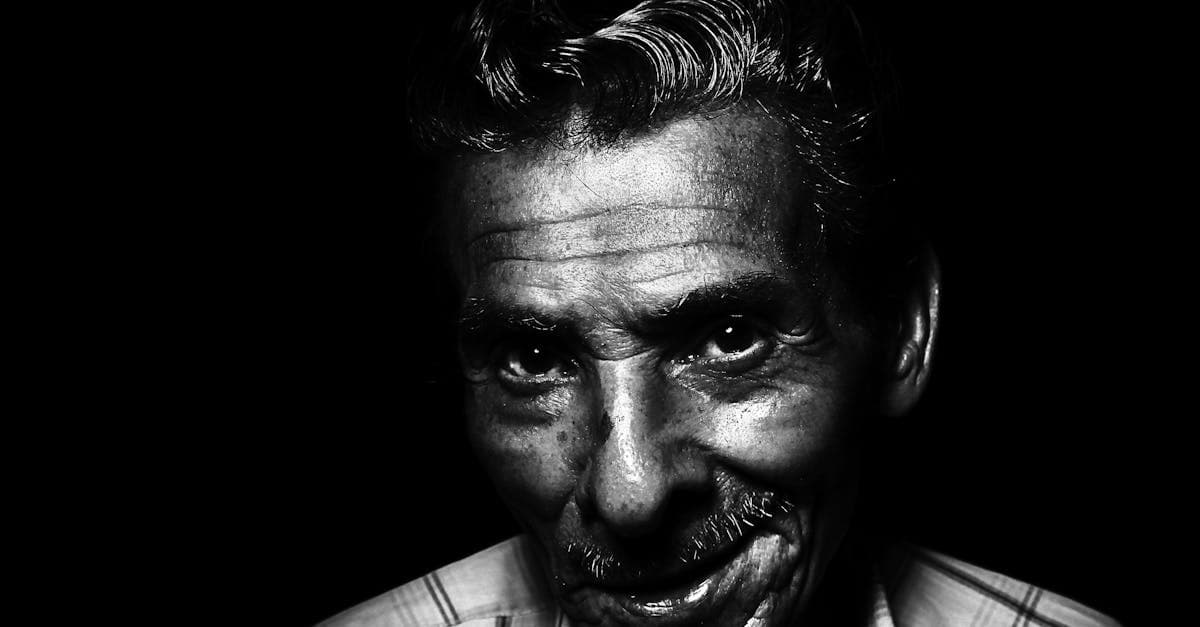
Restore your grandfather's military portraits, work photos, and formal studio shots with AI. Fix silver mirroring, creases, and decades of fading.
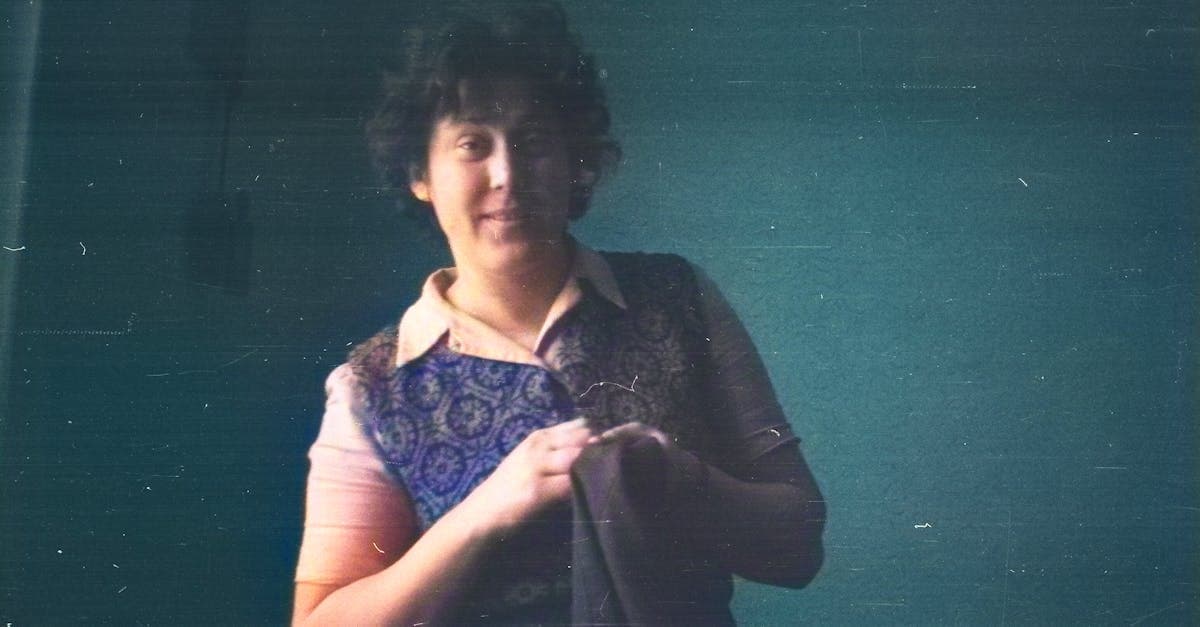
Restore your mother's or father's photos from the 1970s through 2000s. Fix color fading, album damage, and print degradation with AI restoration.
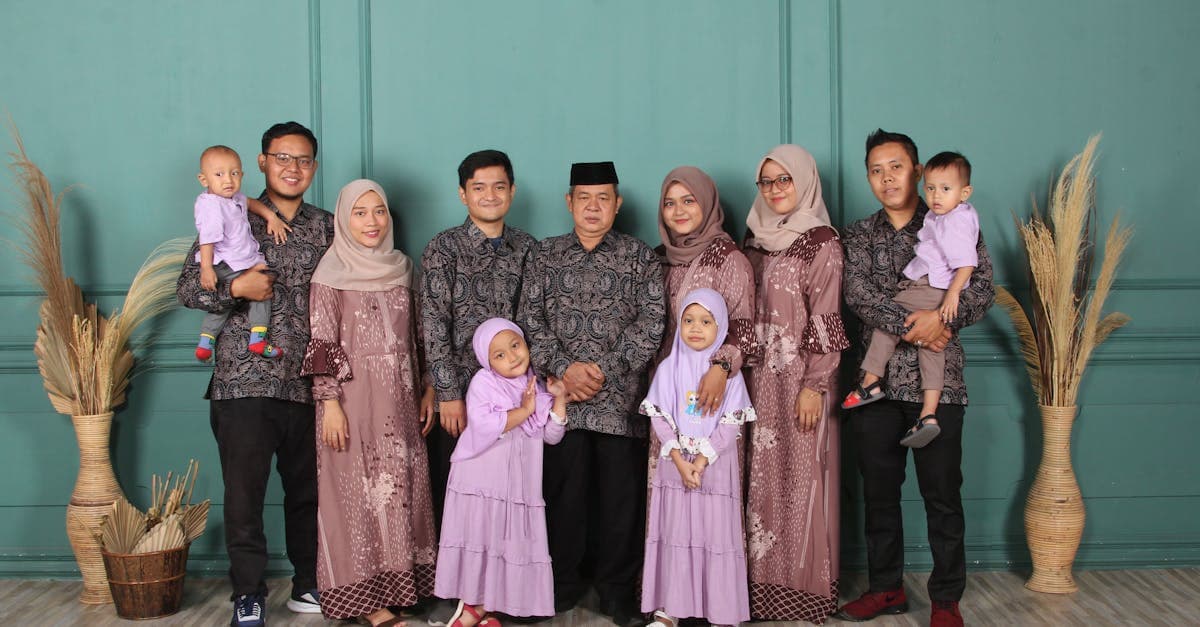
Restore multi-generation family portraits and group photos with AI. Fix fading, scratches, and damage on formal studio shots and holiday gatherings.
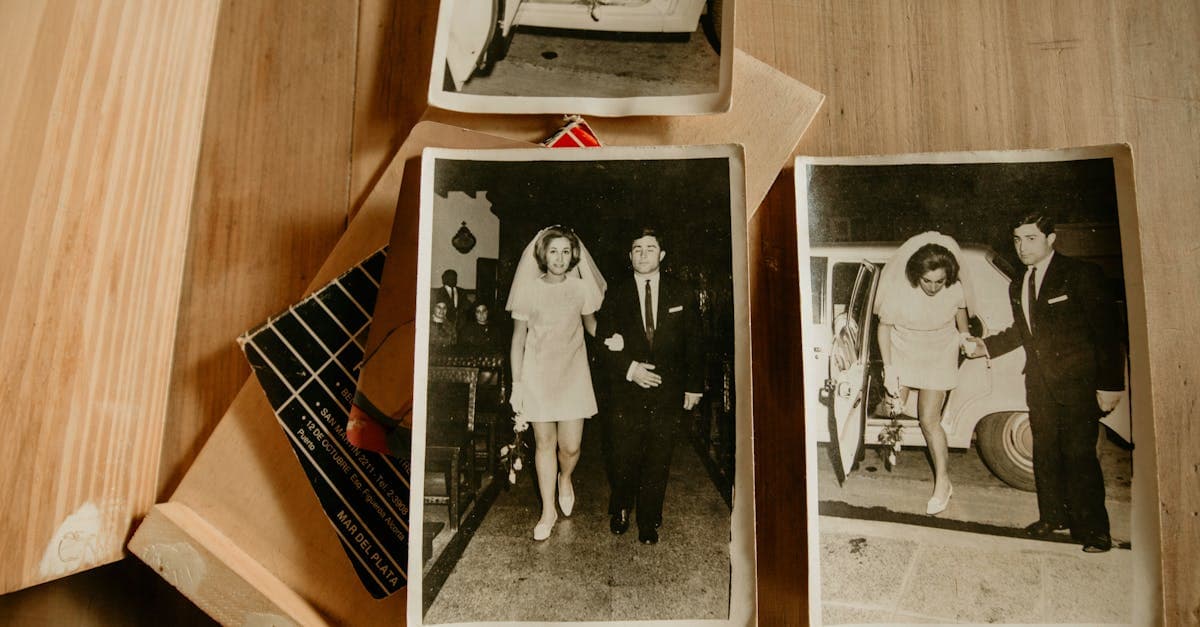
Restore inherited wedding photos from parents and grandparents. Fix album damage, color fading, and deterioration on cherished family wedding prints.
Ready to restore your photo?
Free preview, no account needed. Download it in full resolution with a free account.
Upload a photo