Blog
Tips, tutorials, and guides for restoring old photos with AI.
Photo Restoration
See all 4 →Bring damaged, faded, and torn photos back to life with AI restoration techniques.
Photo Restoration Ethics: When to Leave the Imperfections In
AI restoration can erase every wrinkle, every scratch, every period detail. Sometimes that's wrong. Here's how to think about what to fix and what to preserve as part of the photo's truth.
How to Restore Old Damaged Photos (Complete Guide)
The complete guide to restoring old, damaged, torn, and faded photographs. Learn every method from DIY scanning to AI-powered restoration.
Restoring Historical Photos: Tips and Techniques
Professional techniques for restoring historical photographs. Covers daguerreotypes, tintypes, cabinet cards, and archival prints with AI-assisted restoration.
Colorization
See all 6 →Turn black & white photos into natural color and bring history to life.
Colorize Historical Photos: How Accurate Is AI? (2026)
AI nails skies and skin tones but guesses at uniforms and dresses. A 2026 guide to how accurate colorization really is — and how to get history right.
How to Colorize Black and White Photos with AI
Step-by-step guide to adding realistic color to black and white photographs using AI. Tips for best results and what to expect.

Before & After: Colorizing Black and White Photos With AI
See stunning before and after examples of AI photo colorization. Real results from old family photos, portraits, and historical images colorized with PhotoFlip.
Damage Fixes
See all 9 →Remove scratches, water damage, blur, red eye, and other photo defects.
Best Ways to Remove Scratches from Old Photos
Compare every method for removing scratches from old photographs — from Photoshop to AI tools. Find the fastest, cheapest, and most effective approach.

How to Fix Blurry Photos with AI in 2026
Learn how to unblur and sharpen blurry photos using AI technology. Fix motion blur, camera shake, and out-of-focus images instantly.
How to Fix Red Eye in Photos
Why red eye happens and how to remove it from your photos. Covers causes, prevention, and AI-powered correction for old and new photographs.
Family & Occasions
See all 9 →Restore wedding, military, grandparent, and family heirloom photos.
Memorial Slideshow Photo Prep: Get the Family Asking for Copies
A funeral home tech doesn't have time to fix your photos. Here's how to prep 40-80 family photos so they look right on a 16:9 projection screen, with the audio cues that make a 6-minute slideshow land emotionally.
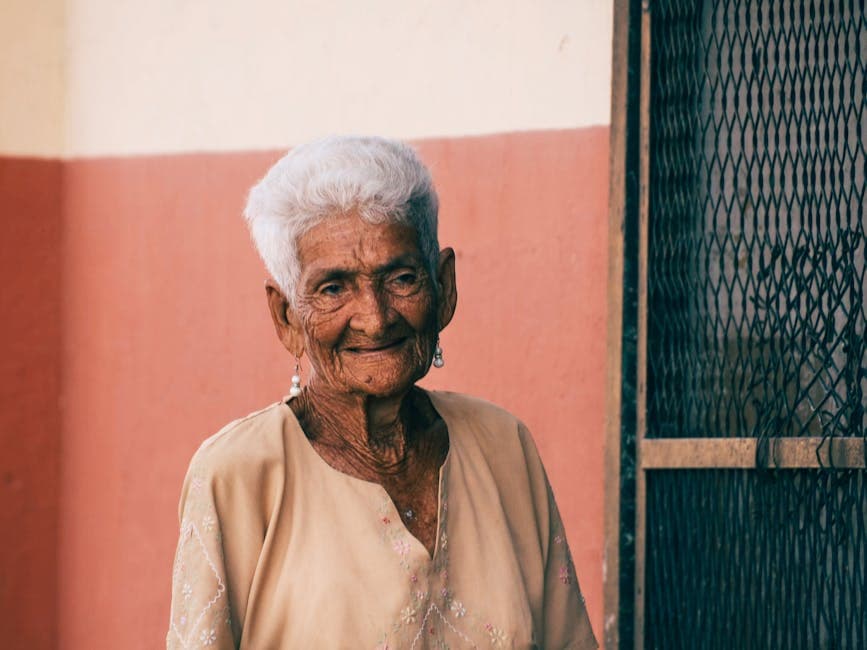
Restoring Your Grandmother's Photos: A Step-By-Step Walk-Through
A real example: a 1968 portrait with foxing spots, color cast, and faded face. Walk through the exact restoration steps and how each one improves the photo.
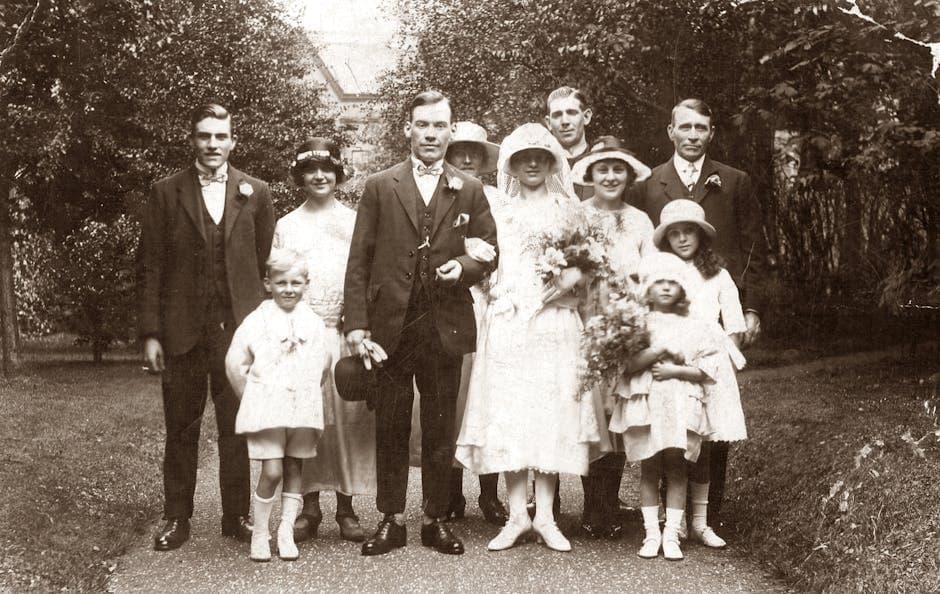
Wedding Photo Restoration Checklist: 7 Steps Before You Frame
Vintage wedding photos lose color, develop foxing spots, and fade in predictable ways. This 7-step checklist covers what to fix in what order so the result holds up at full anniversary-print size.
Animation & Enhancement
See all 8 →Animate stills, upscale resolution, and prepare photos for print.
Animating Old Photos for Mother's Day and Father's Day Gifts
AI animation of old portraits has become the most-shared Mother's Day and Father's Day gift since 2024. Here's how to make ones that feel sweet, not creepy.
How to Enhance Old Photos for Printing
Get your old photos print-ready. Learn how to restore, sharpen, color-correct, and upscale old photographs for high-quality reprints and framing.
How to Improve Low Resolution Photos with AI
Fix pixelated, blurry, and low-resolution photos using AI enhancement. Recover detail from early digital cameras, social media downloads, and old scans.
Tools & Guides
See all 10 →Scanning, digitizing, preservation, and AI tool comparisons.
Photo Restoration Cost 2026: AI Under $1 vs $30+ at a Shop
AI restores a damaged family photo for under $1; a shop charges $30 or more. Per-photo costs for 5 AI tools, and when paying a person is worth it.
Digitize a Whole Photo Album in One Weekend (Without Going Insane)
Most people start digitizing family photos and quit after 20. Here's the workflow that gets through 200-500 photos in a weekend without burnout.
AI Photo Restoration vs Photoshop in 2026: When to Pick Each
Photoshop's Generative Fill and AI Restoration tools have closed most of the gap with dedicated services. Here's where each one wins and where it doesn't.