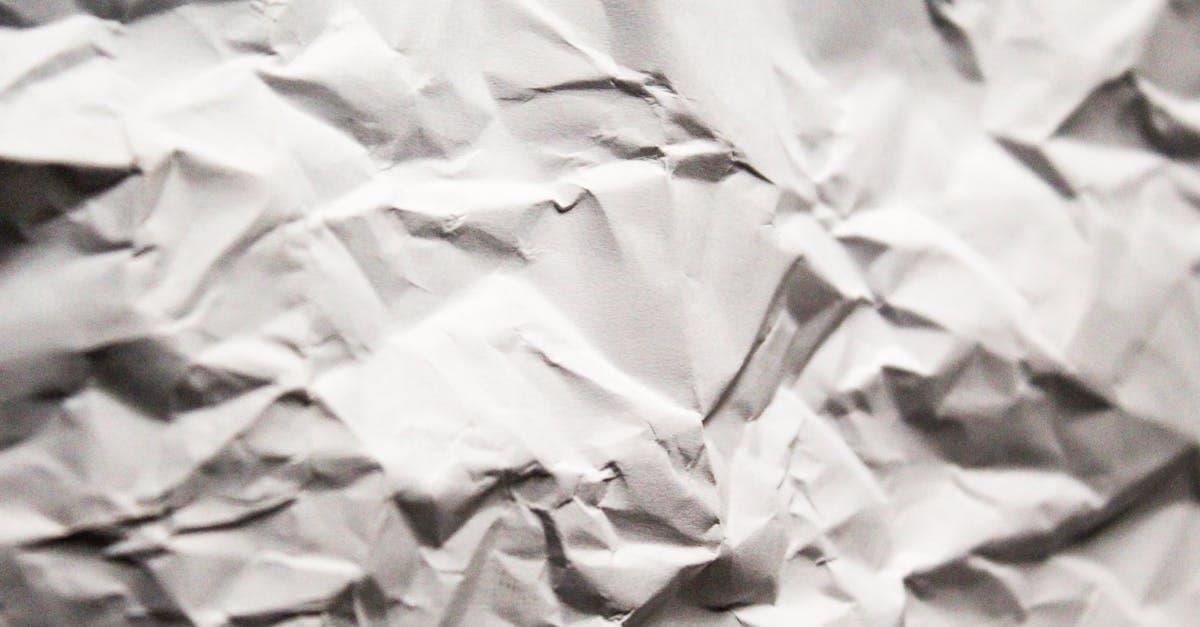
A crease is the kind of damage that looks modest at arm's length and ugly up close. You see a white line across a face, or a pale angled scar through a background. What's actually happened is that the photograph's emulsion layer fractured when the paper was bent — and the image information along the fracture is gone, not just hidden.
What causes creases on old photographs
Photograph creases are a mechanical failure of a laminated structure. A silver gelatin print is a paper support, a baryta layer, a gelatin binder, and the silver image suspended in the binder. When you fold the paper, the outer surface of the fold stretches while the inner surface compresses. The gelatin has much lower elastic tolerance than the paper beneath it, so it cracks along the apex of the fold. NEDCC's care leaflet describes gelatin becoming brittle when RH drops, which is why dry storage makes creases worse not better (NEDCC 5.3).
The NPS curatorial appendix is blunt about the handling reality: historic photograph surfaces are "easily scratched, abraded, creased, cracked, or torn" and once the binder is cracked the damage is effectively permanent at the physical level (NPS Appendix R). The Library of Congress information leaflet adds that even releasing an old photo from an album can introduce new creases if you're not careful, meaning the damage is often cumulative (LoC photograph care).
Visually you're looking for: a sharp-edged white or darker line running the length of a former fold, sometimes with small flaking "V" marks where the emulsion lifted, and usually with a slight tone step across the crease as pigment migrated to one side.
How AI handles creases — and where it can't
A crease is a thin linear occlusion. That makes it one of the cleaner inpainting problems. PhotoFlip's pipeline for this damage type:
- Detects the crease as a continuous linear feature rather than treating each pixel independently, so the reconstruction respects the crease's full path.
- Samples image content from both sides of the crease and synthesizes the missing strip by continuing gradients, edges, and textures across the gap.
- On a crease running through a face, hands the face region over to the face-restore pass afterward — general inpainting is good at skin but face-restore produces better eye and mouth reconstructions.
Honest limit: when a crease runs through a feature that has no symmetric counterpart — a text caption, a unique pattern on a dress — the model has to guess. You may get a plausible but subtly wrong letter or motif. That's a creative completion, not a recovery.
Example restorations
- Wallet-folded portrait. Single sharp crease down the center where the photo was folded in half for years. Easy case — strong symmetry on both sides of the fold gives the model plenty of context.
- Quarter-folded group photo. Two perpendicular creases forming a cross. The model handles the intersection by reconstructing the non-crossed quadrants first and using them to constrain the center point.
- Diagonal kitchen-drawer crease. An angled crease across a background wall. Trivial for the model because the background is low-frequency; the repair is invisible in the output.
How to restore a creased photograph
- Scan the print flat against the scanner glass — pressing it flat during scanning will give the model a cleaner crease line to work with. Don't try to physically iron or flatten it first; heat can detach the emulsion.
- Upload at photoflipai.com/restore and run the standard restore pass.
- If the crease crosses a face, send the result through face-restore for a cleaner feature reconstruction.
Related damage: creases often come with dust-spots from handling, and sharp folds sometimes produce deep-scratches where the emulsion lifted. Credits stay forever at pricing. Full pipeline: how-it-works.
Sources
- Library of Congress leaflet on photograph care explicitly lists creases among the mechanical damage types conservators stabilize, and notes releasing photos from albums can cause further creasing.
- NPS curatorial appendix on photograph collections states that historic photographic print surfaces are "easily scratched, abraded, creased, cracked, or torn" and that gelatin binder cracks under low-humidity or flexural stress.
- NEDCC Leaflet 5.3 explains that gelatin becomes brittle and prone to cracking when humidity drops — the mechanical precondition for a crease line to split the emulsion.
More damage types we restore
Restore photos ruined by mold stains. PhotoFlip's AI rebuilds faded tones and removes purple, black, and fuzzy spots left by fungal growth on prints.
Reverse the yellow cast from oxidation and acidic paper. Free AI preview, no signup — recover your photo's true tone in ~30s.

Red-eye comes from flash reflecting off the retina's blood supply. PhotoFlip detects pupils, replaces the red, and preserves catchlight detail.
Old tape leaves yellow-brown stains and torn emulsion. PhotoFlip removes adhesive discoloration and rebuilds image content where tape lifted the surface.
Ready to restore your photo?
Free preview, no account needed. Download it in full resolution with a free account.
Upload a photo