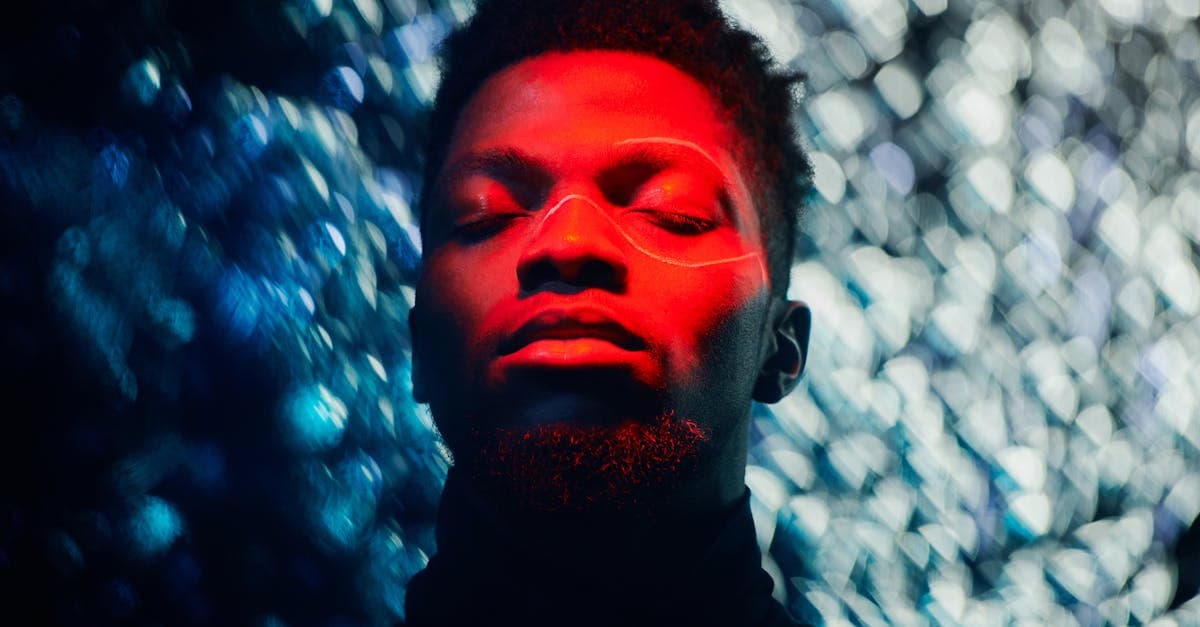
Red-eye is the one damage type on this list that isn't really damage. The photo isn't degraded — it captured exactly what the camera saw. What the camera saw just happens to be the inside of somebody's eyeball.
What causes red-eye in flash photographs
The chain of events is short. In low light, the pupil dilates. A camera flash fires with its bulb close to the lens axis. Light enters the dilated pupil, passes through the clear retina, and hits the choroid — a layer behind the retina thick with blood vessels. Hemoglobin in those vessels absorbs short wavelengths and reflects long ones. The red light exits back through the pupil and is captured by the sensor as a bright red disc where the pupil should be black (Wikipedia: Red-eye effect).
Yale Scientific's breakdown adds the important detail that the effect is strongest when the flash is close to the lens (compact cameras, phones, built-in flashes) and when the subject has less pupillary melanin — children, light-eyed adults — because there's less absorption on the way back out (Yale Scientific Magazine).
Why this matters for restoration: the surrounding image is fine. You don't need to rebuild a face or recover highlights. You need to find two small circles and replace the wrong color with a plausible right one, without killing the catchlight that makes the eye look alive.
How AI handles red-eye — and where it can't
The classical approach documented by LearnOpenCV runs a Haar face detector, finds eyes inside the face box, thresholds the red channel, builds a mask of the pupil, and fills it with a desaturated average of the green and blue channels (LearnOpenCV). That works but tends to leave flat, dead pupils.
PhotoFlip's approach goes further:
- Pupils are detected inside the face landmarks the face-restore model already produces — so the correction zone is geometrically accurate, not a blob-of-red approximation.
- The replacement fill isn't uniform black. The model reinstates a small specular highlight where the flash catchlight belonged and matches the iris ring color from surrounding pixels.
- If the red saturation is so extreme that the pupil is bloomed larger than the iris, the model contracts the zone using iris contour cues instead of eating into the iris pattern.
Honest limit: a flash so overpowering that it also blew out the iris is not a red-eye problem anymore — it's a highlight-clipping problem, and no pupil fix will rebuild iris texture that wasn't captured. See exposure-problems for that case.
Example restorations
- Birthday party snapshot, circa 2004. Compact camera, candle-lit room, four kids with glowing red pupils. AI finds all four pairs, replaces each with matched dark-iris fills, and keeps catchlights.
- Pet photo with yellow-green "red-eye." Animals produce a green or yellow reflection from the tapetum lucidum, not red. The pipeline treats it as the same problem — wrong-color pupil replacement — and fixes it with the same pass.
- Family group on a couch, one person with one red eye. Asymmetric red-eye (one eye at a steeper angle to the flash) is easy for the model because the good eye gives it a reference color.
How to restore a photo with red-eye
- Upload the photo at photoflipai.com/restore. You don't need to mark the eyes — detection is automatic.
- If eyes are small in the frame, run face-restore first so the face is upsampled with clean landmarks before red-eye correction.
- For group shots, check each face individually in the result — automatic detection is good but not perfect on far-background subjects.
Related: red-eye is a flash artifact, not time damage, so it rarely co-occurs with chemistry damage like yellowing. Pricing at pricing, details at how-it-works, questions at faq.
Sources
- Wikipedia synthesizes the optical mechanism: flash enters a dilated pupil, scatters off the choroid, and exits back through the pupil as red light.
- Yale Scientific Magazine explains the role of hemoglobin and retinal blood vessels in producing the red reflection.
- LearnOpenCV documents the classical algorithmic pipeline — face detection, eye detection with Haar cascades, red-channel thresholding, mask fill — which is the baseline every AI solution improves on.
More damage types we restore
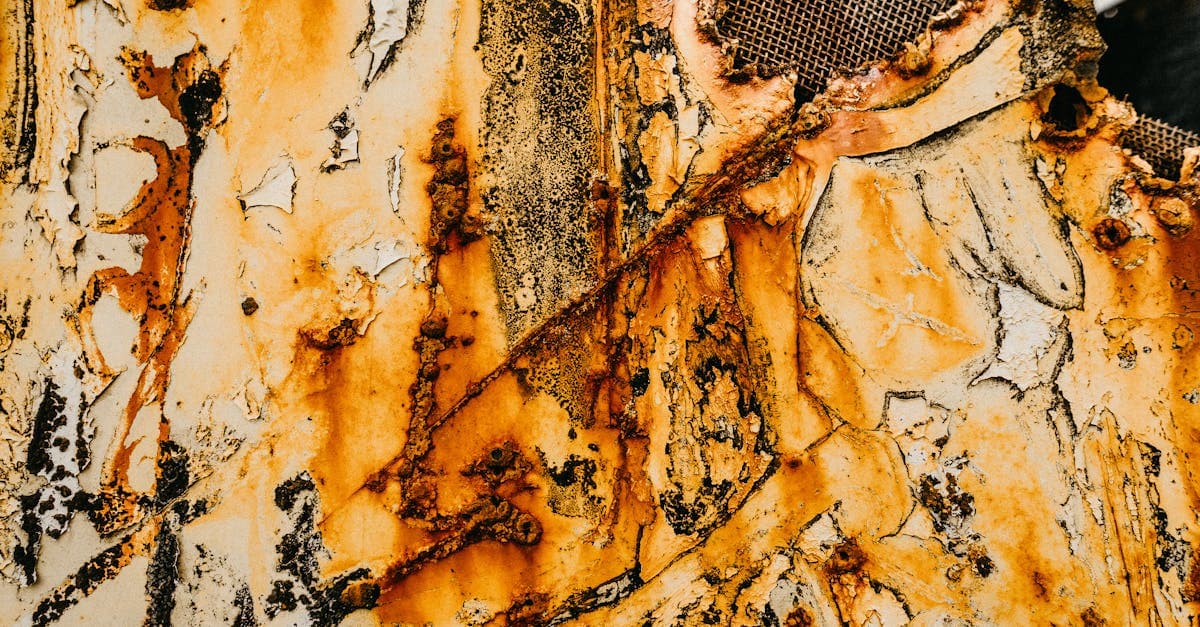
Restore photos ruined by mold stains. PhotoFlip's AI rebuilds faded tones and removes purple, black, and fuzzy spots left by fungal growth on prints.
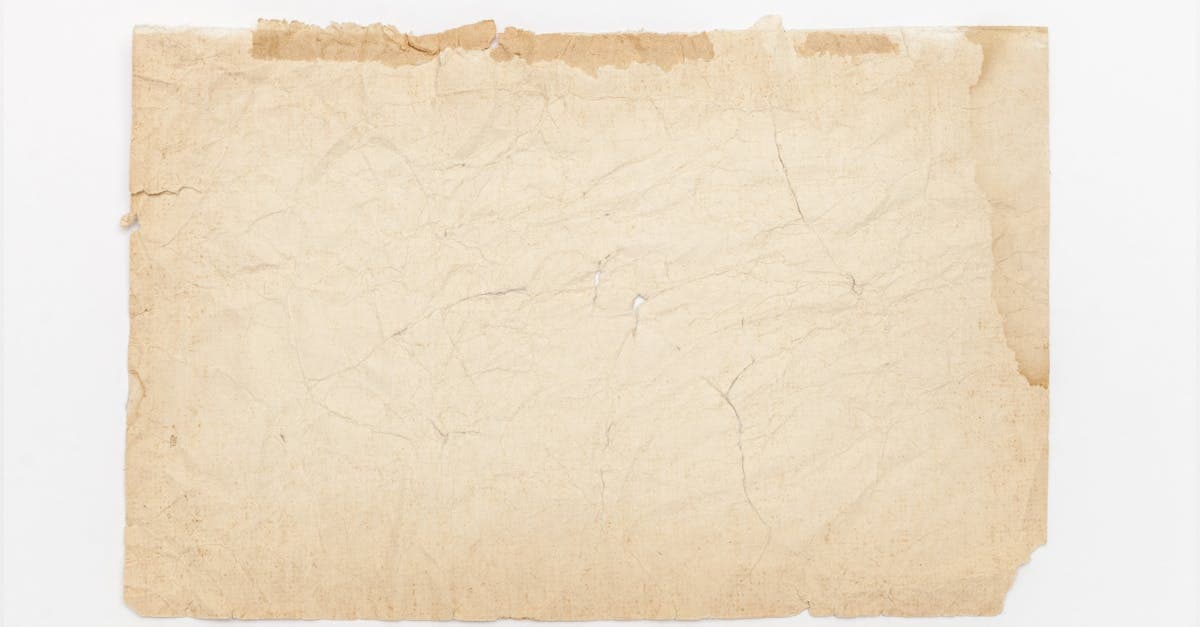
Reverse the yellow cast from oxidation and acidic paper. Free AI preview, no signup — recover your photo's true tone in ~30s.
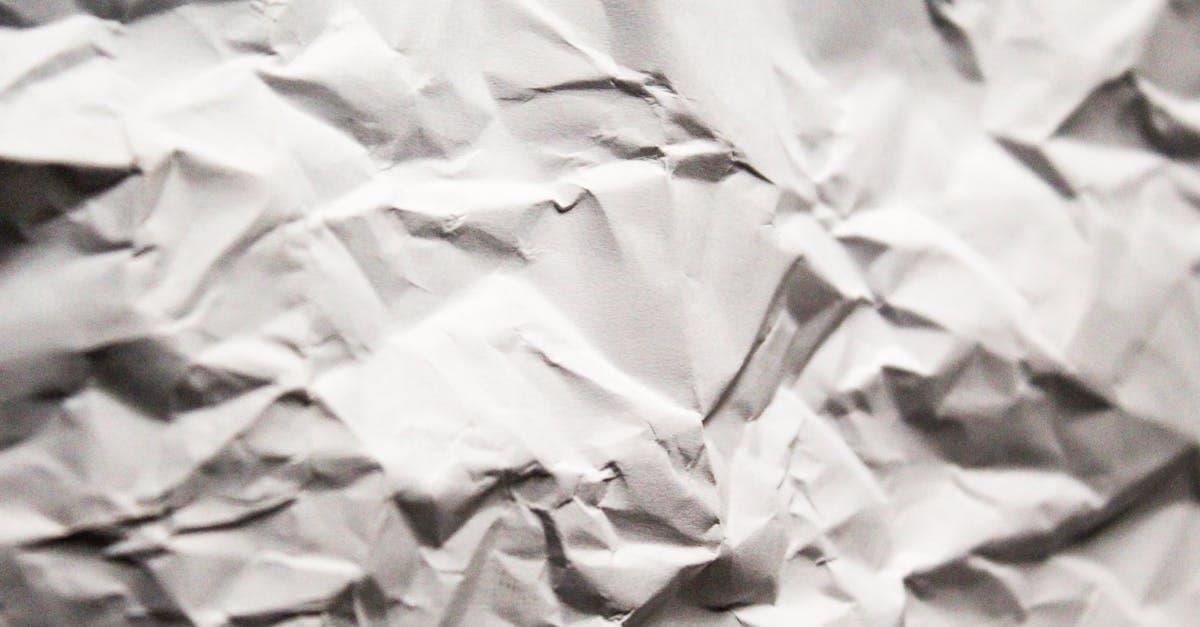
Creases break the emulsion along a fold line. PhotoFlip reconstructs image data across the crease using context from both sides of the fold.
Old tape leaves yellow-brown stains and torn emulsion. PhotoFlip removes adhesive discoloration and rebuilds image content where tape lifted the surface.
Ready to restore your photo?
Free preview, no account needed. Download it in full resolution with a free account.
Upload a photo