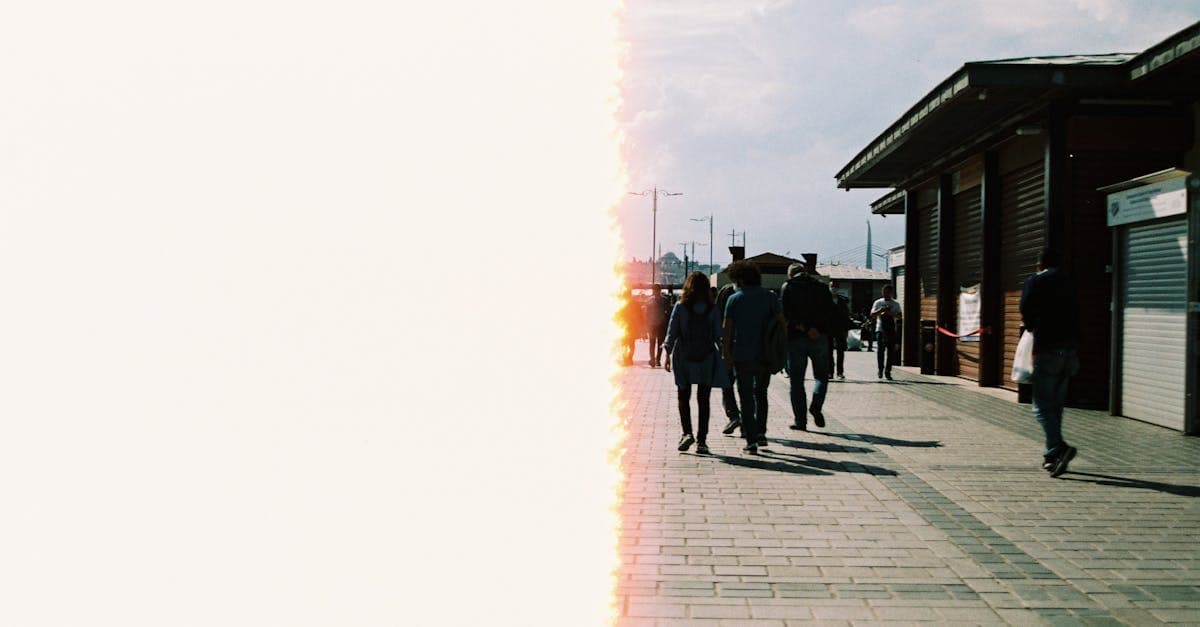
Some photos weren't damaged after they were taken — they were wrong when the shutter closed. Either too much light got in and the faces are paper-white, or not enough and the whole frame sits in brown-black murk. Exposure problems are a capture defect, not a storage defect, and they're honest about what they'll give back.
What causes exposure problems
Exposure is simply the total light reaching the film or sensor: aperture, shutter speed, and either film speed or ISO. When the total is too high, highlights clip — the brightest parts of the image all read at maximum brightness regardless of what they actually were, and no subtle difference between them survives. When the total is too low, shadows crush — the darkest parts all read at minimum and detail in them is buried under noise.
The asymmetry between the two failure modes matters a lot. Photography Life's histogram guide makes it plain: once highlights are clipped, "no amount of editing can recover them — highlights once clipped are gone forever" (Photography Life). Shadow data, by contrast, is usually recoverable if the bit depth is deep enough. Digital Photography School's histogram tutorial states the same rule with the practical consequence: slight underexposure is generally better than overexposure because underexposed shots still contain data worth lifting (Digital Photography School). Canon's own reference for photographers repeats the guidance — if you must be wrong on exposure, be wrong in the direction you can fix (Canon Europe).
Visually, overexposure looks like: white, textureless skin; blown-out skies; faces where you can see the jaw outline but not the cheek. Underexposure looks like: a dim, muddy frame; color shifts in the shadows (colors desaturate as they approach noise floor); faces you can barely find.
How AI handles exposure problems — and where it can't
PhotoFlip distinguishes the two cases because they need different handling:
- Underexposure. The model lifts the tonal range, denoises the lifted shadows (lifting always amplifies noise), and reinstates color saturation in regions that desaturated as they went dark.
- Overexposure. The model compresses the lit end of the tonal curve and synthesizes plausible highlight detail from contextual cues — but it's doing generative fill, not recovery. It's inventing what the clipped area probably looked like.
- Both in the same image. Some photos are high-contrast failures with clipping at both ends. The pipeline handles each end in its own pass.
Honest limit: overexposure is a hard ceiling. If the scanner or negative recorded pure white with no variation, there is no information left for any model to recover. What comes back is a plausible reconstruction, not a memory of the original scene. Underexposure is much more forgiving — the data is usually still there, just compressed into the noise floor.
Example restorations
- Backlit outdoor portrait. Underexposed faces against a bright sky. The model lifts the face region without touching the already-correct sky, which is the cleanest form of exposure fix.
- Indoor flash photo with blown highlights. Overexposed foreheads and shoulders. Here the pipeline is reconstructing, not recovering, and the result is believable but approximate.
- Dim concert snapshot. Crushed shadows with color shift. Lifting exposes heavy noise which the model denoises — the recovered image is noticeably softer than a well-exposed version would have been.
How to fix an exposure problem
- Upload the highest-quality version you have — a raw scan beats a JPEG re-save every time, because shadow lift depends on bit depth.
- Run the restore at photoflipai.com/restore. The model auto-detects whether the image is over-, under-, or mixed-exposure.
- If the result is cleaner but still too dark, you can run it again; the second pass works from the lifted first pass and produces less noise than pushing exposure harder in one step.
Related: exposure problems can mimic fade but fade is a loss that happened over time, while exposure happens in the camera. Also see red-eye for flash artifacts that accompany indoor overexposure. Pricing at pricing, pipeline at how-it-works.
Sources
- Photography Life explainer on histograms — establishes how clipped highlights represent unrecoverable data loss versus crushed shadows which can often be lifted.
- Digital Photography School histogram guide — documents the asymmetry between highlight and shadow recovery.
- Canon Europe reference on histograms — manufacturer guidance confirming that highlight clipping permanently loses the data and shadow lift is the safer direction.
More damage types we restore
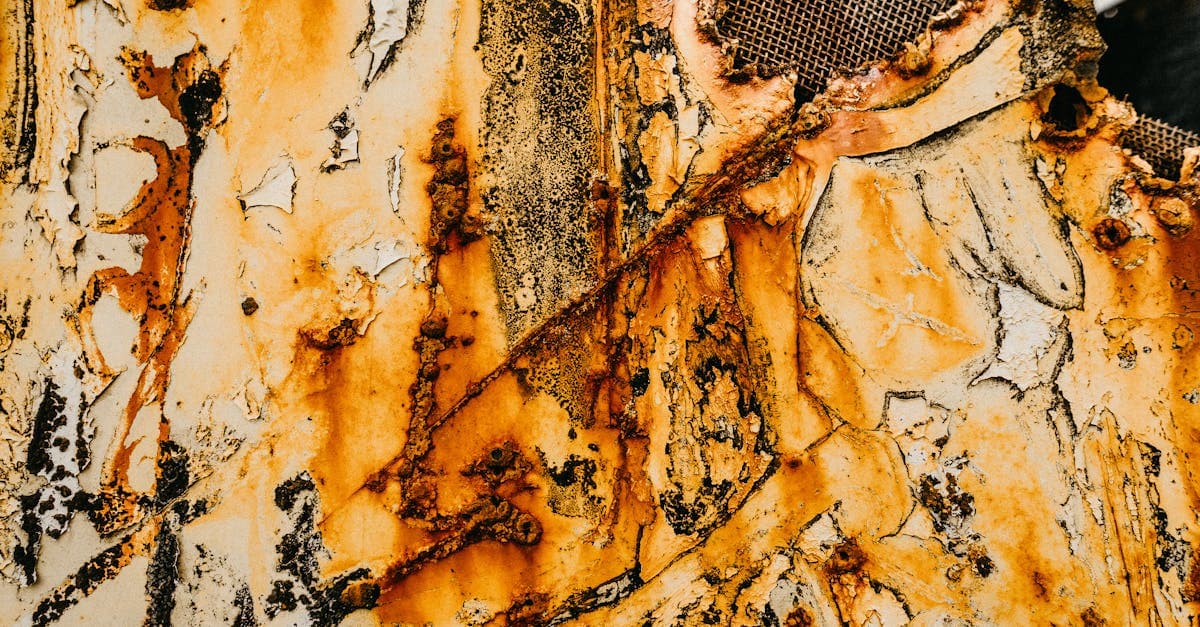
Restore photos ruined by mold stains. PhotoFlip's AI rebuilds faded tones and removes purple, black, and fuzzy spots left by fungal growth on prints.
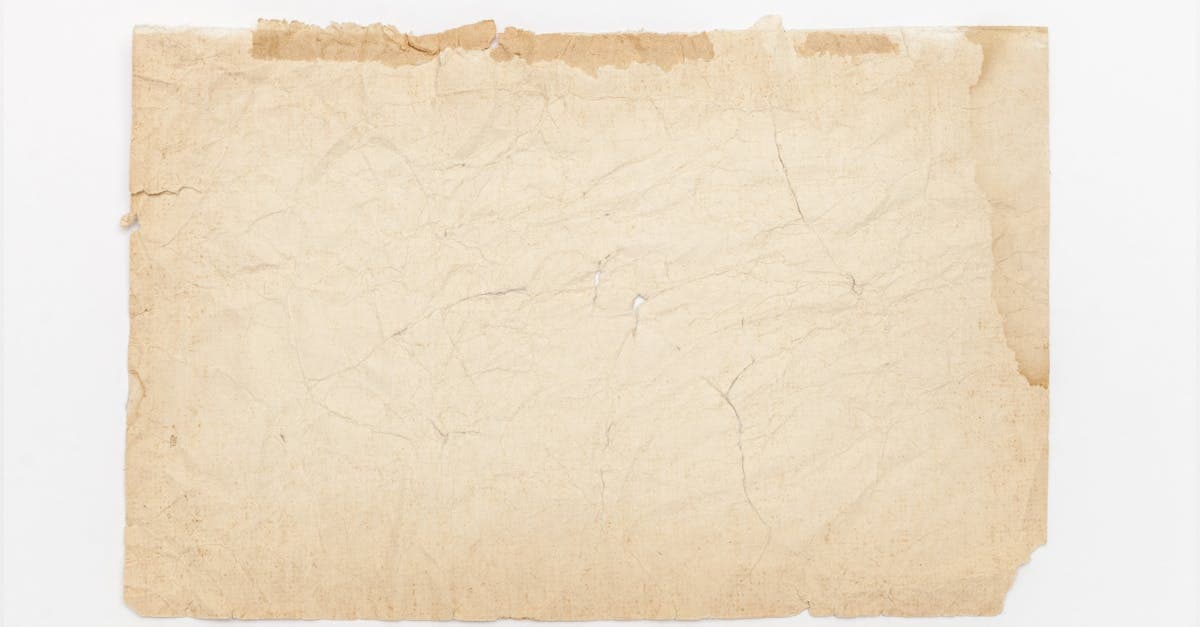
Reverse the yellow cast from oxidation and acidic paper. Free AI preview, no signup — recover your photo's true tone in ~30s.

Red-eye comes from flash reflecting off the retina's blood supply. PhotoFlip detects pupils, replaces the red, and preserves catchlight detail.

Creases break the emulsion along a fold line. PhotoFlip reconstructs image data across the crease using context from both sides of the fold.
Ready to restore your photo?
Free preview, no account needed. Download it in full resolution with a free account.
Upload a photo