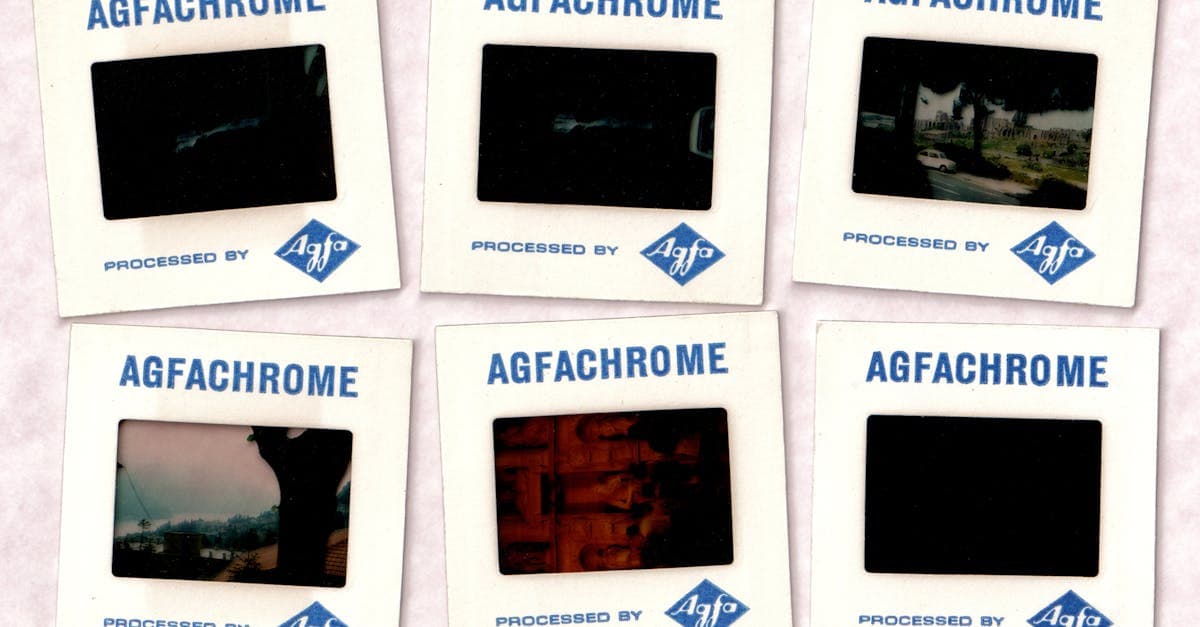
35mm slides are one of the most common and most ignored formats in family archives. A typical household has a carousel or two in a basement closet — hundreds of Kodachromes and Ektachromes from vacations, holidays, and birthdays, mostly from the 1950s through the 1990s. They age in very specific ways depending on which emulsion they were shot on, and that matters for how you restore them.
What 35mm slides look like — convention and damage
A 35mm slide is a positive color transparency, originally meant for projection. The two dominant film families have very different aging characteristics, and the Image Permanence Institute has documented this extensively:
- Kodachrome (1935–2009) is a non-substantive K-14 film where dye couplers are added during processing, not manufactured into the emulsion. In the dark, Kodachrome is one of the most dye-stable color films ever made — a well-stored Kodachrome from 1955 can look nearly unfaded today (imagepermanenceinstitute.org). But Kodachrome is vulnerable to projection fading: repeated exposure to hot projector bulbs accelerates dye loss.
- Ektachrome and other E-6 chromogenic slide films have built-in dye couplers and are much less stable in dark storage. The IPI notes that Ektachrome slides from the 1950s–70s often show pronounced dye fading — typically a magenta or cyan shift — even when kept in a cool closet.
- Agfa, Fuji, and other brands each have their own fingerprints.
Graphics Atlas categorizes both film families under chromogenic transparencies but specifically notes the tonal and fading differences (graphicsatlas.org).
Typical damage patterns for 35mm slides:
- Dye fading, specifically:
- Kodachrome: usually fine unless repeatedly projected, in which case yellow/green shift
- Ektachrome: magenta or blue-green cast across the whole slide
- Mold — slides stored in damp basements develop fine branching mold on the emulsion side
- Dust and scratches on the emulsion, badly amplified by slide scanners
- Cardboard mount warping and staining from the original processing mounts
- Cinch marks and scratches from reel-to-reel handling
- Fingerprints on the emulsion from un-gloved handling
The Library of Congress specifically warns that cardboard slide mounts are acidic and contribute to slow degradation of the emulsion (loc.gov/preservation/care/photo.html). NEDCC recommends cold storage as the preservation standard to slow color film fading (nedcc.org).
What AI can fix on a 35mm slide
- Magenta/cyan color cast on faded Ektachrome
- Scanner-induced grain amplification
- Dust and scratches across the emulsion
- Mild mold marks (heavy mold is a conservation problem, not a scan problem)
- Low contrast from dye fading
- Sharpness lost to cheap consumer slide scanners
Limitation worth naming: scanning a slide badly is the single biggest source of quality loss, and no restoration can fully compensate for a bad scan. A $30 USB slide scanner delivers soft, grainy, color-cast images. A high-quality flatbed with a transparency unit, or a proper film scanner, delivers something restorable. If you can borrow a better scanner, that's a bigger improvement than any restoration pass.
Example restorations
A 1967 family vacation Ektachrome. Shot on Ektachrome, now uniformly magenta, with dust and a few scratches. Restoration can neutralize the magenta and clean the emulsion dust — a dramatic visible improvement.
A 1955 Kodachrome that still looks great but got projected too much. The slide has a mild yellow shift from bulb exposure. Restoration can recover the original balance.
A digitized batch for a memorial slideshow. The typical real-world case: a family member passes and someone is asked to digitize 400 slides for a service. Restoration in batches makes the variability across decades uniform.
How to restore your 35mm slide
- Scan with the best equipment you can access. Dedicated film scanners or a flatbed with a transparency unit, 2400 DPI minimum, 16-bit if possible. Handle slides with cotton or nitrile gloves to avoid fingerprints.
- Upload at /restore. One credit per slide. For large archives, the $9.99/month plan (40 credits, credits never expire) is usually the right option.
- Compare before and after on a real monitor, not a phone, to judge color accurately. Credits don't expire, so a re-run on a different setting is free of time pressure.
Slides are the color analog to the black-and-white prints that dominated earlier decades. If your archive includes earlier pre-color material, see sepia photo restoration or, for later family photos on paper, wedding photo and baby photo are the closest neighbors.
Pricing: one $9.99/month plan, 40 credits, every tool unlocked, credits never expire, with a 7-day money-back guarantee. /pricing · /how-it-works.
Sources
- Graphics Atlas identification page for chromogenic (Ektachrome-type) slide film — dye layer structure and aging
- IPI on dye stability: why Kodachrome is famously stable in dark storage while Ektachrome fades
- Library of Congress on care of photographic film, slides, and transparencies
- NEDCC on cold storage for color film — the preservation standard to slow dye fading
More photo types we restore
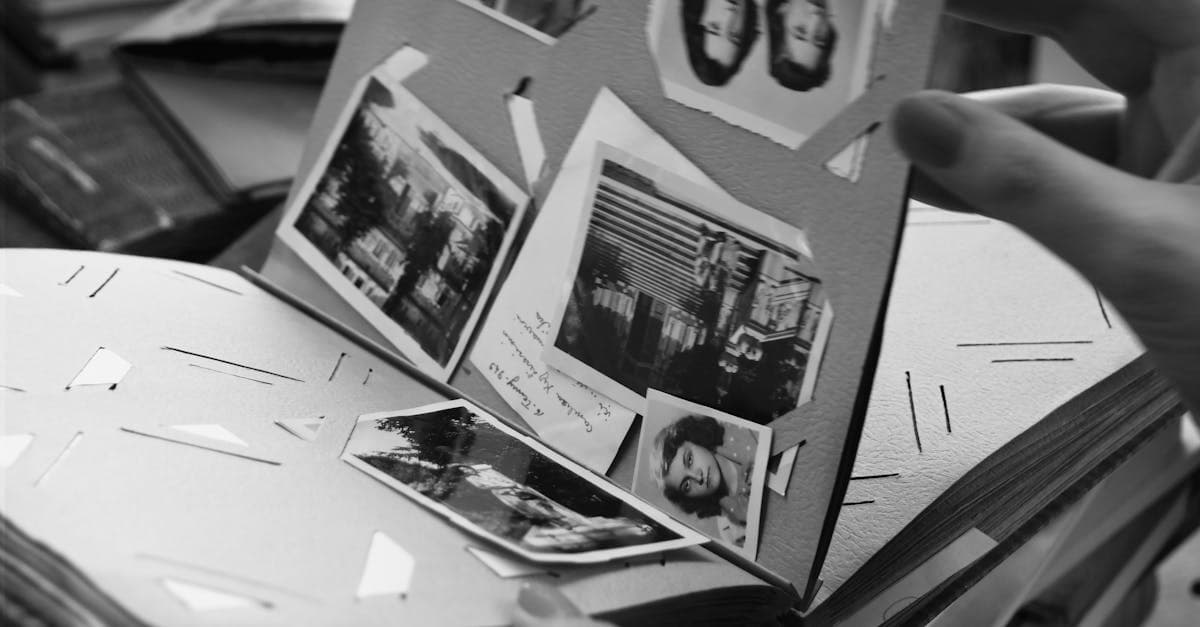
Bring cracked, yellowed, or water-stained wedding photos back to life. AI restoration for album pages, studio portraits, and reception candids.

Rescue faded hospital baby pictures, studio portraits, and first-year snapshots. AI restoration for color shift, creases, and album damage.
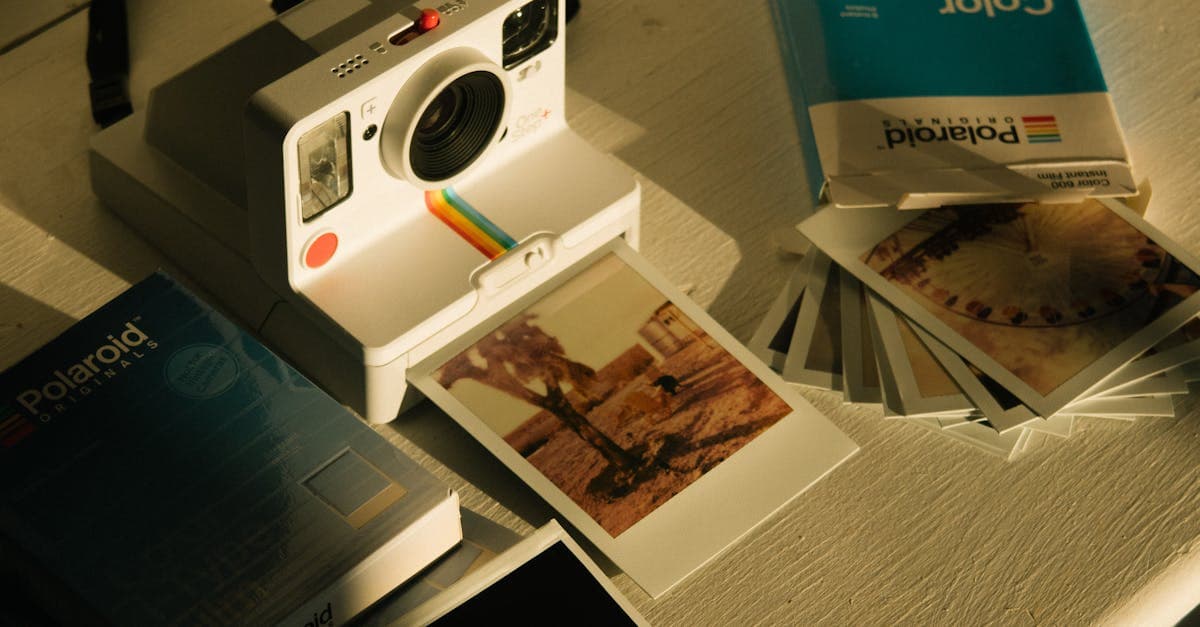
Fix faded, yellowed, or orange-shifted Polaroids. AI restoration for SX-70, 600, and Spectra instant prints with honest limits.

Restore 19th-century tintypes with rust, scratches, or fading. AI-based recovery for ferrotype portraits from the Civil War era onward.
Ready to restore your photo?
Free preview, no account needed. Download it in full resolution with a free account.
Upload a photo