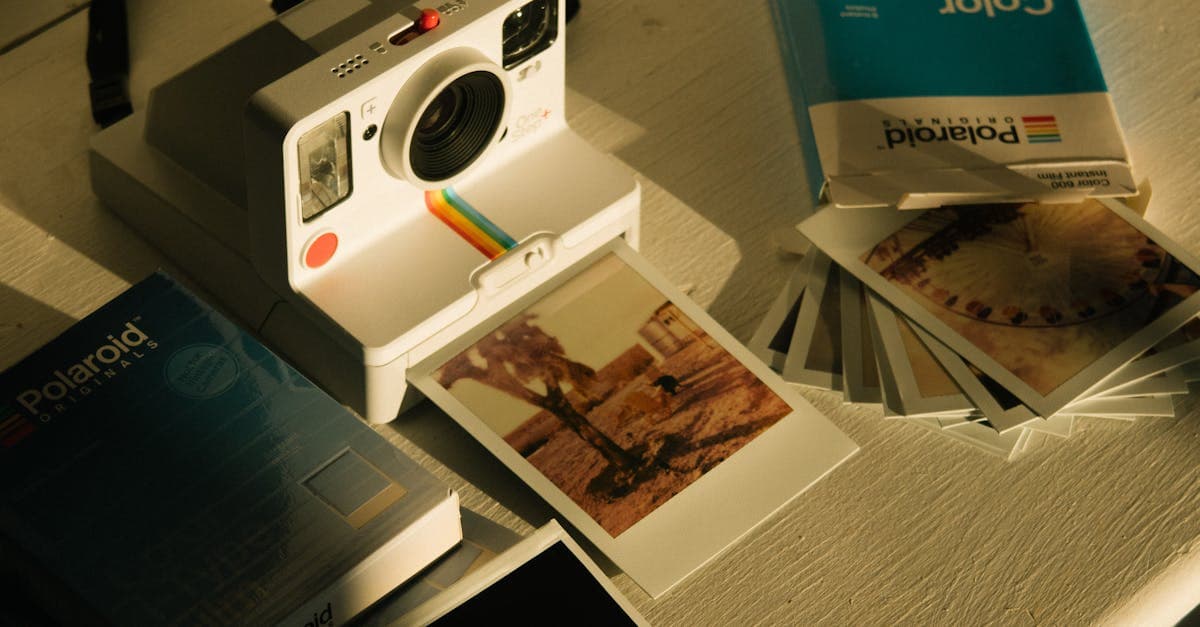
Polaroids are a conservation nightmare and an emotional treasure, which is why people keep trying to restore them. Unlike a normal photograph, a Polaroid isn't a piece of paper with an image printed on it — it's a sealed chemical packet where the image formed between plastic layers. That changes everything about how they age and what restoration actually means for them.
What Polaroids look like — convention and damage
The Polaroid era most people have in a shoebox is the integral film era: SX-70 (introduced 1972), 600 (1981), and Spectra (1986), all recognizable by the square image with the white border and the thick bottom tab. Graphics Atlas classifies these as integral instant prints, where multiple dye and developer layers are sealed between a transparent top sheet and an opaque white backing (graphicsatlas.org). The image you see is formed by dye clouds migrating between sealed layers — there's no separate negative, no printable original.
That sealed structure dictates the damage patterns. A Polaroid doesn't fade the way a regular C-print fades; it fails along its own fault lines:
- Overall orange or yellow shift as the dye layers age unevenly. This is the most common complaint.
- Dark blotches or "measles" from heat exposure, where the developer reagent migrated. Polaroids left in cars or attics suffer this.
- White or milky patches where the developer pod didn't fully spread, a defect that can appear decades later as the chemistry keeps slowly reacting.
- Edge yellowing creeping inward from the white border.
- Scratches and fingerprints on the top plastic layer — not on an emulsion, because there isn't one to touch.
NEDCC's general photograph leaflet is careful about instant prints: don't pry them open, don't flex them, and store them flat (nedcc.org). The chemistry is still active for decades.
What AI can fix on a Polaroid
- Orange/yellow color cast across the whole image
- Edge yellowing
- Low sharpness — Polaroids were never sharp; AI can add some detail without making it look fake, within limits
- Scratches on the top plastic
- Faces that faded into the background can be recovered to a degree
The limitation is substantial and worth saying clearly: a Polaroid that has gone through "measles" or large developer blotches has lost image data in those spots. AI will hallucinate fill for those regions — sometimes convincingly, sometimes not. For a solid blotch across a face, you should expect a plausible reconstruction, not a recovery of what was actually there. And because Polaroids were usually shot with a fixed-focus plastic lens, the source resolution is genuinely low. Upscaling helps but can't invent detail the lens never captured.
Example restorations
A 1983 party Polaroid, gone orange. Shot with a Polaroid 600 at a kitchen birthday party, now uniformly pumpkin-colored. The color shift is the easy part — restoration can neutralize the cast and recover skin tones close to normal.
An SX-70 portrait with edge yellowing. A soft-focus portrait from 1976, white border gone cream, yellow creeping two centimeters into the frame. The border can be masked and the yellow rolled back.
A pet photo with a developer blotch. A 1990 Polaroid of a family dog with a fist-sized white patch across the dog's chest from heat damage. AI can fill the patch plausibly, but it's a reconstruction — worth being honest that this is closer to generation than recovery.
How to restore your Polaroid
- Scan at 600 DPI minimum. Scan the whole print including the white border, then crop later. If using a phone, shoot it flat with window light from the side to avoid glare off the top plastic.
- Upload at /restore. Be prepared to try two passes — Polaroids often need a lighter-touch first run.
- Review carefully. Look at the faces. Polaroid source detail is low, and over-aggressive restoration can turn soft faces into plastic ones. Credits never expire if you want to re-run.
For color photos from the same era that aren't instant prints — drugstore 4x6s and so on — see baby photo restoration or wedding photo restoration. If you're working on much older family material, sepia photo restoration is the right starting point.
Pricing: one $9.99/month plan, 40 credits, every tool unlocked. Credits never expire, with a 7-day money-back guarantee. /pricing.
Sources
- Graphics Atlas identification page for Polaroid integral instant prints (SX-70, 600, Spectra) — describes the sealed dye-diffusion layer structure
- IPI on color dye stability in instant photography
- NEDCC general preservation guidance for instant prints — emphasis on not opening or flexing the sealed envelope
- Library of Congress on environmental damage to photographs
More photo types we restore
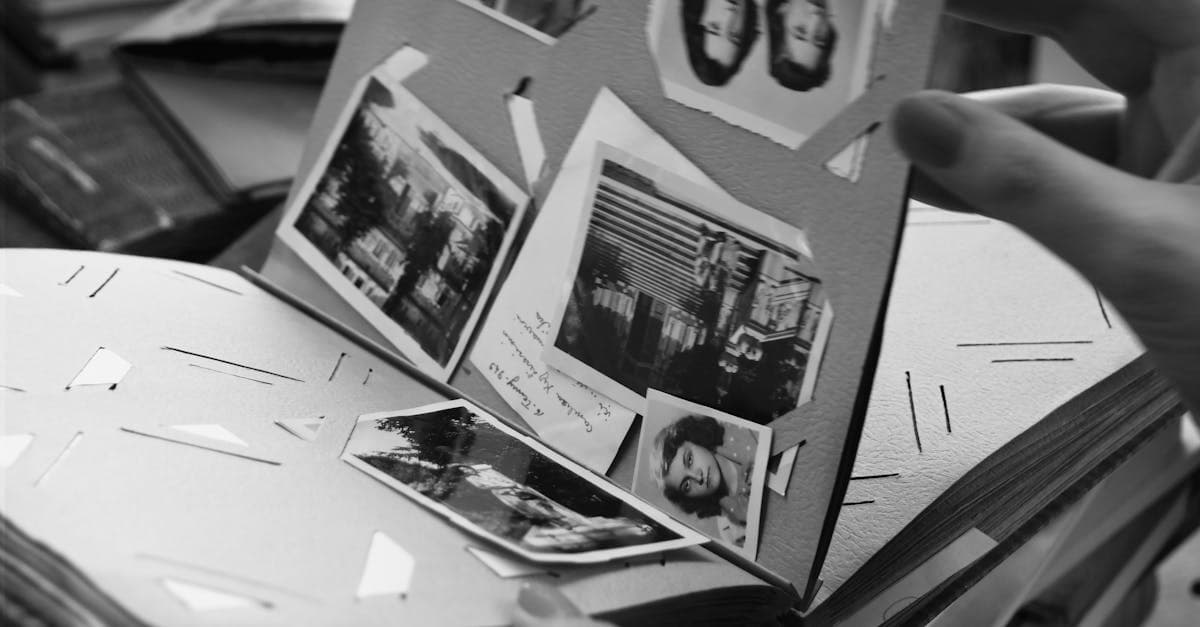
Bring cracked, yellowed, or water-stained wedding photos back to life. AI restoration for album pages, studio portraits, and reception candids.
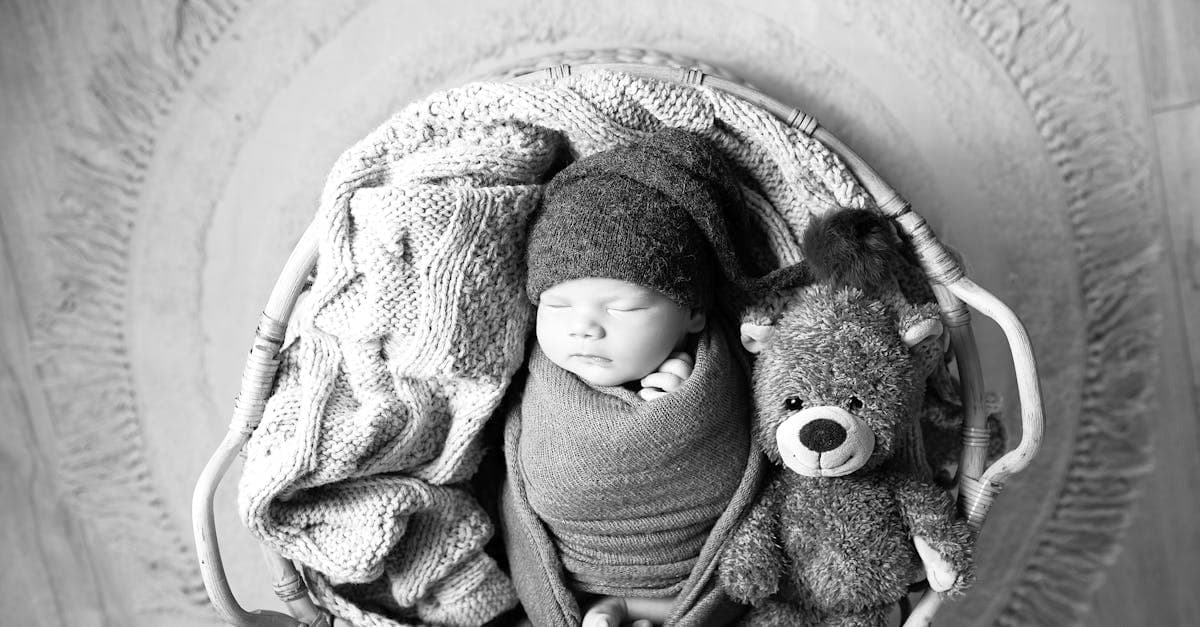
Rescue faded hospital baby pictures, studio portraits, and first-year snapshots. AI restoration for color shift, creases, and album damage.
Restore 19th-century tintypes with rust, scratches, or fading. AI-based recovery for ferrotype portraits from the Civil War era onward.
Revive 1840s–1860s daguerreotypes with tarnish, scratches, and case damage. AI restoration that respects the mirror-like original.
Ready to restore your photo?
Free preview, no account needed. Download it in full resolution with a free account.
Upload a photo