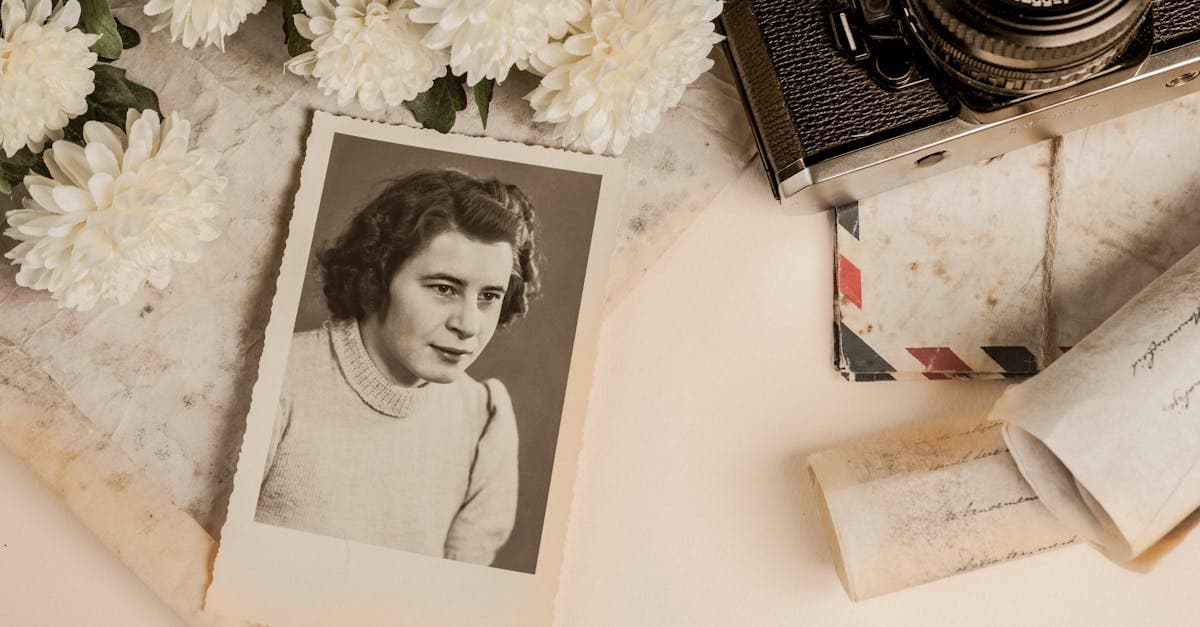
"Sepia photo" covers two very different things, and getting the restoration right depends on knowing which you have. Some sepia photos are genuinely sepia-toned — a deliberate chemical treatment done in the darkroom. Others just look brown because they faded, yellowed, or the original warm-toned print process aged badly. Both end up in shoeboxes labeled "old brown photo," and the restoration approach differs.
What sepia photos look like — convention and damage
NEDCC explains the chemistry of real sepia toning: after developing a black-and-white print, the photographer immersed it in a sulfide or selenium bath that converted the metallic silver image into silver sulfide, which is both warmer in tone (the characteristic brown) and significantly more stable than untoned silver (nedcc.org). Sepia toning was both an aesthetic choice and a preservation technique, and it was especially common between roughly 1880 and 1930.
But many "sepia" photos in family collections are actually:
- Albumen prints from the 1860s–1890s, which are naturally warm-toned and yellow with age (graphicsatlas.org).
- Faded silver-gelatin prints that have shifted from neutral to brown over decades due to oxidation (loc.gov/preservation/care/photo.html).
- Intentionally sepia-toned silver-gelatin prints from the early 20th century.
- Modern "sepia" reproductions made digitally or in a darkroom for an antique look.
The damage patterns depend on which underlying process is aging:
- Genuinely sepia-toned silver-gelatin prints are actually quite stable — they're often in better condition than their untoned siblings. Typical damage is physical: creases, tears, fingerprints, mount foxing.
- Albumen-based "sepia" prints suffer highlight yellowing and overall fading (loc.gov).
- Faded silver prints that look sepia have lost contrast and detail — the "sepia" look is the damage.
What AI can fix on a sepia photo
- Low contrast and muddiness — the single biggest win
- Surface cracks, tears, and creases
- Foxing and mount stains
- Sharpness recovery on scanned prints
- Mild fading of detail in faces and clothing
Limitation worth naming: if the sepia tone is authentic (i.e., the photographer deliberately sulfide-toned the print), you probably want to keep it. Modern AI restoration can optionally colorize or neutralize the tone, but that's a creative choice, not a "correction." The brown is the original, and many families prefer to keep it that way. Decide before you start whether you want the restored version to stay sepia or to be rebalanced toward neutral gray.
Example restorations
A 1920s studio portrait, authentically sepia-toned. Often in remarkably good condition, but with low contrast from age and a crease or two. Restoration can recover contrast without touching the tone.
A faded 1900s silver print that "became" sepia. This one isn't really sepia at all — it's a damaged neutral print. Restoration typically aims for a more neutral gray with proper contrast, closer to how it originally looked.
An inherited unnamed ancestor. The most common real-world case: a brown rectangle in an album with no other information. Restoration makes the face and clothing legible enough for genealogical comparison.
How to restore your sepia photo
- Decide on tone before you start. Do you want the restored version to stay brown or go neutral? Both are legitimate. If the print was deliberately sepia-toned, keeping the tone is historically accurate.
- Scan at 600 DPI or higher, flat and evenly lit. Any phone scan should be shot under diffuse window light with no flash, perpendicular to the surface.
- Upload at /restore. Credits never expire, so trying one pass "keep sepia" and another "neutralize" is reasonable for comparison.
Sepia photos sit in the middle of the 19th- and 20th-century family archive. Older material in the same box is likely a cabinet card, a tintype, or, rarely, a daguerreotype. Later material is likely a wedding photo or baby photo in color.
Pricing: one $9.99/month plan, 40 credits, every tool unlocked, credits never expire, with a 7-day money-back guarantee. /pricing · /how-it-works.
Sources
- Graphics Atlas on albumen and later sepia-toned prints — tone, surface, and deterioration patterns
- NEDCC on sepia toning chemistry — intentional sulfide toning for image permanence
- Library of Congress on care of silver-gelatin and toned prints
- George Eastman Museum on silver-gelatin prints, the dominant process for 20th-century sepia-toned photographs
More photo types we restore
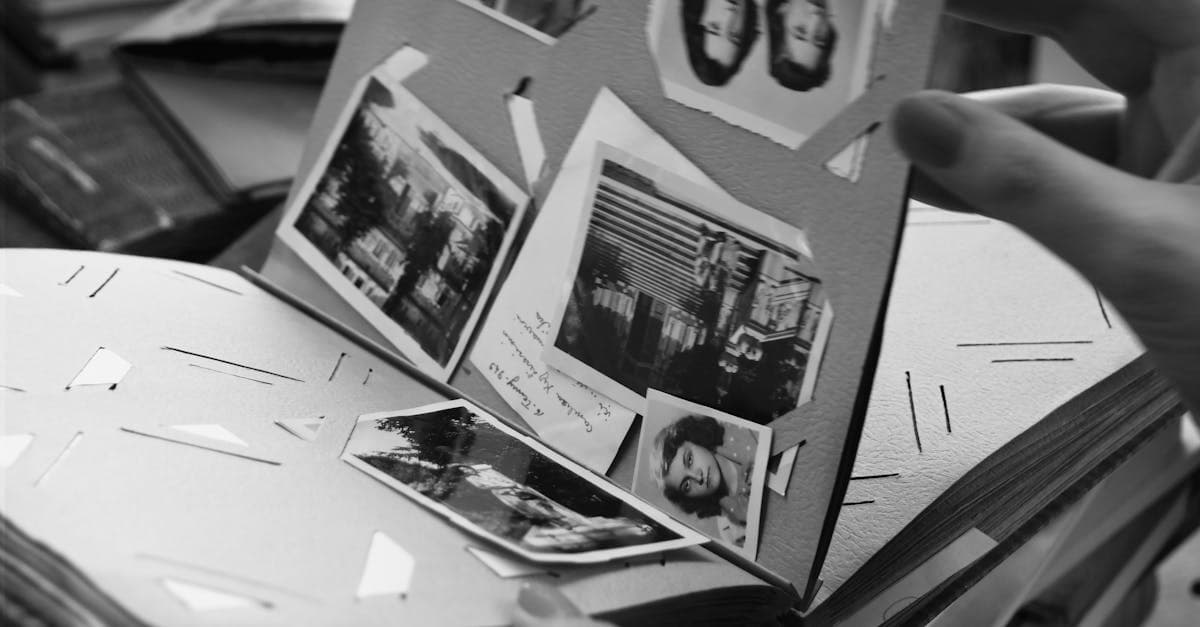
Bring cracked, yellowed, or water-stained wedding photos back to life. AI restoration for album pages, studio portraits, and reception candids.
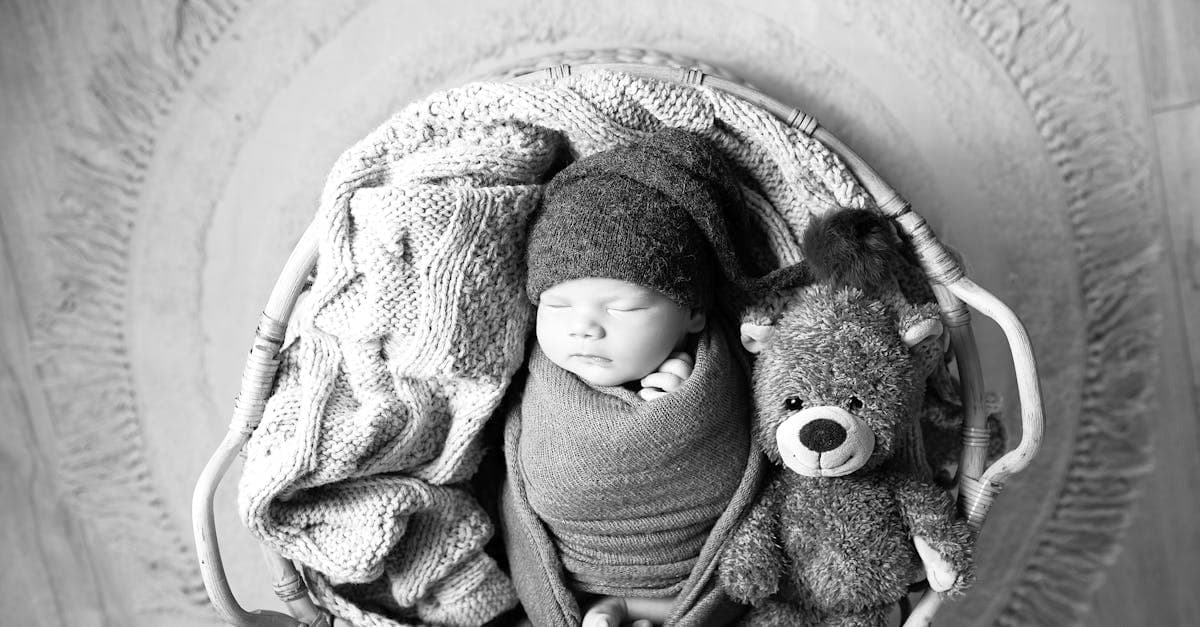
Rescue faded hospital baby pictures, studio portraits, and first-year snapshots. AI restoration for color shift, creases, and album damage.
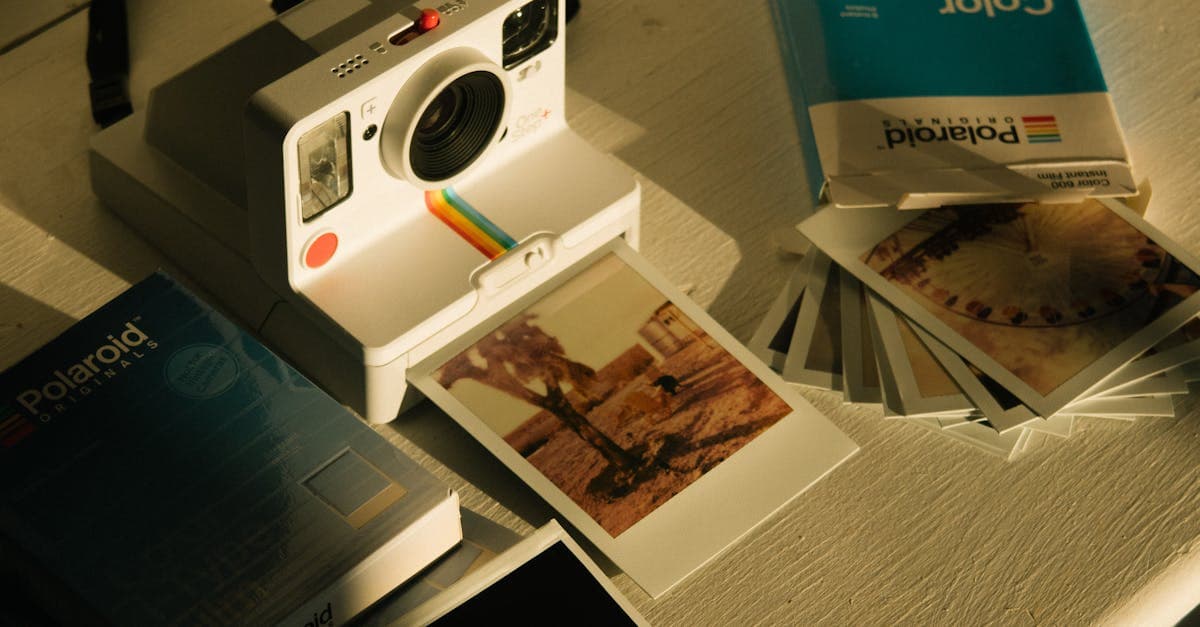
Fix faded, yellowed, or orange-shifted Polaroids. AI restoration for SX-70, 600, and Spectra instant prints with honest limits.
Restore 19th-century tintypes with rust, scratches, or fading. AI-based recovery for ferrotype portraits from the Civil War era onward.
Ready to restore your photo?
Free preview, no account needed. Download it in full resolution with a free account.
Upload a photo