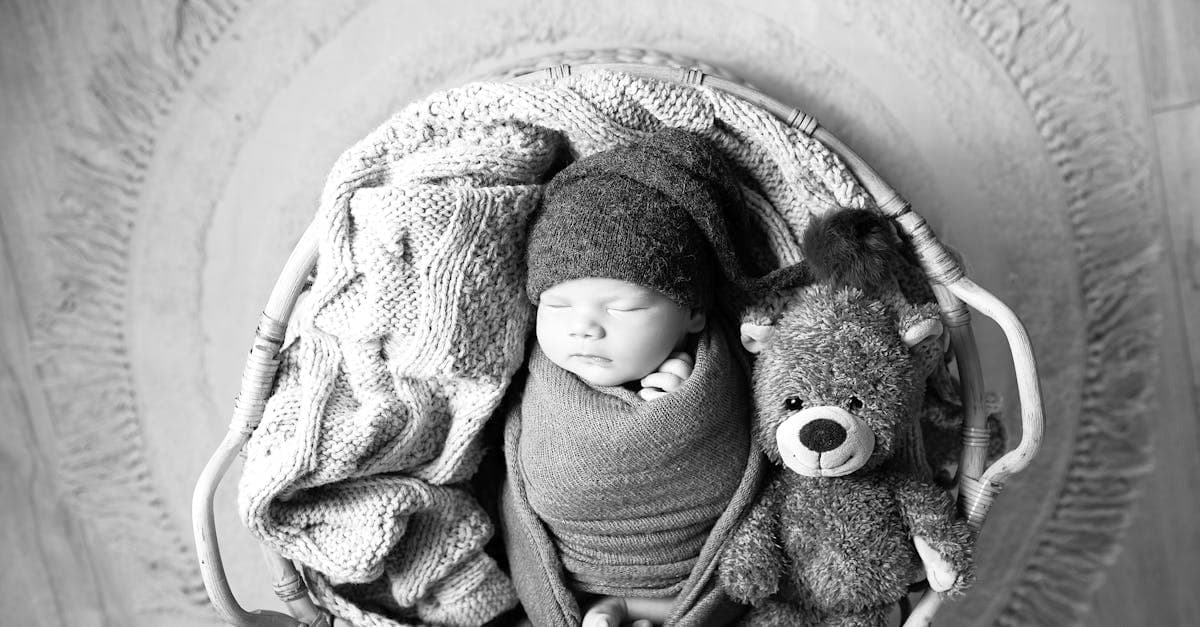
Baby photos occupy an odd spot in family archives. They're the most emotionally loaded pictures a family owns, and simultaneously the worst-stored. The hospital hands over a Polaroid or a glossy C-print, someone shoves it into a wallet, and forty years later it surfaces creased into quarters in a shoebox. Restoring one isn't the same project as restoring a formal wedding portrait — the starting material is almost always rougher.
What baby photos look like — convention and damage
There's no single "baby photo" convention. In practice you're dealing with three overlapping types:
- Hospital newborn prints — from roughly the 1970s on, these were usually small-format color prints or instant Polaroids handed to parents within hours of birth. Cheap stock, cheap processing, often the lowest-quality print in the whole family archive.
- Studio portraits — the Sears Portrait Studio / Olan Mills tradition. Color C-prints on textured paper, soft lighting, pastel backdrop, baby propped on a fuzzy blanket. Usually well-exposed but prone to dye fading over decades.
- Parent-shot snapshots — Kodak Instamatic, 110, disc, or 35mm drugstore prints from the first year. Often underexposed, small (3.5x5), and stuck into album pages.
The damage patterns are specific to how these were treated. Because baby photos get handled — shown to relatives, carried in wallets, pinned to fridges — they accumulate physical wear faster than a formal portrait locked in a frame. The Library of Congress notes that frequent handling accelerates surface abrasion and fingerprint staining on gelatin prints (loc.gov/preservation/care/photo.html). And the Image Permanence Institute's work on color dye fading shows the same magenta/pink shift in hospital and studio chromogenic prints as in wedding photos — baby photos from the 1970s and 80s almost universally look pink today if they were kept in a warm room (imagepermanenceinstitute.org).
Album damage is the other big one. NEDCC flags that small prints stuck into self-adhesive "magnetic" album pages suffer yellowing and tape-residue bleed, and in many cases the print can't be removed intact (nedcc.org).
What AI can fix on a baby photo
- Color shift from faded C-prints (the pink everything)
- Creases and fold lines from wallet storage
- Fingerprint smudges and surface grime on the print face
- Low resolution from small-format (110, disc, Instamatic) originals
- Mild motion blur on parent snapshots — within limits
- Album tape residue and yellowing around the edges
Limitation worth naming: a baby's face is the hardest subject for AI face-restoration models, because infant features are softer and more symmetrical than adult faces. A model trained mostly on adults can over-sharpen the eyes or introduce adult bone structure. Use the lightest restoration setting first and compare — for baby pictures specifically, less is almost always better.
Example restorations
The 1978 hospital Polaroid. A parent's only photo from the day of birth, faded to orange, stuck in a baby book. Restoration can pull the color back and lift the face out of the murk, though some graininess stays — Polaroid film was never sharp to begin with.
A Sears studio 5x7 from 1985. Overall pink cast, a diagonal crease from where the album crushed it, slight yellow tint on the white backdrop. Restoration can remove the crease and rebalance the color.
A first-birthday cake-smash photo, 1992. 4x6 Kodak drugstore print, small and soft, with grease spots from where someone grabbed it during a party. Cleanable, and the low resolution can be upscaled for a framed print.
How to restore your baby photo
- Scan at the highest resolution you can. For a 3.5x5 print, 1200 DPI is not overkill — you want room to upscale. Phone photos work but shoot flat under window light, no flash.
- Upload to /restore. Start with a light restoration pass. Baby faces need a gentle touch.
- Download and compare. If the face looks too adult or too sharp, re-run with a gentler setting. Credits don't expire, so multiple attempts cost nothing new.
Baby photos are rarely restored alone — most people restore a whole batch from a parent's album. If you have the parents' wedding photo from the same era, it's likely suffering the same dye fade. For even older first pictures, see sepia photo restoration.
Pricing: one $9.99/month plan, 40 credits, every tool unlocked — credits never expire, with a 7-day money-back guarantee. /pricing · /how-it-works.
Sources
- IPI on color dye fading in chromogenic prints — the dominant process for hospital and studio baby photos from the 1960s forward
- Library of Congress on storage-related damage (sticky albums, envelopes, humidity) that disproportionately affects baby pictures kept as keepsakes
- NEDCC on handling and storage of small-format personal prints
- Graphics Atlas on identifying chromogenic prints by surface and layer structure
More photo types we restore
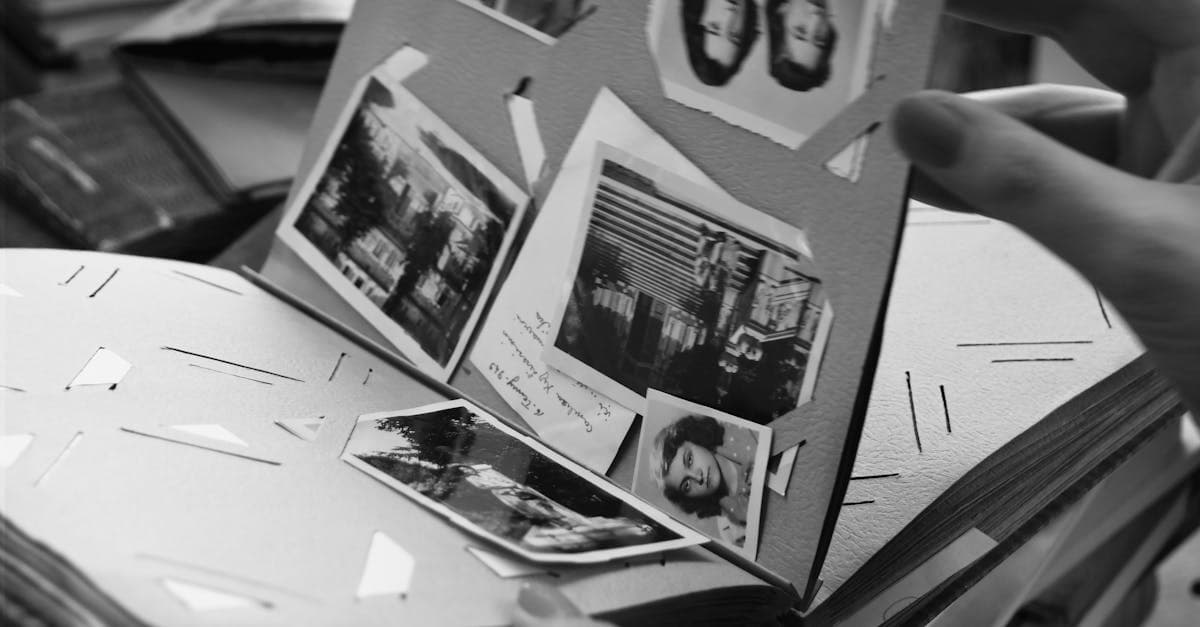
Bring cracked, yellowed, or water-stained wedding photos back to life. AI restoration for album pages, studio portraits, and reception candids.
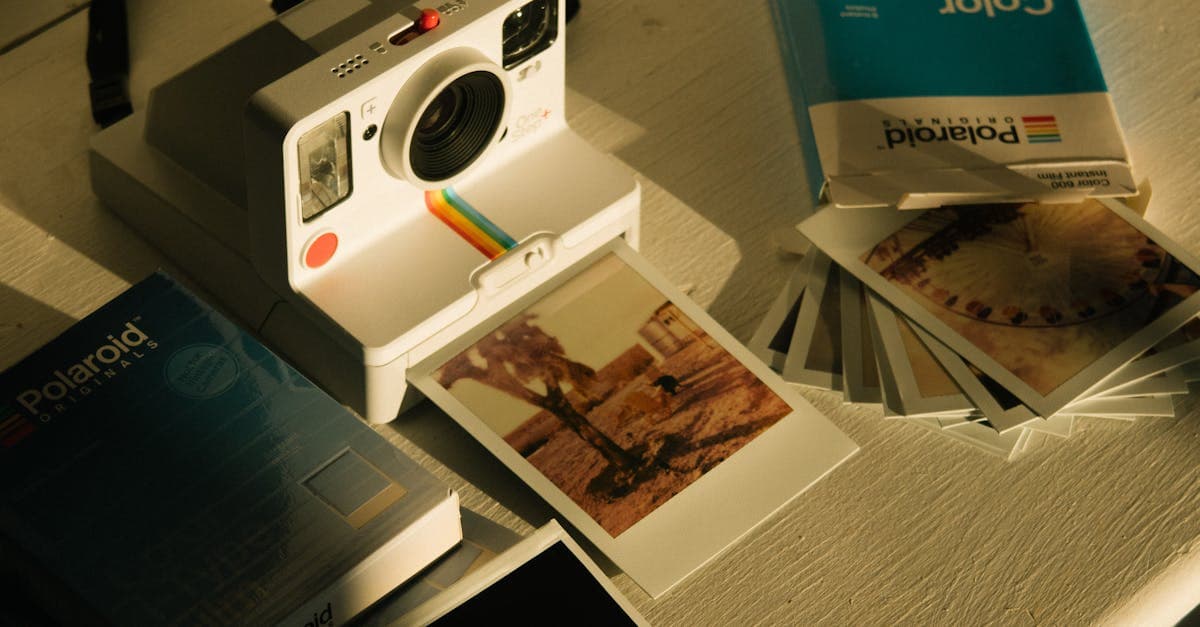
Fix faded, yellowed, or orange-shifted Polaroids. AI restoration for SX-70, 600, and Spectra instant prints with honest limits.
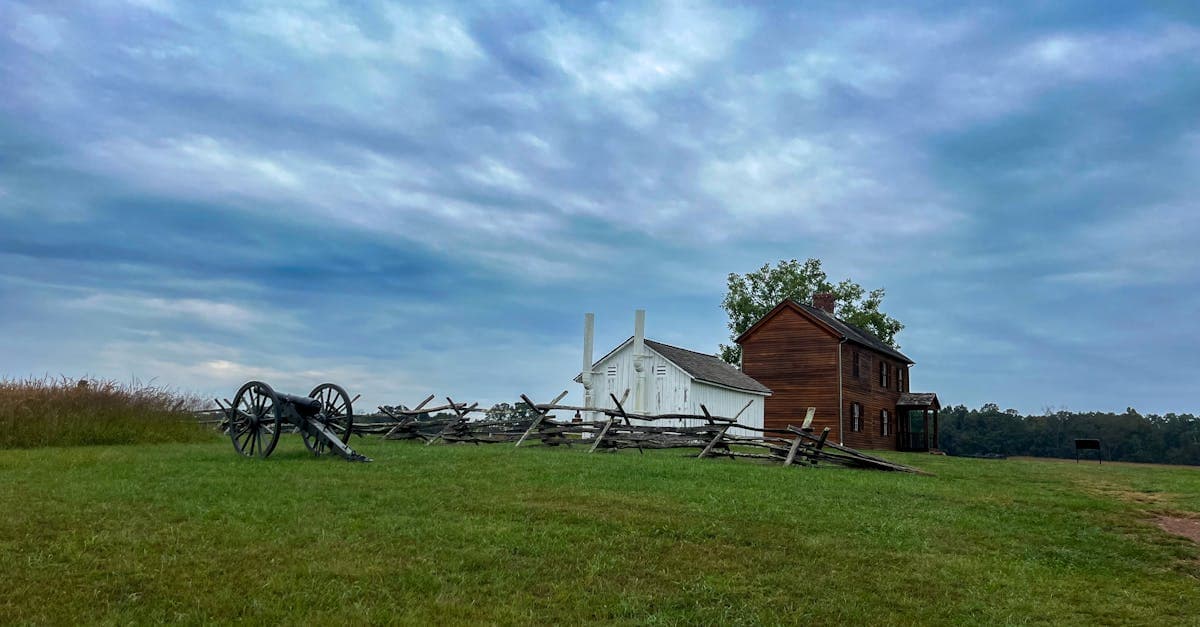
Restore 19th-century tintypes with rust, scratches, or fading. AI-based recovery for ferrotype portraits from the Civil War era onward.
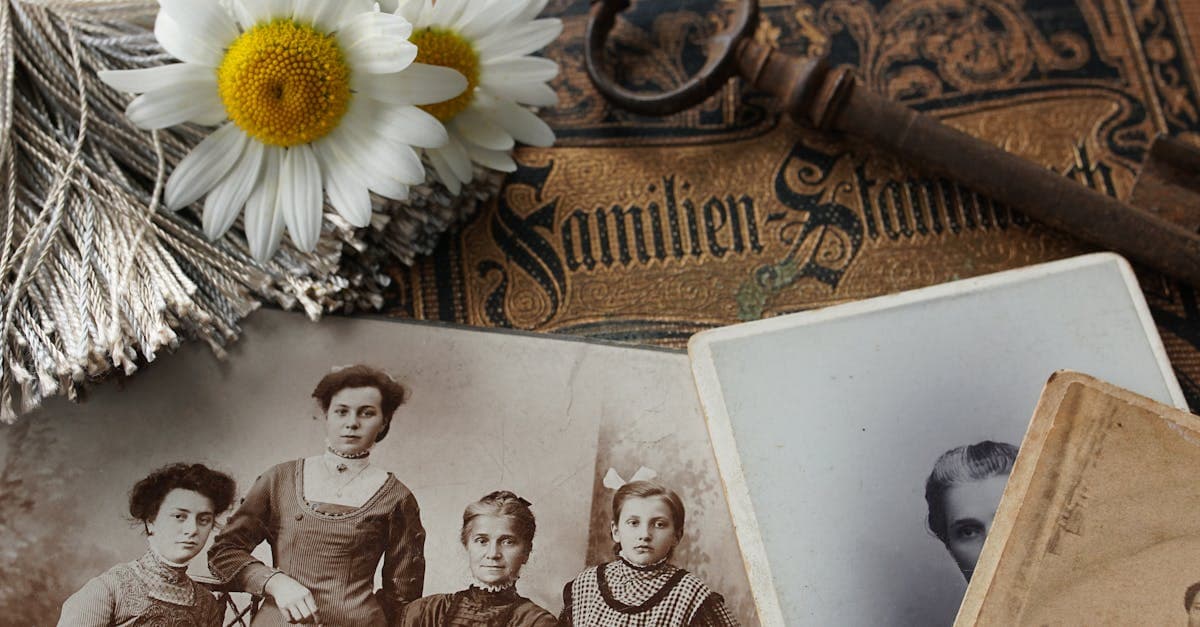
Revive 1840s–1860s daguerreotypes with tarnish, scratches, and case damage. AI restoration that respects the mirror-like original.
Ready to restore your photo?
Free preview, no account needed. Download it in full resolution with a free account.
Upload a photo