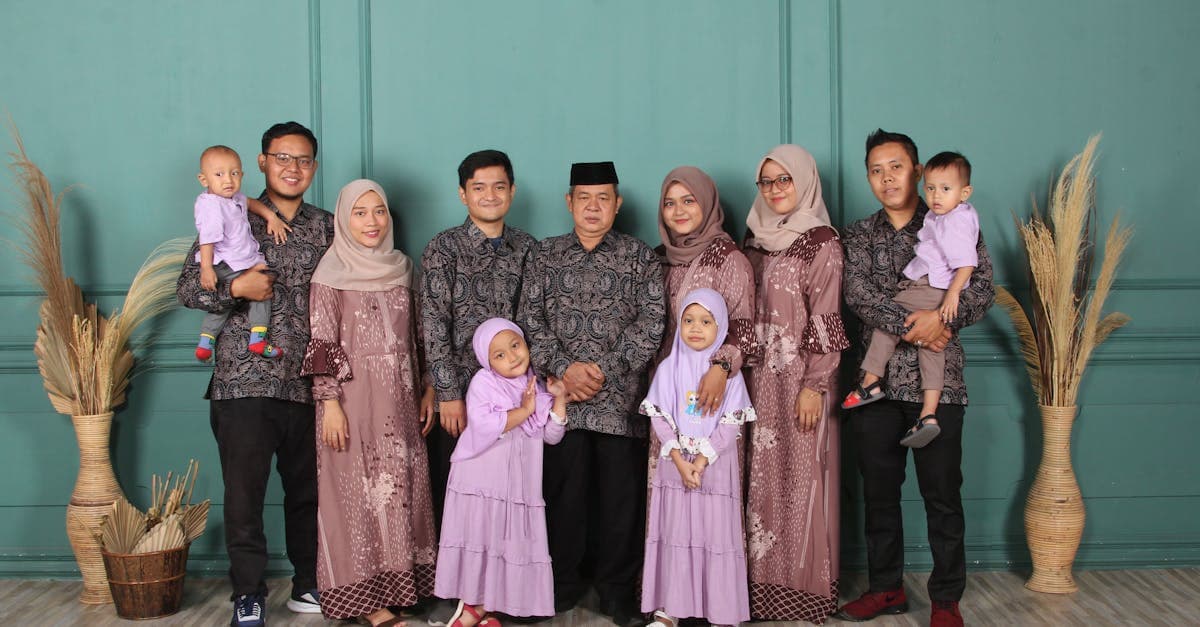
A family portrait is the only photograph that tries to capture an entire family in a single frame, and that's what makes it both precious and uniquely challenging to restore. Where a portrait of one person requires recovering one face and one set of clothing, a family portrait from a holiday gathering or a studio session might contain four, eight, or twelve faces spanning three generations — each face at a different distance from the camera, each with different lighting, each needing individual attention. When that portrait has spent thirty years on a wall or buried in an album, the restoration has to work for every person in the frame.
The other thing that makes family portraits irreplaceable is that they're hard to reshoot. Getting every family member in the same room was a logistical achievement when the photo was taken, and for older portraits where some of the people have passed, it's impossible. That faded 8x10 from 1987 may be the only photograph where four generations are together. There is no backup.
What family portraits typically look like
Family portraits follow conventions that shifted significantly across decades, and the format tells you a lot about what kind of damage to expect.
Pre-1960s formal studio portraits. Families that commissioned a studio portrait before the 1960s received a large-format black-and-white silver gelatin print, usually 8x10 or larger, often mounted on heavy card stock or matboard. The photographer controlled the lighting and posing — everyone seated or standing in rows, facing the camera, formal clothing. These prints were built to last. The card stock mount protected the print from bending, and the heavy paper base resisted moisture better than later consumer prints. The damage you see on these is usually light-related: fading from decades of display in a frame, with a sharp difference between the area covered by the mat and the exposed image. Silver mirroring in the dark areas is also common on prints from this era.
1960s-1980s color studio portraits. The Sears Portrait Studio and JCPenney portrait era. Families went to a chain studio at the mall, posed against a mottled blue or brown backdrop, and received a set of chromogenic C-prints in standard sizes. The quality was decent for the era, but the prints were made on RC (resin-coated) paper that the Library of Congress has documented as prone to surface cracking and silver mirroring along the edges over time (loc.gov/preservation/care/photo.html). Color portraits from this period develop the same dye-fading issues as all C-prints — the pink/magenta shift from differential dye loss. Because these were display prints, UV fading from window light compounds the chemical fading.
Holiday and gathering photos (all eras). The informal family portrait — everyone squeezed onto a couch at Christmas, lined up in the backyard at a reunion, gathered around a table at Thanksgiving. These aren't studio shots; they're snapshots taken by whoever had the camera, often rushed and poorly composed. The prints are standard consumer sizes (4x6, 3.5x5) on cheap drugstore paper. The damage is cumulative: handling by many family members, display on refrigerators and bulletin boards, storage in mixed-quality albums. These photos also tend to have exposure problems from the original shooting — flash overexposure on the nearest faces, underexposure on the back row, red-eye from direct flash in a dim room.
Large reunion and extended-family photos. Some families organized formal group photos at reunions, church events, or milestone celebrations — often shot by a hired photographer and delivered as a single large print (11x14 or panoramic). The size makes them more vulnerable to damage: large prints warp more easily, crack along fold lines if stored rolled, and require larger frames harder to seal against dust and moisture. The National Archives notes that oversize prints require special storage to prevent physical stress on the emulsion (archives.gov/preservation/formats/photos.html).
Common damage patterns
Family portraits accumulate damage from display, storage, and the handling they receive as centerpiece photos.
UV fading from prolonged display. The defining damage of family portraits. Because these are display photos — the kind that hang in a hallway or sit on a mantle for decades — they absorb more cumulative light exposure than photos kept in albums. The fading is often uneven, with the center of the frame more faded than the edges protected by the mat. Faces in the middle of the group show the most detail loss. NEDCC recommends limiting light exposure for photographic prints to 5 foot-candles and notes that even indirect daylight exceeds safe levels for long-term display (nedcc.org).
Frame and glass damage. A framed portrait can develop condensation between the glass and the print, especially in humid climates. Over years, this causes the print to adhere to the glass — common with portraits framed without a mat to create an air gap. Removing a stuck print requires the same care as removing one from a magnetic album page.
Multiple-face challenge. Family portraits with many faces at different distances from the camera present a unique restoration challenge. The AI processes the entire image, but faces in the back row that are only 50 or 100 pixels across in the scan have much less data to work with than the larger faces in the front. This is where the face restoration tool becomes essential as a follow-up step — it can enhance individual faces that general restoration treats as part of the overall image.
Crease damage from rolled storage. Large portraits stored rolled develop a permanent curl and may crack along the roll axis, typically running horizontally through faces in the center row.
What AI can restore
Family portraits benefit from AI restoration because the subject matter — faces, clothing, indoor or outdoor backgrounds — is exactly what restoration models are trained on.
- Uniform fading correction — the overall brightness and contrast loss from decades of light exposure is reversed across the entire image
- Mat line correction — the sharp fade boundary where the mat protected part of the image is blended so the print looks uniformly exposed
- Color rebalancing — the pink/magenta shift on color portraits is corrected while maintaining accurate skin tones across all faces in the group
- Scratch and crease removal — surface damage from handling and storage is repaired across the full image area
- Red-eye correction — the white-of-flash reflection in dark rooms is neutralized for all faces
- Background restoration — the mottled studio backdrops and indoor settings are cleaned and restored to their original appearance
The multi-face limitation deserves emphasis: small faces in the back row benefit from a follow-up pass with the face restoration tool after general restoration.
Tips for scanning family portraits
Family portraits come in larger formats than most personal photos, which affects scanning approach.
- For 8x10 prints, most consumer flatbed scanners handle the full size. Scan at 600 DPI for a high-quality digital file.
- For 11x14 or larger prints, you may need to scan in sections and stitch them together, or use a large-format scanner at a copy shop. If stitching, overlap by at least one inch and use free stitching software to align the sections.
- For framed portraits that may be stuck to the glass, do not attempt to remove. If you can, scan through the glass from the front. Otherwise, photograph through the glass with a phone camera, holding the phone at an angle to avoid capturing your own reflection.
- For rolled prints, unroll gently and place under a clean sheet of glass on the scanner bed to flatten. Do not force a rolled print flat — cracking the emulsion destroys detail permanently.
How to restore with PhotoFlip
- Scan at 600 DPI for standard prints, higher for oversize formats
- Upload to /restore — the AI corrects fading, color shift, and surface damage across the entire image
- Follow up with /face-restore — especially important for group photos with many faces at different sizes
- Consider /colorize for pre-1960s black-and-white family portraits
- Use /upscale to enlarge for reprinting if the restored version will hang on a wall
Most family portrait restoration happens alongside related photos from the same collection. See our guides on restoring individual portraits: grandmother photos, grandfather photos, or parent photos. If the collection includes wedding photos, the relative's wedding guide covers that specific format.
Pricing: one $9.99/month plan with 40 credits and every restoration tool unlocked. Credits never expire, and there's a 7-day money-back guarantee. See /pricing.
Frequently Asked Questions
Yes, though with a caveat about resolution. In a group photo with eight or more people, faces in the back row may be only 50 to 100 pixels across in the original scan. The general restoration pass improves the overall image — fixing fading, color, and surface damage — but small faces benefit from a follow-up with the dedicated face restoration tool. Face restoration uses a model specifically trained on facial features and can sharpen eyes, skin texture, and expressions even on faces that are small in the frame. For large groups, the recommended workflow is general restoration first, then face restoration as a second step. Each uses one credit.
Yes. Mat lines — the sharp boundary between the faded display area and the protected area under the mat — are a common issue on family portraits that were framed for decades. AI restoration recognizes this as uneven fading and rebalances the tonal values across the entire image so the line disappears. The protected area under the mat serves as a reference for what the original exposure looked like, which actually helps the AI calibrate the correction for the faded center. The result is a uniformly exposed image that looks like the portrait did when it was first printed.
For prints larger than your scanner bed (typically 8.5x11 inches for consumer scanners), you have three options. First, scan in overlapping sections — place the print on the scanner with at least one inch of overlap between sections, scan each at 600 DPI, then use free stitching software like Hugin or Microsoft ICE to merge them. Second, take the print to a copy shop that has a large-format flatbed scanner. Third, photograph the print with a phone camera under even natural light — this produces lower resolution than scanning but works for prints that are too large or too fragile to handle. Whatever method you choose, the key is capturing the full print at the highest resolution available.
Absolutely. Flash artifacts including red-eye, overexposed foreground faces, and harsh shadows are all correctable with AI restoration. Red-eye is removed across all faces in the image in a single pass — you don't need to fix each person individually. The overexposure on faces closest to the flash is rebalanced to restore skin tone detail, and the underexposure on people in the back of the room is brightened. Holiday photos from dim living rooms are some of the most improved by AI restoration because the original exposure problems were so significant. The restored version often looks better than the photo did when it first came back from the lab.
Sources
- NEDCC on display and storage conditions for large-format photographic prints, including framing damage and light exposure
- Library of Congress on environmental deterioration of photographs, including the specific risks of prolonged display under glass
- Graphics Atlas on chromogenic color print identification and deterioration, relevant to color family portraits from the 1960s onward
- National Archives on caring for photographic prints in family collections, including handling of oversize and mounted formats
More family photo guides
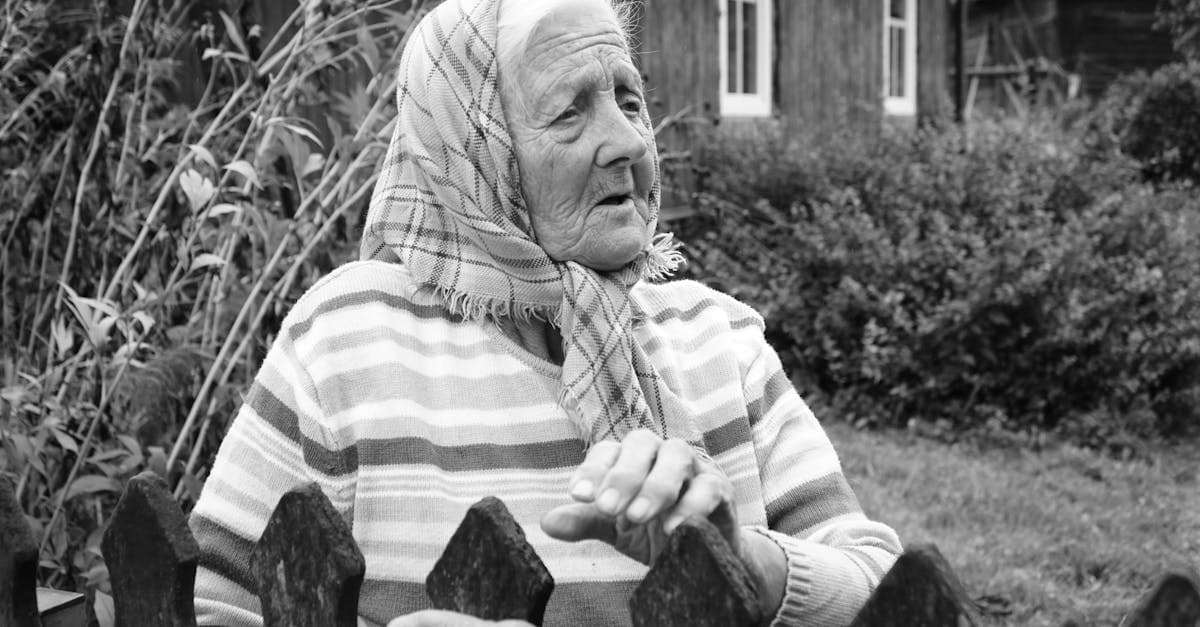
Restore your grandmother's faded studio portraits and candid snapshots with AI. Fix yellowing, creases, and album damage from decades of storage.
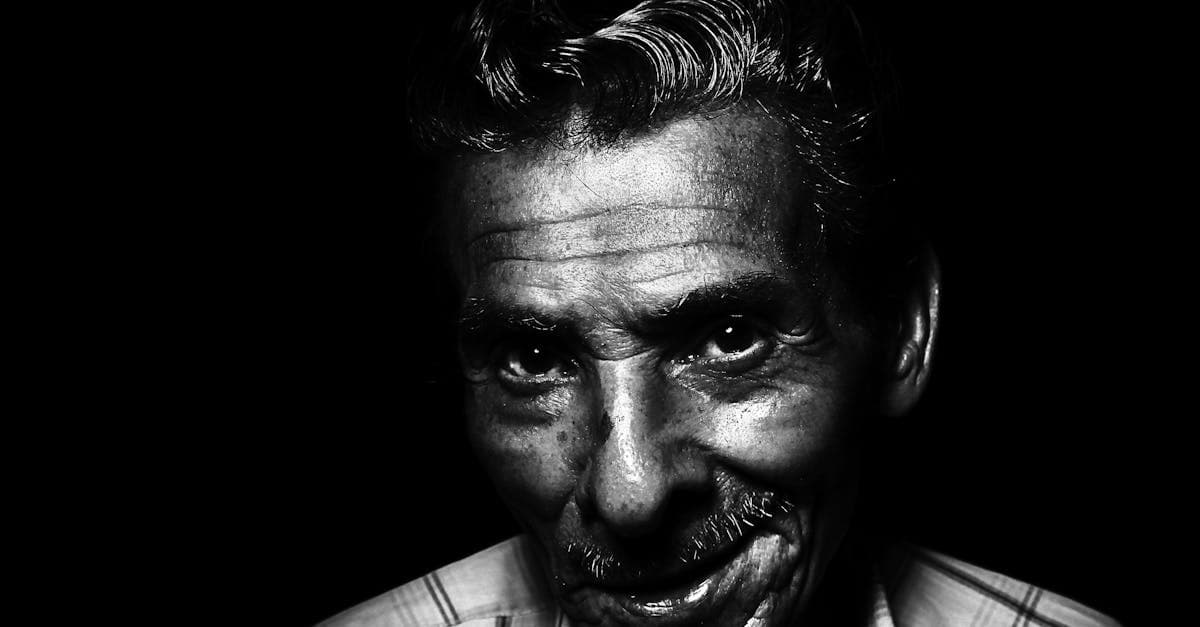
Restore your grandfather's military portraits, work photos, and formal studio shots with AI. Fix silver mirroring, creases, and decades of fading.
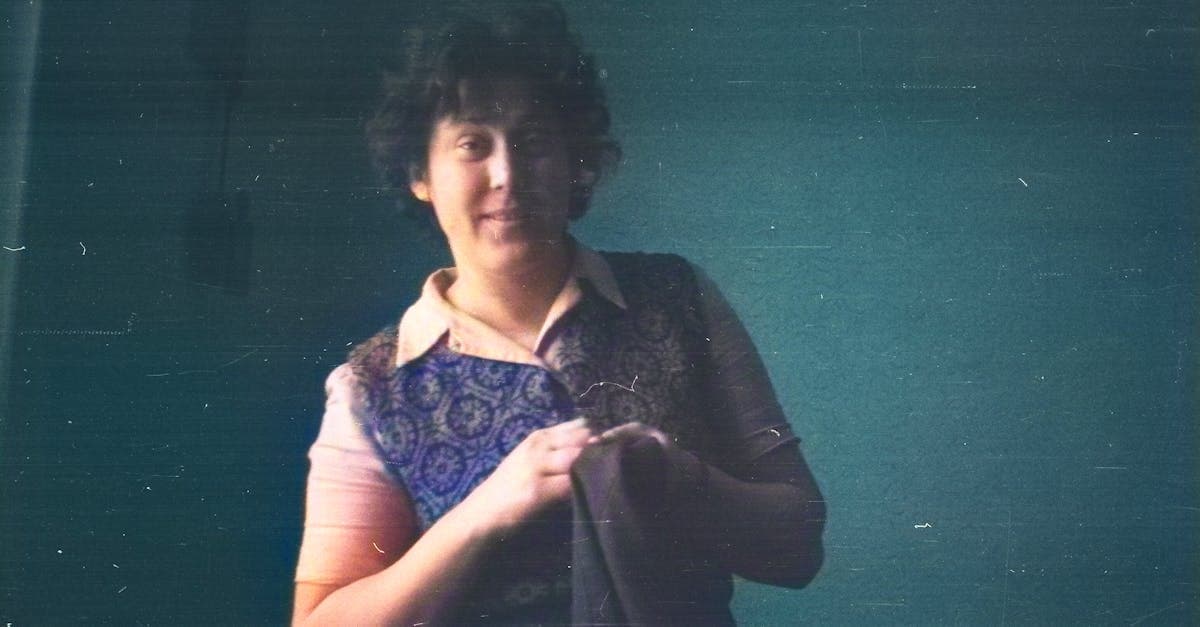
Restore your mother's or father's photos from the 1970s through 2000s. Fix color fading, album damage, and print degradation with AI restoration.
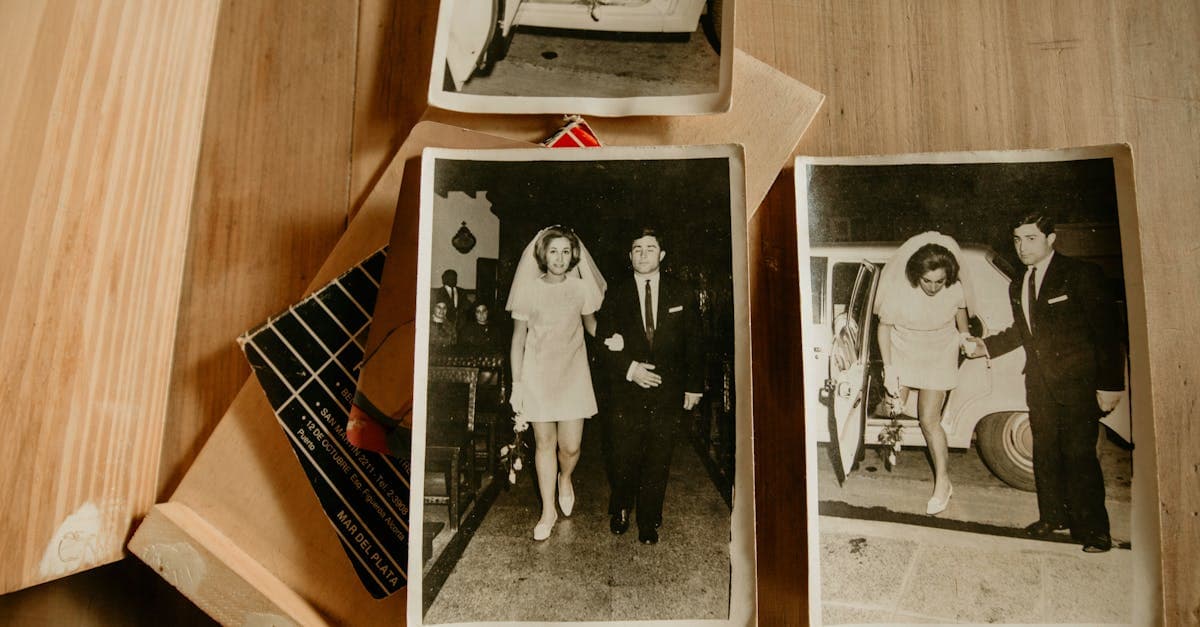
Restore inherited wedding photos from parents and grandparents. Fix album damage, color fading, and deterioration on cherished family wedding prints.
Ready to restore your photo?
Free preview, no account needed. Download it in full resolution with a free account.
Upload a photo