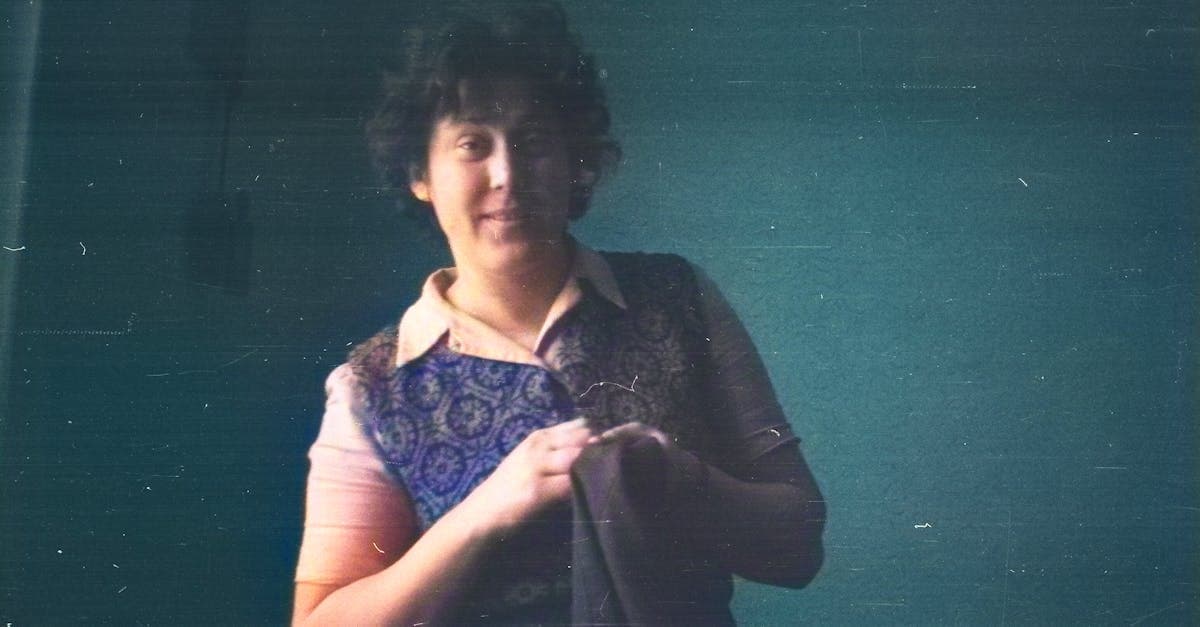
Parent photos sit in a strange middle ground in family archives. They're recent enough that many people assume they don't need restoration — these aren't sepia-toned daguerreotypes, after all. But photos from the 1970s through the early 2000s are now 25 to 55 years old, and the consumer print materials from that era were never built to last. The cheap RC paper, the minilab processing, the drugstore envelopes — everything about how parent-generation photos were made and stored accelerated their deterioration compared to the heavier, more carefully processed prints of earlier decades.
The emotional dimension is different too. Grandmother and grandfather photos often carry a sense of historical distance — you're restoring an era you never lived in. Parent photos are personal in a more immediate way. That's your mom at her college graduation. Your dad holding you as a baby. The Christmas morning you almost remember. Restoring these photos isn't about history. It's about recovering the version of your parents you grew up seeing in frames and albums.
What parent photos typically look like
Parent photos overwhelmingly fall into the color print era, which means the damage patterns are remarkably consistent across millions of family collections.
1970s prints: the color shift decade. If your parents were born in the 1950s or early 1960s, their childhood and early adult photos were shot on color negative film and printed as chromogenic C-prints at local drugstores or mail-order labs. The Image Permanence Institute has documented extensively how the dyes in these prints degrade at different rates — the cyan dye fails first, followed by yellow, leaving the magenta layer dominant (imagepermanenceinstitute.org). The result is the distinctive pink-red color cast that everyone recognizes from photos of this era. A 1975 print that looked perfectly normal when it came back from Fotomat now looks like it was shot through a rose-colored filter.
1980s prints: the magnetic album era. The 1980s were the peak years for self-adhesive magnetic photo albums, and parent photos from this decade suffered accordingly. Millions of 4x6 prints from birthdays, vacations, and school events were pressed onto adhesive pages and covered with a plastic overlay. NEDCC's research on these albums shows that the adhesive compounds cause yellowing, emulsion transfer, and in some cases irreversible bonding of the print to the page (nedcc.org). If you've inherited a parent's photo album from the 1980s, the photos inside may look worse than prints from 30 years earlier simply because of how they were stored.
1990s prints: the minilab era. Consumer photo processing changed dramatically in the 1990s with the spread of one-hour minilab machines in drugstores and big-box stores. These minilabs produced enormous volumes of 4x6 prints on thin RC paper using automated chemical processing that prioritized speed over longevity. The Library of Congress notes that the stability of photographic prints depends heavily on processing quality, and minilab prints often had residual chemicals from inadequate washing that accelerate fading (loc.gov/preservation/care/photo.html). A minilab print from 1995 that was stored in a shoebox may already show noticeable color fading.
Early 2000s: the film-to-digital transition. The last years of consumer film photography produced prints that are now 20-25 years old. Many families also have early digital prints — photos shot on a 2-megapixel camera and printed at a drugstore kiosk. These digital prints share the same minilab paper longevity issues as film prints, and the low resolution of early digital cameras means less detail to work with.
Common damage patterns
Parent photos suffer from a combination of the materials they were printed on and the way families of that era stored their pictures.
Universal color fading. Almost every color print from the 1970s through the 1990s has some degree of dye fading. The severity depends on storage conditions — prints kept in a cool, dark closet may still look reasonable, while prints displayed in a sunny room or stored in a hot attic have often shifted dramatically toward pink or yellow. This is the single most common restoration need for parent photos.
Magnetic album damage. Parents who assembled their family albums in the 1980s and 1990s used magnetic albums almost exclusively. The damage pattern is distinctive: overall yellowing across the entire print, with darker yellow-brown staining along the edges where the adhesive contact was heaviest. In severe cases, the back layer of the print has partially transferred to the album page, leaving lighter patches on the image face.
Humidity and basement storage. Family photo collections frequently end up in basements after a parent downsizes, moves, or passes. Basement humidity causes prints to stick together, mold to grow between stacked photos, and paper backing to warp and curl. Even a few months of basement storage can cause damage that took decades to develop under normal household conditions.
Handling by children. Parent photos show a damage pattern unique to this generation: crayon marks, food stains, bent corners, and tape repairs where a child damaged a photo and a parent taped it. Scotch tape causes its own long-term damage — the adhesive yellows and migrates into the emulsion, creating a discoloration stripe.
Drugstore print envelopes. The paper envelopes from the lab were never intended for long-term storage, but millions of families kept photos in them for decades. The acidic paper causes edge yellowing and chemical transfer onto the print surface.
What AI can restore
Parent photos are arguably the best candidates for AI restoration because the damage is predictable and the original image quality was usually adequate — these aren't tiny tintypes or degraded daguerreotypes.
- Color cast correction — the pink/magenta shift from dye fading is precisely corrected by recalibrating the color channels
- Yellow staining removal — album adhesive residue and envelope acid damage are identified and neutralized
- Mold and humidity damage — surface mold patterns are removed and underlying detail is recovered
- Tape and adhesive marks — the yellow stripes from Scotch tape repairs are cleaned from the image
- General fading — washed-out prints from UV exposure or chemical degradation are restored to their original contrast and saturation
- Print artifacts — minilab processing artifacts like banding and chemical spots are cleaned up
The limitation: some minilab prints from the 1990s-2000s have so little dye density remaining that full recovery is limited. Severely faded prints improve significantly but may not return to full original color depth.
Tips for scanning parent photos
Parent photos are usually standard 4x6 or 5x7 color prints, which makes scanning straightforward.
- 600 DPI is the standard for 4x6 prints. This produces a digital file of about 2400x3600 pixels — enough for restoration and reprinting at the original size or slightly larger.
- For prints still in magnetic albums, scan them in the album without removing them. Close the scanner lid gently over the album page. The slight haze from the plastic overlay is far preferable to the damage from pulling the print off the adhesive.
- For prints that have stuck together, do not pull them apart. Soak the stuck prints in room-temperature distilled water for 15-30 minutes until they separate naturally, then lay them face-up on a clean towel to air dry before scanning. This technique is recommended by conservators and prevents emulsion tearing.
- For prints with tape repairs, scan as-is. Do not remove tape from the photo — pulling tape off almost always takes emulsion with it. The AI will handle the tape mark digitally.
How to restore with PhotoFlip
- Scan at 600 DPI for standard prints, 1200 DPI for wallet-size photos
- Upload to /restore — the AI handles color correction, stain removal, and damage repair in one pass
- Use /face-restore to sharpen faces — especially useful for slightly soft minilab prints
- Skip colorization for these — parent photos are already in color (unless you have older black-and-white photos of your parents as children, in which case /colorize applies)
- Use /upscale if enlarging for a framed gift
Parent photos are often part of a larger family restoration project. If the same collection includes your grandparents, see our guides on restoring a grandmother's photo or grandfather's photo. For group shots with multiple generations, the family portrait guide covers the specific challenges of multi-face restoration.
Pricing: one $9.99/month plan with 40 credits and every restoration tool unlocked. Credits never expire, and there's a 7-day money-back guarantee. See /pricing.
Frequently Asked Questions
Yes, and it's one of the most common restoration requests we see. The pink or magenta tint on 1980s photos is caused by differential dye fading in chromogenic color prints — the cyan and yellow dyes break down faster than the magenta dye, leaving the magenta layer dominant. AI restoration corrects this by rebalancing the color channels based on what natural skin tones, sky, and vegetation should look like. The correction is usually dramatic — a uniformly pink photo can return to something very close to its original colors in a single restoration pass. This works on all severity levels, from mild pinkish highlights to severely shifted prints where everything looks red.
Never pull stuck photos apart — this almost always tears the emulsion off one or both prints, causing permanent damage. Instead, soak the stuck prints in room-temperature distilled water for 15 to 30 minutes. The water softens the gelatin emulsion layer and allows the prints to separate naturally without tearing. Once separated, lay them face-up on a clean lint-free towel and let them air dry completely before scanning. If the prints are valuable and you're not comfortable with the water method, a professional photo conservator can separate them, though this is expensive. For prints that are only lightly stuck at the edges, you can sometimes slide a thin piece of dental floss between them to separate without water.
Yes, though expectations should be calibrated. Early digital prints from 2000-2005 era cameras have two issues: the prints themselves have faded on the same minilab paper as film prints, and the original resolution was low — a 2-megapixel camera produced images of about 1600x1200 pixels. AI restoration can fix the color fading and print deterioration effectively. For the resolution limitation, running the restored photo through the upscale tool can improve clarity for reprinting. The result won't match a photo taken with a modern camera, but it will look significantly better than the faded drugstore print you started with.
No. Removing tape from a photographic print almost always pulls emulsion off with it, creating a stripe of missing image content that is harder to repair than the tape mark itself. Scan the photo with the tape in place. The AI identifies the yellowish discoloration caused by aged adhesive and removes it digitally, restoring the image underneath. This approach preserves the original print while producing a clean digital restoration. If the tape was applied recently and hasn't had time to bond chemically with the emulsion, a conservator may be able to remove it safely — but for tape that's been on a photo for years or decades, digital removal is always the safer approach.
Sources
- Image Permanence Institute on dye fading and color shift in chromogenic prints — the dominant print type for parent-generation photos from the 1970s onward
- Library of Congress on environmental factors that cause print deterioration, including light, humidity, and atmospheric pollutants
- NEDCC guide to film base materials, covering the negative and print stock used in consumer photography from the 1970s through the film-to-digital transition
More family photo guides
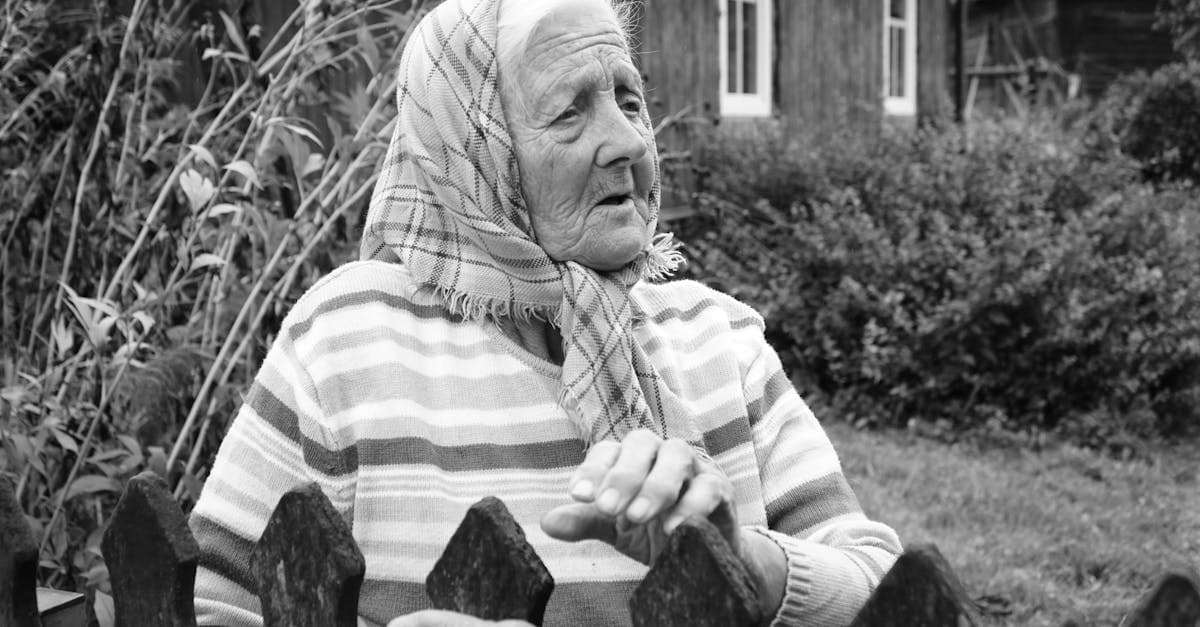
Restore your grandmother's faded studio portraits and candid snapshots with AI. Fix yellowing, creases, and album damage from decades of storage.
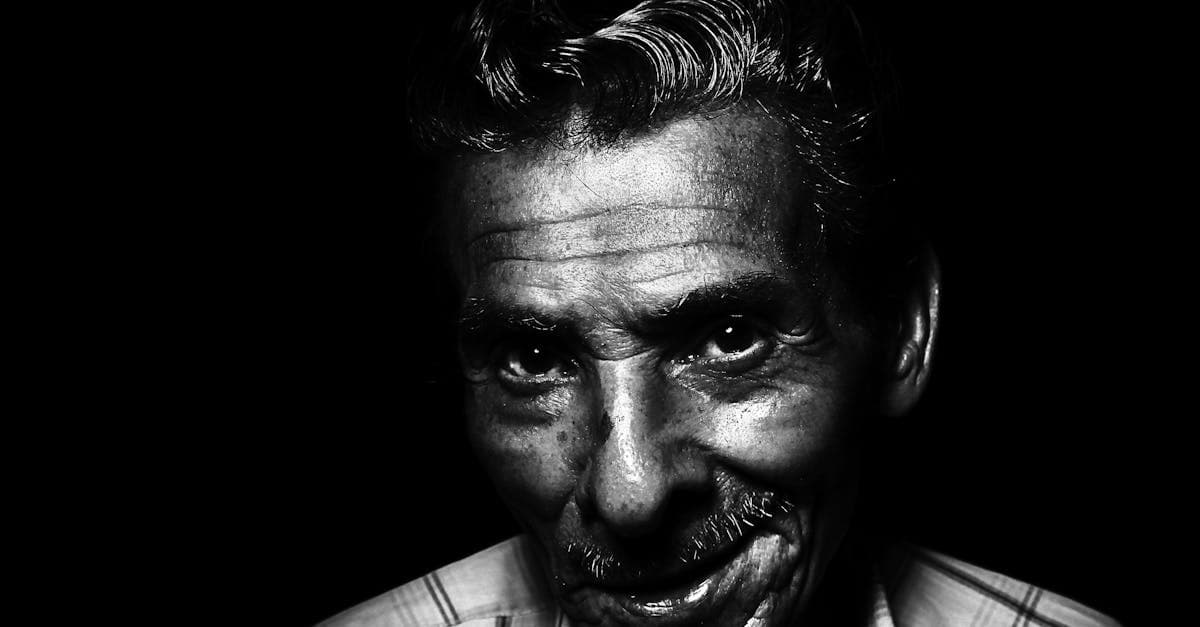
Restore your grandfather's military portraits, work photos, and formal studio shots with AI. Fix silver mirroring, creases, and decades of fading.
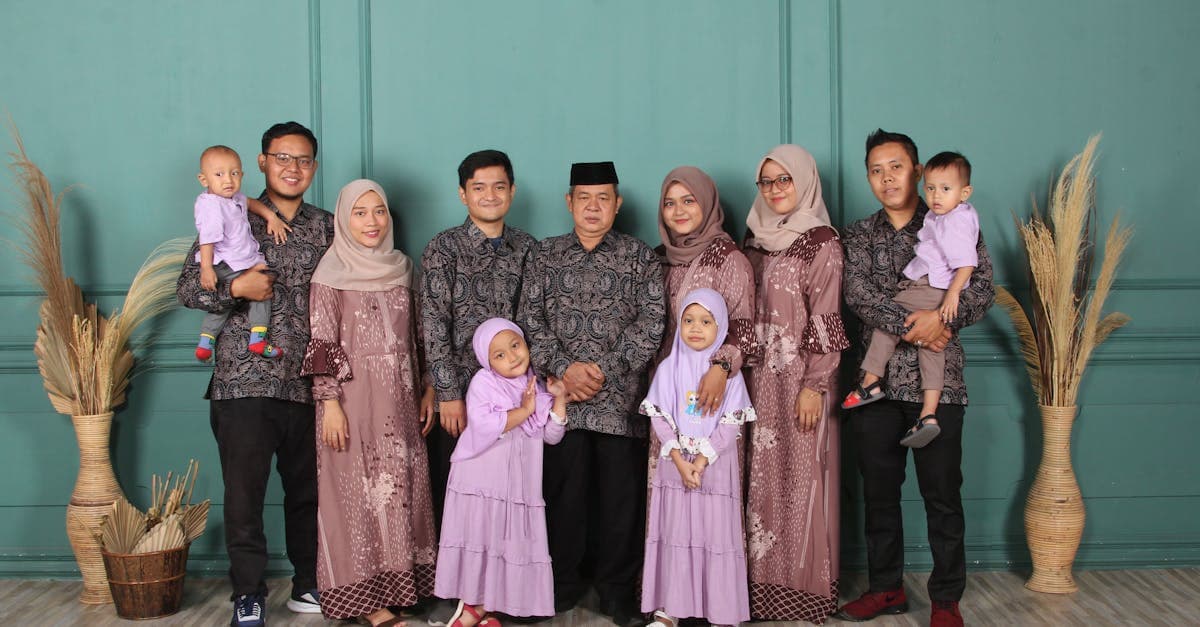
Restore multi-generation family portraits and group photos with AI. Fix fading, scratches, and damage on formal studio shots and holiday gatherings.
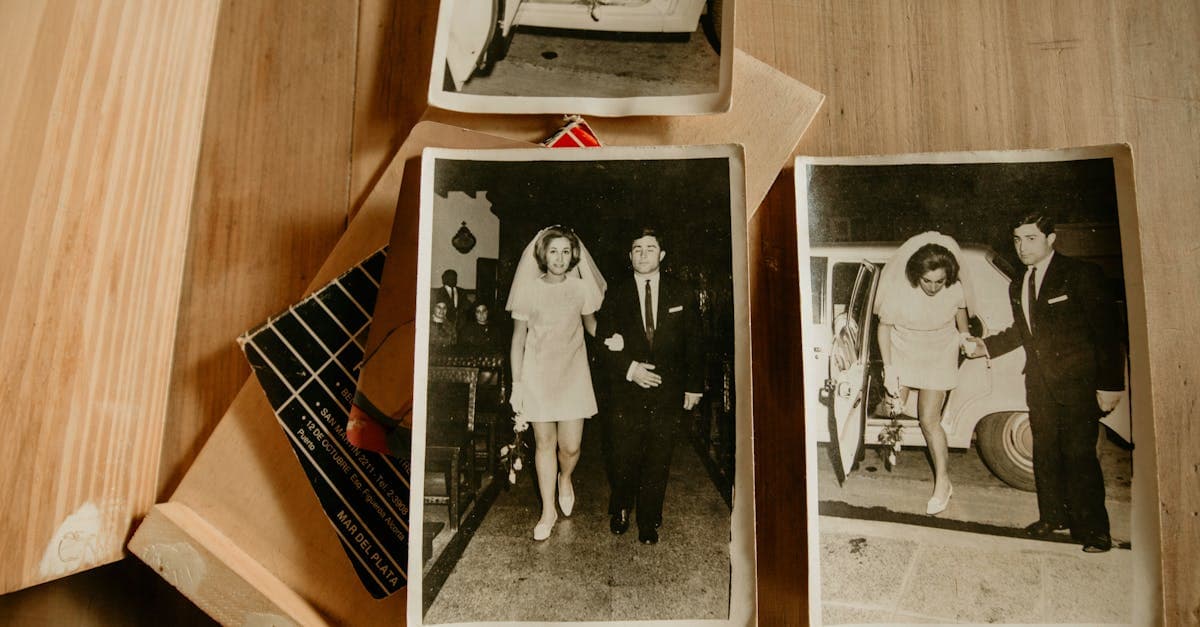
Restore inherited wedding photos from parents and grandparents. Fix album damage, color fading, and deterioration on cherished family wedding prints.
Ready to restore your photo?
Free preview, no account needed. Download it in full resolution with a free account.
Upload a photo