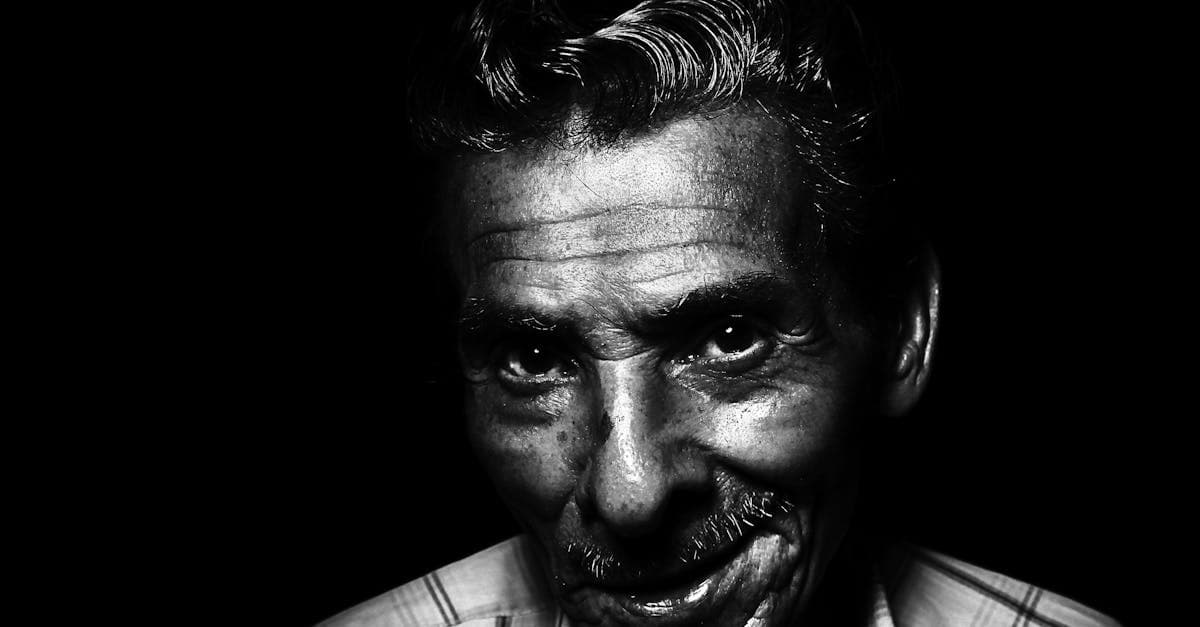
Grandfather photos carry a particular weight in family archives because they often document a man across very different stages of his life — in uniform, at a workbench, in a formal studio portrait for an occasion he probably didn't choose, holding a grandchild he waited decades to meet. These aren't casual snapshots. Many of them were the only professional photographs a man of that generation ever sat for, and restoring one often means recovering the only clear image of his face that the family has.
The emotional context matters for restoration because it shapes what people care about in the result. With grandmother photos, families often want softness and warmth preserved. With grandfather photos, the priority is usually sharpness and detail — the line of a jaw, the insignia on a uniform, the tools in a workshop. Understanding what you're trying to recover helps you choose the right restoration approach.
What grandfather photos typically look like
Grandfather portraits cluster around a few distinct conventions that track both the era and the occasion.
Military service portraits (1940s-1970s). For millions of families, the clearest photo of a grandfather is his military service portrait. These were standardized photographs taken during enlistment or at key career milestones, usually shot against a plain backdrop with controlled studio lighting. The prints are almost always black-and-white silver gelatin on medium-weight paper. The National Archives holds millions of these and notes that the prints themselves were generally well-produced, but copies distributed to families were often smaller reprints on thinner stock that degraded faster (archives.gov/preservation/formats/photos.html). Service portraits from World War II and Korea are now 75 to 85 years old, and even well-stored copies show silver mirroring — a metallic bronze sheen that appears on the dark areas of silver gelatin prints as the silver particles migrate to the surface.
Occupational and workplace photos. Grandfather photos frequently include workplace shots that have no grandmother equivalent in most families of that era. A man standing next to a truck, a group photo at a factory, a farmer on a tractor. These were rarely formal photographs — they were snapshots taken by coworkers or family members with consumer cameras, and the print quality reflects that. Expect smaller formats (3.5x5 or wallet-size), uneven exposure, and significant handling damage from being kept in tool boxes, lunch pails, and workshop drawers.
Formal studio portraits (1930s-1960s). The suit-and-tie studio portrait that a grandfather might have had taken for a church directory, a business, or a family occasion. These follow the conventions of mid-century portrait photography: three-quarter pose, single key light, dark background, retouched negative. The prints are usually 5x7 or 8x10 silver gelatin, sometimes on textured paper stock. They tend to be better preserved than casual photos because they were typically framed or stored in a portfolio sleeve, but decades on a wall or mantle means UV fading on the displayed area.
Late-career and retirement photos (1970s-1990s). By the time many grandfathers reached their later years, family photography had shifted to color. Photos from this era are chromogenic C-prints from drugstore processing — holiday gatherings, retirement parties, fishing trips. The Image Permanence Institute's research shows these prints develop the same cyan-yellow dye loss as all C-prints of the era, producing a pinkish or magenta color shift. These are also the photos most likely to have been stored in self-adhesive magnetic albums.
Common damage patterns
Grandfather photos deteriorate differently from other family photos because of how and where they were kept.
Silver mirroring on black-and-white portraits. This is the signature damage of grandfather photos from the 1940s and 1950s. NEDCC explains that silver mirroring occurs when ionic silver from the image layer migrates to the surface of the gelatin and forms a metallic deposit, creating a bluish or bronze sheen that's most visible in the shadow areas of the print (nedcc.org). It's caused by exposure to atmospheric pollutants and humidity. Military portraits stored in basements or garages are especially prone to this.
Workshop and garage storage damage. Grandfather photos that lived in a toolbox, a desk drawer in a shop, or pinned to a workshop wall suffer from a unique combination of grease stains, fingerprints, chemical exposure, and extreme temperature cycling that family photos stored indoors don't experience. Oil and solvent stains on the print surface are common.
Fold damage from wallet carrying. Grandfathers often carried photos of their families in their wallets, and the wallet photos of the grandfathers themselves were carried by their wives and later by their children. These wallet photos develop the deep horizontal crease that comes from years of bending, along with moisture damage from body heat and rounded corners from sliding in and out of plastic sleeves.
Water damage from improper storage. Basement and attic storage exposes prints to flooding, pipe leaks, and condensation. Black-and-white prints can survive mild water exposure if dried properly, but prints that remained wet for extended periods develop mold, emulsion lifting, and staining that penetrates the paper base. The Library of Congress notes that high humidity alone — even without direct water contact — accelerates all forms of photographic deterioration (loc.gov/preservation/care/photo.html).
What AI can restore
AI restoration is particularly effective on grandfather photos because the most common damage patterns — silver mirroring, creases, fading, and surface contamination — are all well-represented in training data.
- Silver mirroring removal — the metallic sheen on black-and-white prints is identified and corrected without flattening the tonal range of the dark areas
- Crease and fold repair — deep wallet creases and handling folds are filled using context from adjacent areas
- Grease and surface stain removal — oil spots and fingerprints from workshop storage are cleaned from the image surface
- Fading from UV exposure — the washed-out appearance of a framed portrait that hung in a sunny room for decades is corrected with tonal rebuilding
- Color cast on later prints — the pink/magenta shift on 1970s-80s color prints is rebalanced
- Uniform and insignia detail recovery — important for military portraits where the rank and unit markings matter to the family
The limitation: if the print has physical damage that extends through the entire emulsion — a tear, a burn, a section dissolved by water — the AI reconstructs based on what surrounds the damaged area. For uniform details and insignia, this reconstruction is approximate. If accuracy of military markings matters, you may want to reference a known image of the correct insignia when evaluating the result.
Tips for scanning grandfather photos
Grandfather photos often come in formats that need specific scanning approaches.
- For silver gelatin prints showing silver mirroring, scan with the lid closed and no ambient light. The metallic sheen reflects scanner light at an angle, and closing the lid reduces the reflection captured in the scan.
- For small wallet-size prints, scan at 1200 DPI. These originals are physically tiny, and you need the extra resolution to produce a print-quality restoration.
- For photos with grease or oil stains, do not attempt to clean the print before scanning. Chemical solvents can dissolve the emulsion, and even water can cause damage on silver gelatin prints. Scan as-is and let the AI handle the stain removal.
- For framed photos, remove the print from the frame before scanning if you can do so safely. If the print has adhered to the glass, scan through the glass rather than risk tearing the emulsion.
How to restore with PhotoFlip
- Scan at 600-1200 DPI depending on print size
- Upload to /restore — results in under 30 seconds
- Follow up with /face-restore to sharpen facial features and recover detail in eyes and jawline
- Consider /colorize for black-and-white military and studio portraits
- Use /upscale to enlarge small wallet prints for framing
If you're working through a family photo collection, related guides can help with your grandmother's photos, a full family portrait, or a parent's photo. For photos from a relative's wedding, the damage patterns are often different.
Pricing: one $9.99/month plan with 40 credits and every restoration tool unlocked. Credits never expire, and there's a 7-day money-back guarantee. See /pricing.
Frequently Asked Questions
Yes. Silver mirroring — the metallic bronze or bluish sheen that appears on the dark areas of old silver gelatin prints — is one of the damage types that AI restoration handles well. The AI distinguishes between the actual tonal values of the image and the reflective surface deposit, removing the mirroring while preserving the shadow detail underneath. For best results, scan the print with the scanner lid fully closed to minimize the amount of mirroring captured in the scan. If the mirroring is heavy, a second restoration pass may clean up residual traces that the first pass reduced but didn't fully eliminate.
AI restoration will reconstruct the insignia area based on visual context from the surrounding image, but it doesn't have access to a database of military insignia designs. The result will be plausible and often recognizable, but it's an approximation rather than a researched reproduction. If the accuracy of the rank, unit patch, or service branch markings is important to your family, compare the AI result against a reference image of the correct insignia. For the face and uniform fabric, AI restoration is highly accurate. The insignia is the one area where manual verification is worthwhile.
Do not attempt to clean grease or oil stains from the print before scanning. Chemical solvents can dissolve the photographic emulsion and cause far worse damage than the stains themselves. Even mild cleaning solutions can interact unpredictably with the gelatin layer on silver gelatin prints. Instead, scan the photo as-is at 600 DPI or higher, and upload the scan to the restoration tool. The AI identifies oil and grease stains as surface contamination and removes them digitally without affecting the underlying image. This approach is safer for the original and produces cleaner results than physical cleaning.
For wallet-size photos (roughly 2x3 inches), scan at 1200 DPI. A standard 600 DPI scan of a print this small produces a digital file that's only about 1200x1800 pixels — not enough for the AI to have adequate detail to work with, and too small to reprint at any meaningful size. Scanning at 1200 DPI doubles the pixel count in each dimension, giving the AI four times as much data to analyze. After restoration, you can use the upscale tool to enlarge the result further for framing. If 1200 DPI is not available on your scanner, 600 DPI still works — the results will be acceptable, just not as crisp as a higher-resolution scan would produce.
Sources
- National Archives on the preservation of photographic records, including military service portraits and government-issued identification photos
- NEDCC on silver mirroring, gelatin deterioration, and storage damage in silver gelatin prints common in mid-century formal portraiture
- Library of Congress on causes of photographic deterioration including light exposure, chemical breakdown, and atmospheric pollutants
More family photo guides
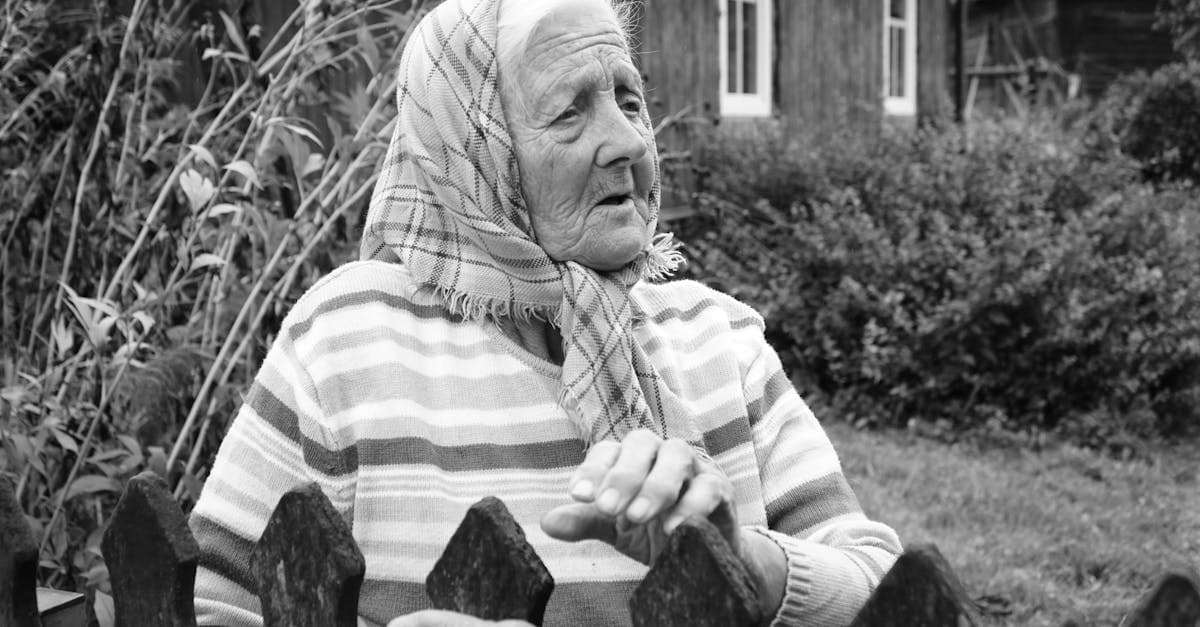
Restore your grandmother's faded studio portraits and candid snapshots with AI. Fix yellowing, creases, and album damage from decades of storage.
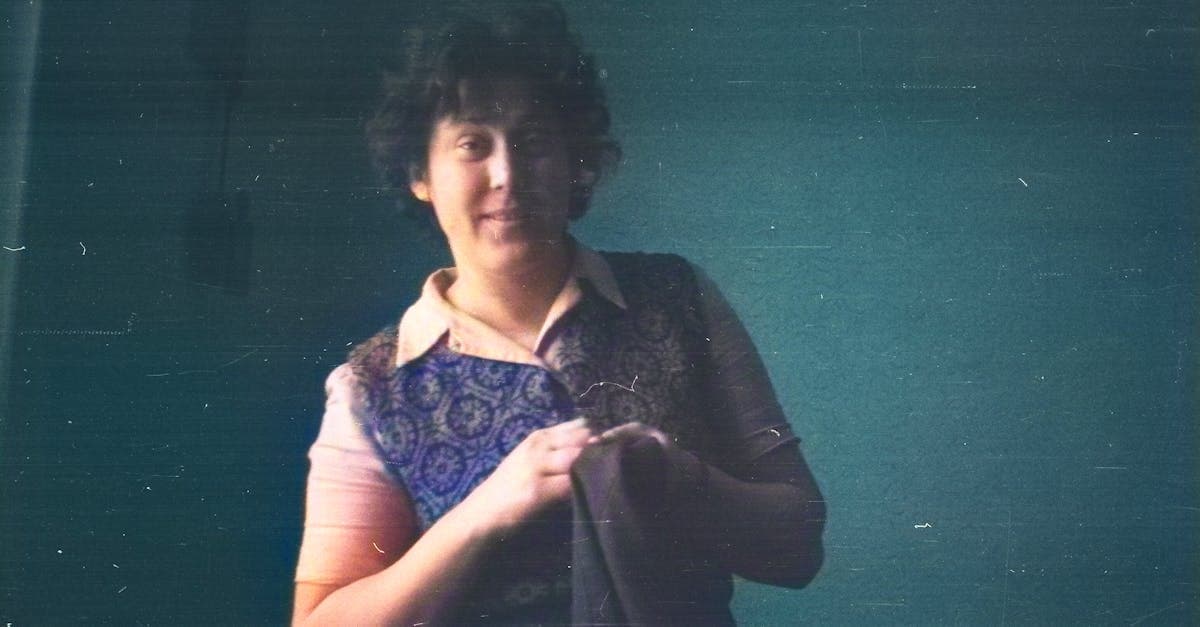
Restore your mother's or father's photos from the 1970s through 2000s. Fix color fading, album damage, and print degradation with AI restoration.
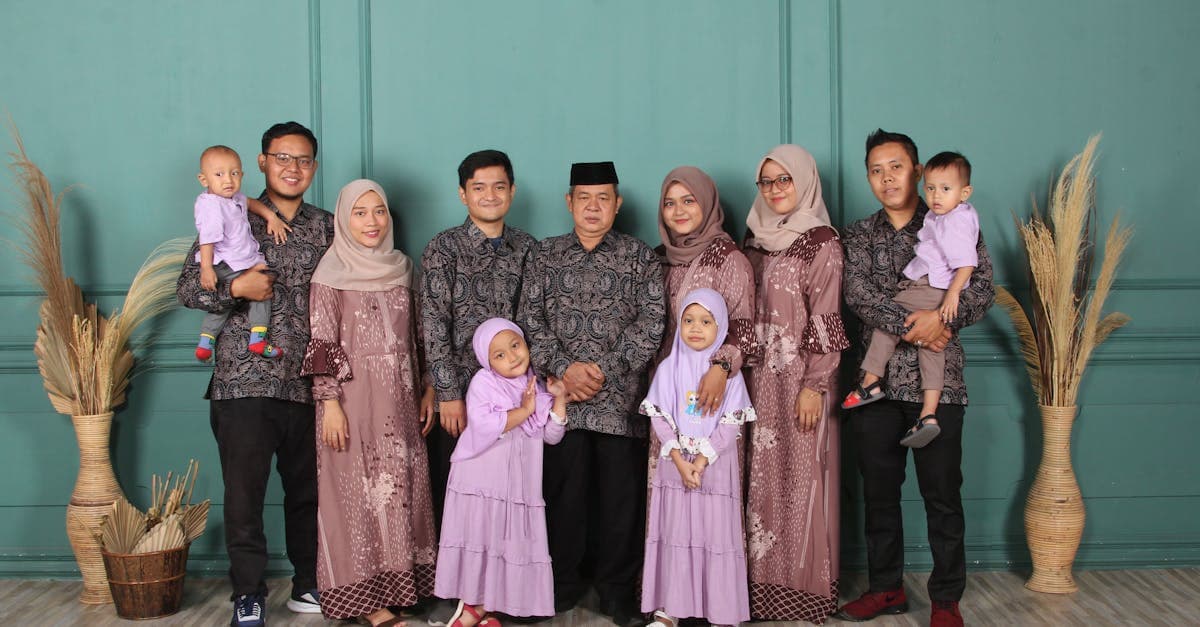
Restore multi-generation family portraits and group photos with AI. Fix fading, scratches, and damage on formal studio shots and holiday gatherings.
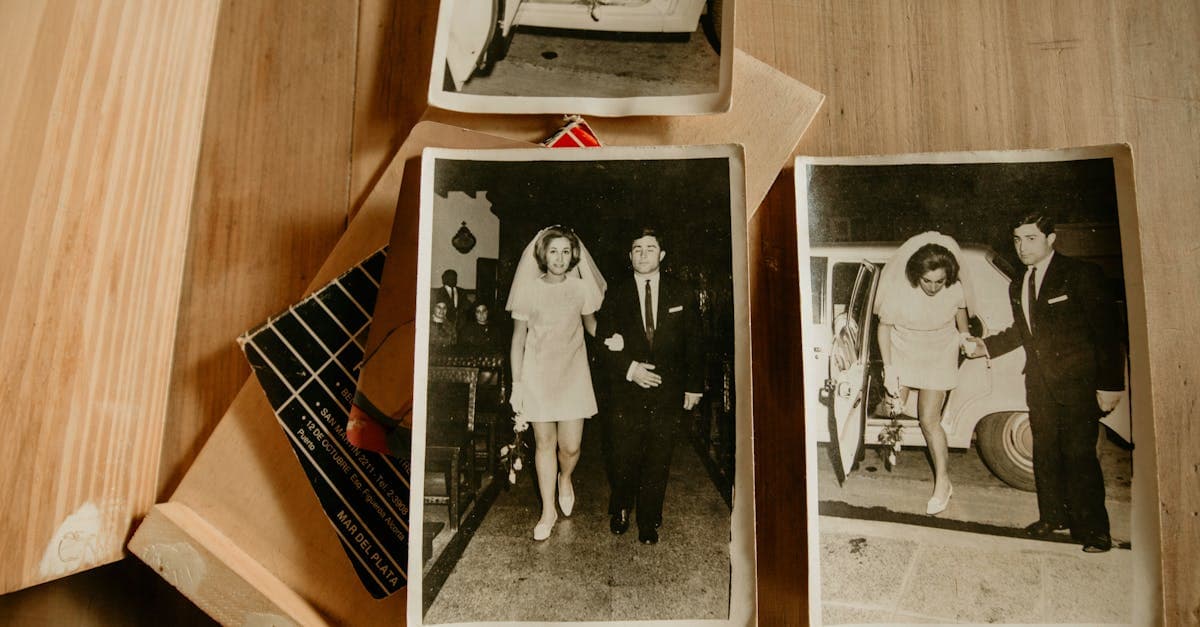
Restore inherited wedding photos from parents and grandparents. Fix album damage, color fading, and deterioration on cherished family wedding prints.
Ready to restore your photo?
Free preview, no account needed. Download it in full resolution with a free account.
Upload a photo