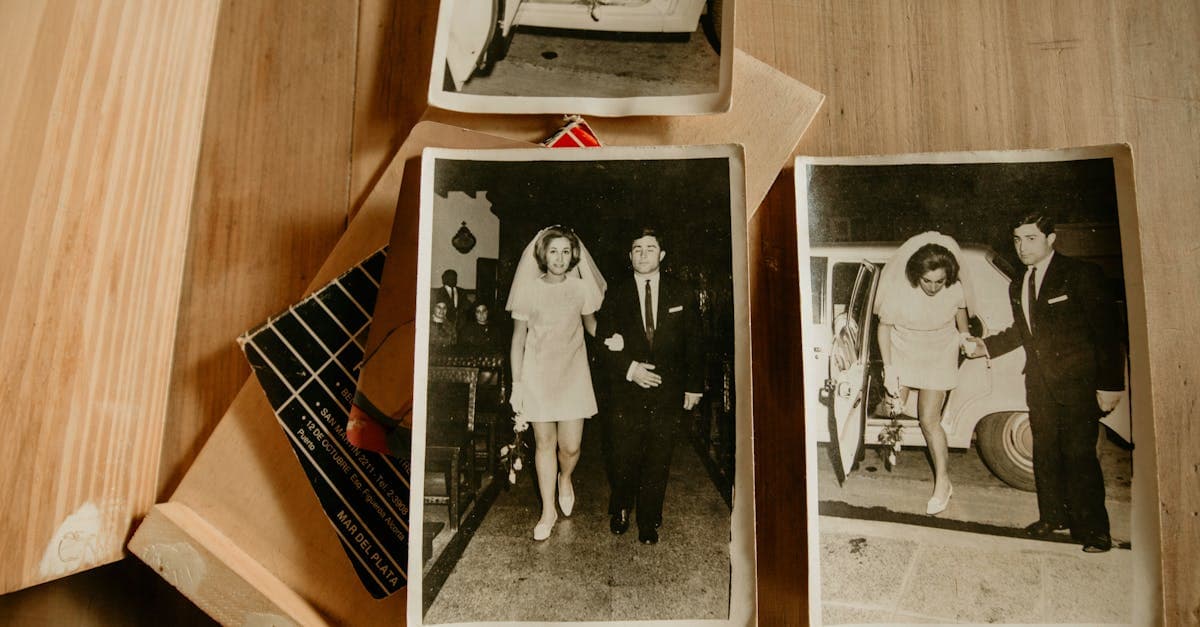
Restoring a relative's wedding photo is a different project from restoring your own wedding photos, and the difference matters for how you approach it. When you restore your own wedding photos, you have the negatives, the album, the photographer's contact information, and your own memory of what the day looked like. When you're restoring a parent's or grandparent's wedding photo, you often have a single print — sometimes the only surviving copy — pulled from an album you inherited, showing a moment you never witnessed between people who may no longer be alive to tell you what the original looked like.
This is why relatives' wedding photos are among the most emotionally significant restoration projects people undertake. A golden anniversary gift for parents, a memorial display after a grandparent passes, a genealogy project that needs a visual anchor — these photos carry weight that goes beyond the image itself. The restoration needs to honor both the photograph and the people in it.
What inherited wedding photos typically look like
The condition and format of a relative's wedding photo depends almost entirely on when the wedding took place and how the photo was stored in the decades since.
Grandparents' weddings (1930s-1950s). Wedding photography before the 1960s was exclusively a studio affair. The photographer shot with a large-format camera on glass plates or sheet film, and delivered black-and-white silver gelatin prints on heavy stock. These are typically formal posed shots — the couple standing together, the wedding party arranged in rows, perhaps a reception table. Hand-tinting was common: a studio artist would add color to the bride's bouquet, the complexion of both faces, and sometimes the background. The prints are often 8x10 or larger, mounted on cardboard. Damage patterns for this era are specific: foxing from fungal growth on the paper, silver mirroring in the dark tonal areas, and edge damage from where the print was inserted into an album corner mount or frame.
Parents' weddings (1960s-1980s). This is the era where wedding photography transitioned from a single formal session to full-day event coverage. A photographer would shoot the ceremony, the reception, and posed group shots, delivering dozens or hundreds of prints in a bound album. The prints are chromogenic C-prints — color photos on RC paper. The Image Permanence Institute's research documents that C-prints from this era are especially vulnerable to dye fading because the processing chemistry used in high-volume wedding labs was often optimized for speed rather than stability (imagepermanenceinstitute.org). The result is the distinctive pink/magenta color shift that affects prints from this period universally.
The album itself is a major factor. Professional wedding albums from the 1960s through the 1980s used a variety of mounting methods, from corner mounts (relatively benign) to spray adhesive (problematic) to the ubiquitous magnetic self-stick pages. NEDCC's research on album damage is blunt: self-adhesive pages are among the most damaging storage methods for photographs, causing yellowing, adhesive migration into the emulsion, and permanent bonding of the print to the page (nedcc.org). A grandparent's carefully assembled wedding album from 1975 may have done more damage to the photos inside it than fifty years of aging would have.
Recent relatives' weddings (1990s-2000s). These prints survived in better condition because they're newer, but minilab prints on thin RC paper fade faster than earlier stock. Early digital wedding photography (from roughly 2003 onward) started with lower resolution source files. And because these weddings feel "recent," the photos were often stored casually — in an envelope on a shelf, in a box during a move — rather than carefully preserved.
Common damage patterns for inherited wedding photos
Inherited wedding photos suffer from a specific combination of age, storage, and the turbulence of passing between owners.
Album adhesive damage. The most pervasive issue for wedding photos from the 1960s through the 1990s. The adhesive from magnetic album pages migrates into the print emulsion over time, creating a uniform yellow tint that is distinct from light-related fading. Along the edges of the print where adhesive contact was strongest, the yellowing becomes brown discoloration. In severe cases, the emulsion has partially transferred to the album page, creating lighter patches or missing areas on the image face.
Inheritance handling damage. When a parent or grandparent's possessions are sorted after a death or a move, photo albums pass through multiple hands quickly without normal care. Albums get dropped, stacked under heavy boxes, and stored in car trunks. Wedding albums are particularly vulnerable because they're heavy and rigid — a dropped album transmits impact force through the pages to the mounted prints.
Water and flood damage. Wedding albums stored in basements are disproportionately affected by flooding and chronic humidity. The bottom edges of album pages absorb moisture first, so the lower portion of mounted prints shows the worst staining, cockling, and mold growth.
Display fading from decades on a wall. Families frame a parent's or grandparent's wedding portrait and display it for decades. The Library of Congress notes that even moderate indoor lighting causes cumulative photochemical damage to displayed prints (loc.gov/preservation/care/photo.html). A portrait that has hung in a hallway since 1965 has absorbed roughly 60 years of ambient UV.
Single-copy vulnerability. Many mid-century wedding collections had limited print runs, and if the photographer's negatives were lost when a small studio closed, the surviving prints may be the only copies.
What AI can restore
AI restoration is highly effective on inherited wedding photos because the damage types are consistent and predictable across millions of similar prints.
- Album adhesive yellowing — the uniform color shift and edge staining from magnetic album adhesive is identified and corrected
- Dye fading and color cast — the pink/magenta shift on C-prints from the 1960s-80s is rebalanced to recover natural skin tones and dress whites
- Foxing and mold spots — fungal damage on pre-1960s black-and-white prints is cleaned from the image surface
- Crease and handling damage — fold lines, corner bends, and impact creases from inheritance handling are repaired
- Water staining — mild to moderate water damage is reduced and underlying image detail is recovered
- Silver mirroring — the metallic sheen on old black-and-white wedding prints is removed without losing shadow detail
- Hand-tinting preservation — on pre-1960s prints with studio hand-coloring, restoration preserves and stabilizes the tinted areas rather than removing them as damage
The honest limitation for wedding photos is white dress detail. A bride's dress in a faded photograph may have lost all tonal variation, becoming a flat white area. AI can recover some texture if the fading is moderate, but severely blown-out whites cannot be reconstructed from information that no longer exists in the scan.
Tips for scanning inherited wedding photos
Inherited wedding photos present scanning challenges that other family photos don't.
- For prints in magnetic albums, scan the photos in the album without attempting removal. The adhesive bond strengthens over decades, and pulling a 40-year-old print off a magnetic page almost always tears the emulsion. Scan through the plastic overlay.
- For large mounted prints on cardboard, check whether the print sits flat on the scanner bed. If the card stock has warped, place a heavy book on the scanner lid to press it flat during the scan. Scan at 600 DPI minimum.
- For hand-tinted black-and-white prints, scan in color mode even though the base photograph is black-and-white. You want to preserve the hand-applied color for the restoration AI to work with.
- For prints showing water damage, scan as-is. Do not attempt to clean or flatten water-damaged prints before scanning — they are extremely fragile and the cockling (wavy surface) doesn't significantly affect scan quality on a flatbed.
How to restore with PhotoFlip
- Scan at 600-1200 DPI depending on print size and condition
- Upload to /restore — the AI handles album damage, color fading, and surface deterioration
- Follow up with /face-restore for sharper detail on the couple's faces
- Consider /colorize for pre-1960s black-and-white wedding portraits — especially powerful for bringing a grandparent's wedding day to life in color
- Use /upscale if you plan to reprint as a gift or memorial display
If you're restoring a collection of inherited family photos that includes the wedding, see our guides for related subjects: grandmother photos, grandfather photos, parent photos, and family portraits. For general wedding photo restoration that isn't specific to inherited prints, see wedding photo.
Pricing: one $9.99/month plan with 40 credits and every restoration tool unlocked. Credits never expire, and there's a 7-day money-back guarantee. See /pricing.
Frequently Asked Questions
Yes. Do not attempt to remove the photo from the album — after decades, the adhesive has likely bonded permanently to the print, and pulling it off will tear the emulsion. Instead, scan the photo in the album by placing the open album page face-down on a flatbed scanner. The plastic overlay will add a slight haze, but this is minimal and the AI restoration will work through it. The AI corrects the yellowing caused by the adhesive migration, repairs any visible edge staining, and restores faded colors. This approach preserves the original print while giving you a restored digital version. You can always rescan later at higher resolution if you acquire access to a better scanner.
In most cases, yes. The pink color cast on wedding photos from the 1960s through the 1980s is caused by differential dye fading in chromogenic color prints. The cyan and yellow dyes degrade faster than the magenta dye, leaving the image dominated by pink and red tones. AI restoration corrects this by analyzing the color balance and recalibrating each channel. Skin tones are restored to natural colors, the bride's white dress returns to white, and the background colors are rebalanced. Even severely shifted prints usually respond well. The one limitation is that if the dye fading is extreme — to the point where the print looks almost monochrome pink — some subtle color variations in similar tones may be lost. But for the vast majority of inherited wedding prints, the color recovery is dramatic.
Yes, provided the original scan is high quality. For a restored print to look good at 16x20 or larger, you need to start with a 600 DPI scan of the original (1200 DPI if the original is a small print). After restoration, running the image through the upscale tool adds resolution for large-format printing. A well-scanned and restored 8x10 wedding print can typically be reprinted at 16x20 or even 20x24 with good results. This is a popular workflow for golden anniversary gifts and memorial displays. The full process — restore, face-restore, and upscale — uses three credits and takes about two minutes total.
The main difference is in scanning, not in the restoration itself. Hand-tinted photographs from the 1930s through the 1950s were black-and-white silver gelatin prints with color manually applied by a studio artist — typically on the faces, bouquet, and sometimes the background. When scanning, always use full color mode rather than grayscale, even though the base image is black-and-white. This preserves the hand-applied color information. The AI restoration will treat the hand-tinting as part of the original image, cleaning up damage around and through the tinted areas without removing the color. If you later want to colorize the entire image, the AI will build on the existing hand-tinted areas rather than overwriting them.
Sources
- NEDCC on the damage caused by pressure-sensitive album adhesives to mounted wedding prints, including emulsion transfer and yellowing
- Library of Congress on long-term preservation of photographic prints, covering storage, display, and environmental deterioration
- Image Permanence Institute on dye stability in chromogenic color prints, the process used for the majority of wedding photos from the 1960s through the 2000s
- National Archives on preservation standards for photographic materials, relevant to family collections containing multi-generational wedding documentation
More family photo guides
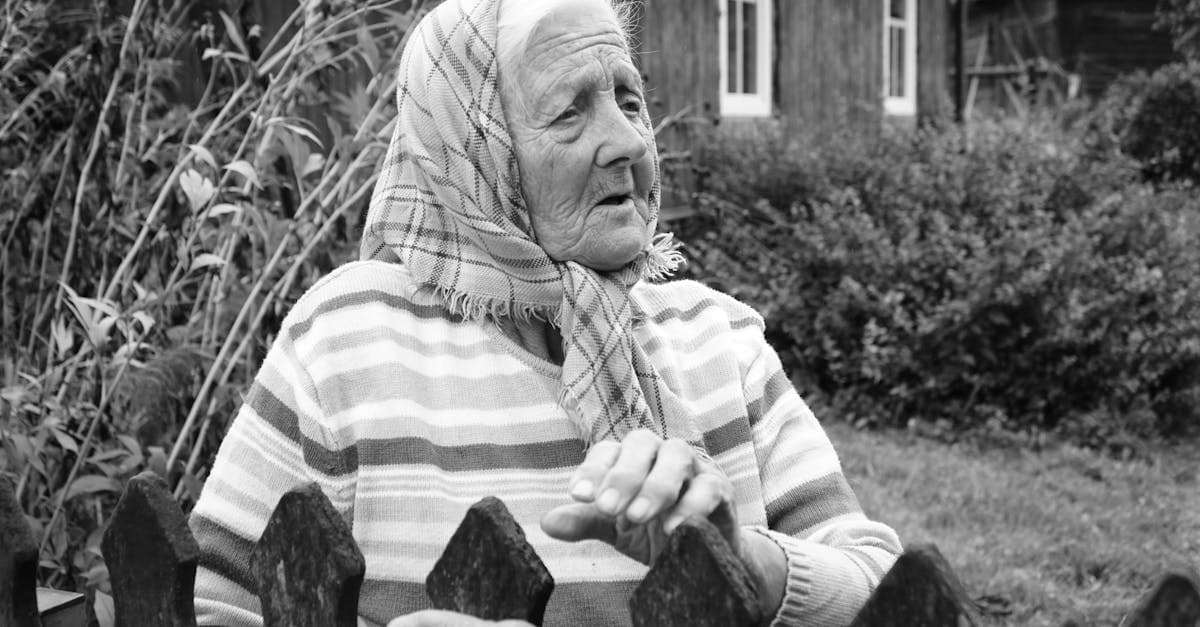
Restore your grandmother's faded studio portraits and candid snapshots with AI. Fix yellowing, creases, and album damage from decades of storage.
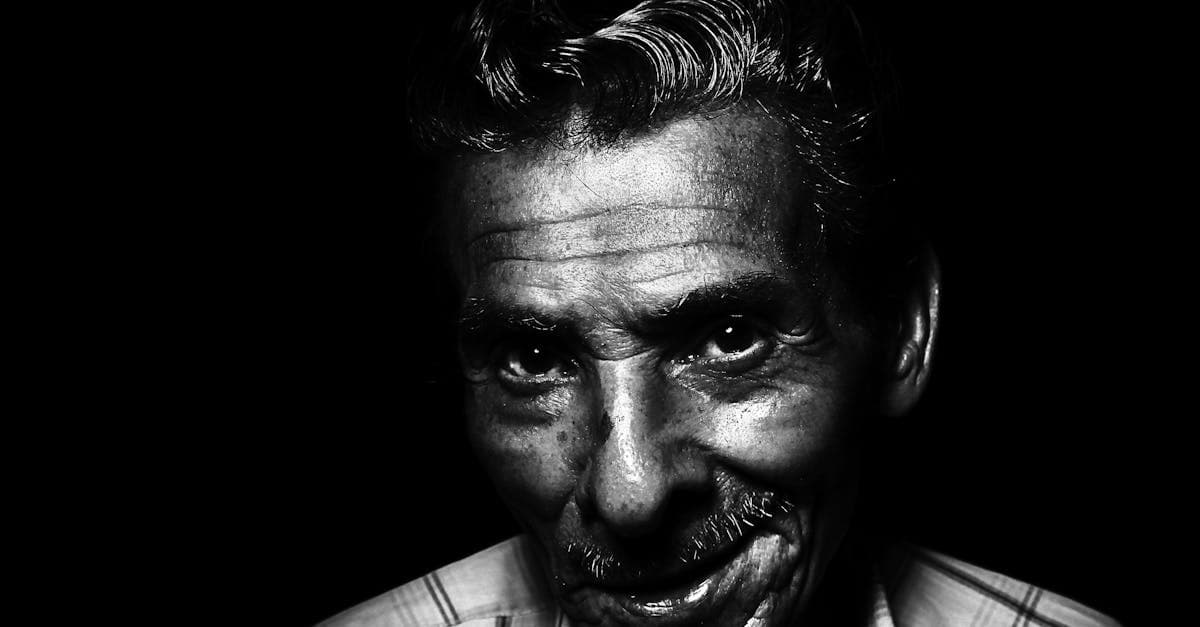
Restore your grandfather's military portraits, work photos, and formal studio shots with AI. Fix silver mirroring, creases, and decades of fading.
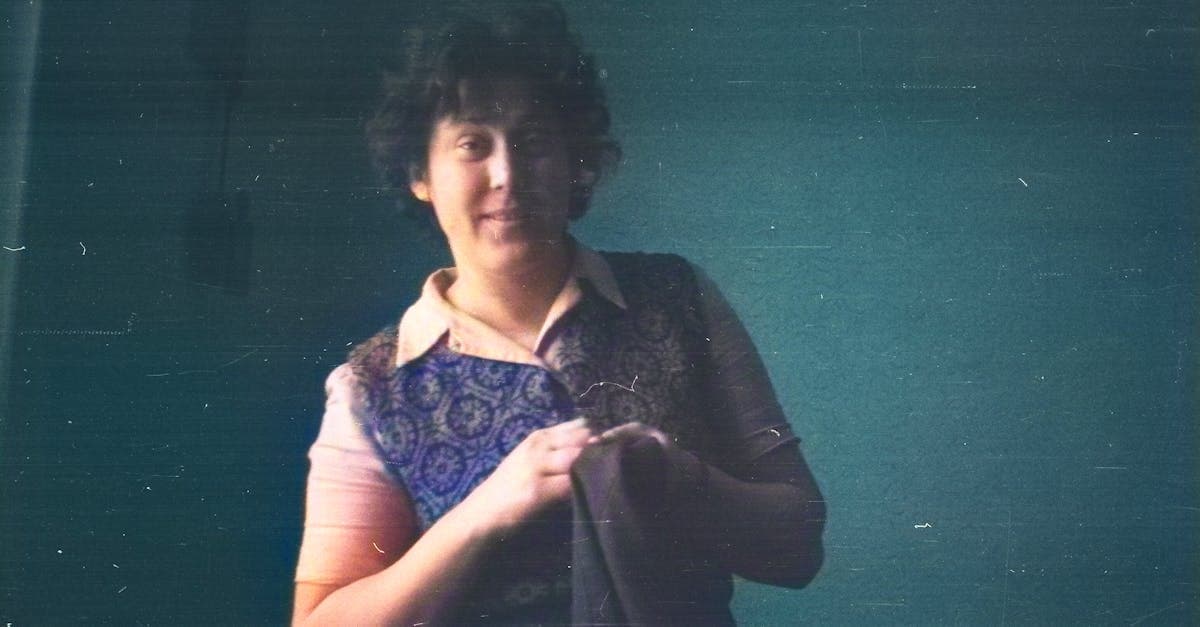
Restore your mother's or father's photos from the 1970s through 2000s. Fix color fading, album damage, and print degradation with AI restoration.
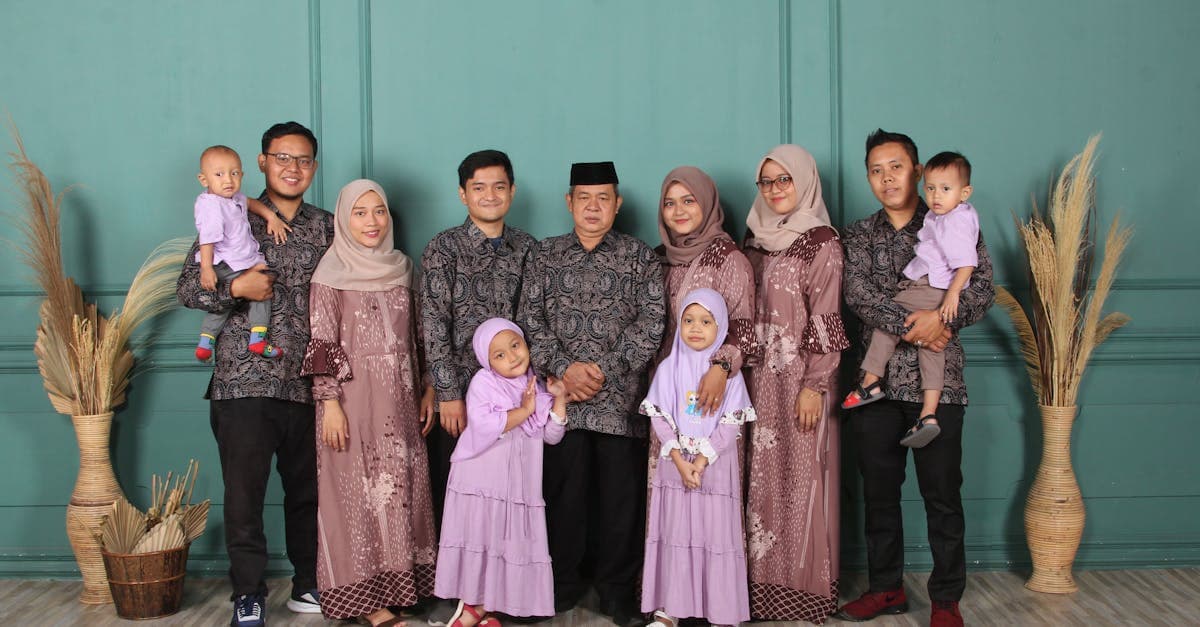
Restore multi-generation family portraits and group photos with AI. Fix fading, scratches, and damage on formal studio shots and holiday gatherings.
Ready to restore your photo?
Free preview, no account needed. Download it in full resolution with a free account.
Upload a photo