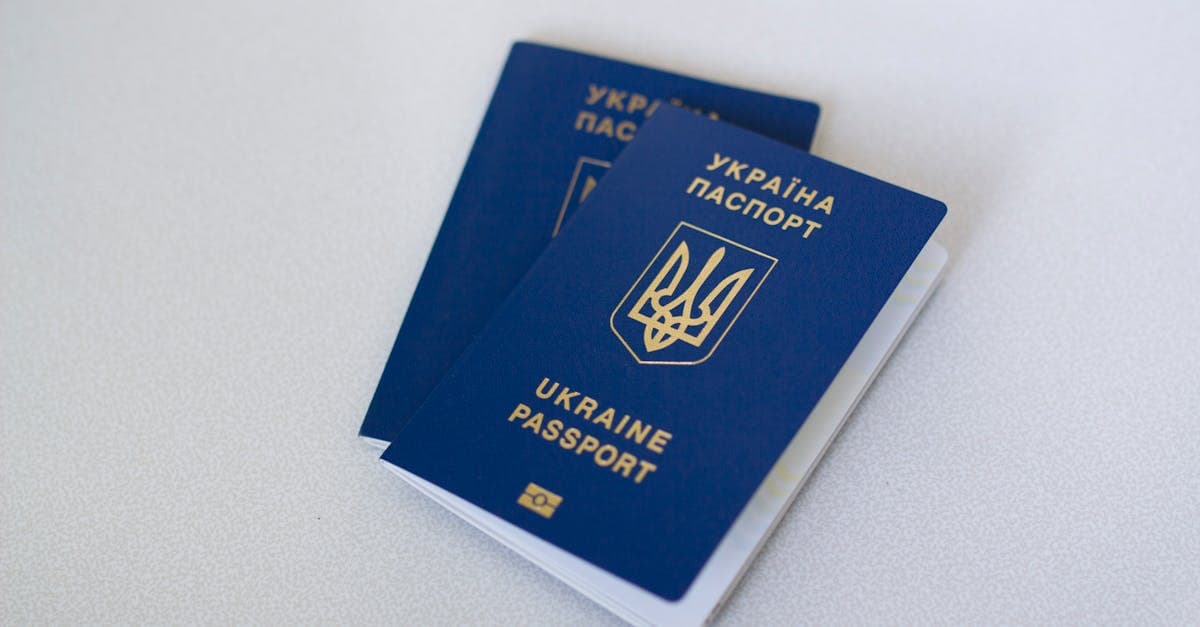
The phrase "restore a passport photo" covers two totally different projects, and they need different handling. One is fixing a current passport-style photo that came out badly and needs to meet government requirements. That's not restoration — that's photo editing, and there are specialized tools for it. The other is restoring a historical passport or ID photograph from a family archive, often 50 to 100 years old, with genuine emotional and genealogical weight. That's what this page is about.
What passport photos look like — convention and damage
Historical passport photos are small, formal, and technically constrained. From the early 20th century on, passports required a small portrait — typically around 2 x 2 inches in the U.S., sometimes smaller in other countries — shot against a plain background, showing the face straight on, with neutral expression. The U.S. National Archives notes that naturalization and immigration files from this period frequently include these small ID portraits attached to the paperwork (archives.gov).
In family archives, historical passport photos usually show up in these forms:
- Loose prints that fell out of expired passports or visas
- Photos still glued or stapled to the original document, which creates a very specific damage pattern
- Extra copies that were printed at the time and kept in family papers
- Immigration photos from Ellis Island era or later diaspora moves, often the only formal portrait of an ancestor who arrived in a new country
Graphics Atlas categorizes the photographic process as silver-gelatin developing-out paper for most of the 20th century (graphicsatlas.org). That means the damage patterns are mostly silver-gelatin damage:
- Creases and folds from being carried in a passport for decades
- Stamp ink bleed from official seals that partially covered the photo
- Staple holes at the corners where the photo was attached to a document
- Rubber cement or glue stains on the back and sometimes bleeding to the front
- Surface abrasion from being rubbed by document pages
- Heavy yellowing if stored in a leather passport or wallet long-term
- Small format means low resolution when scanned — there isn't much pixel budget to begin with
NEDCC's guidance on personal photo care applies specifically here: small-format prints that have been handled as documents rather than as photographs are among the most physically abused items in a family archive (nedcc.org).
What AI can fix on a passport photo
- Creases and fold lines from passport use
- Stamp ink and seal residue across the face
- Staple holes and corner damage
- Yellowing from leather wallet storage
- Low resolution — small prints upscale reasonably well on faces
- Surface abrasion and scratches
Limitation worth naming: the small original size is a hard constraint. A 2-inch-square print scanned at 600 DPI gives you a 1200-pixel-wide starting image. AI upscaling and face restoration can improve this significantly, but if the face was already tiny and out of focus, there's a ceiling to what's recoverable. Modern face-restoration models also tend to "normalize" faces toward a training-set average, which can subtly change an ancestor's features. Use the lightest setting first and compare against any other photos of the same person you have.
Example restorations
A grandparent's 1920s immigration photo. Small, stamped, creased into quarters from being in a passport for decades, with staple holes at two corners. Restoration can recover the face, rebuild the creases, and clean the stamp — this is one of the highest-emotional-value restoration cases on the site.
A 1950s family passport. A parent's youth-era photo, heavily yellowed, glued into a document. Restoration can neutralize the yellow and recover detail, though glue damage on the back sometimes shows through.
A lost ancestor. The only photo a family has of an ancestor who died in war, emigration, or political upheaval. Passport and ID photos are often the sole formal likeness. Restoration in these cases is about legibility, not perfection.
How to restore your passport photo
- Scan at 1200 DPI or higher. These are tiny originals — you want every pixel you can get. Scan the front and the back separately; the back often has a stamp, date, or handwritten note that's part of the record.
- Upload the cropped face at /restore. Start with the lightest setting. Face restoration models should be used conservatively on historical portraits.
- Cross-reference with other photos of the same person before accepting the result. If you have a later wedding photo or family portrait, compare features. AI normalization is a real risk.
Passport photos often show up alongside other small, handled documents. For earlier formal ID-style portraits, see cabinet card restoration. For military ID photos specifically, which share many of these characteristics but have their own conventions, see military photo restoration. For later family material, the wedding photo and baby photo pages cover adjacent types.
Pricing: one $9.99/month plan, 40 credits, every tool unlocked. Credits never expire, with a 7-day money-back guarantee. /pricing.
Sources
- Library of Congress on care of small-format silver-gelatin prints, including ID-type photographs
- NEDCC on handling and storage of personal identification photographs
- U.S. National Archives on immigration records that include small passport-style portraits as part of visa and naturalization files
- Graphics Atlas on silver-gelatin developing-out paper, the dominant process for 20th-century ID prints
More photo types we restore
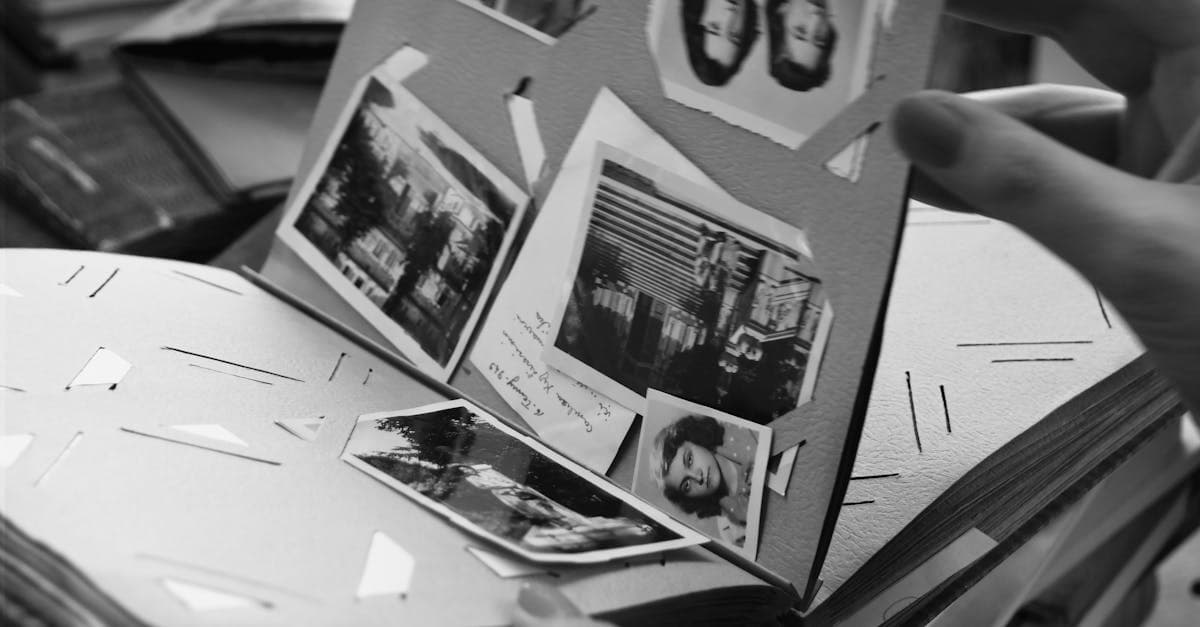
Bring cracked, yellowed, or water-stained wedding photos back to life. AI restoration for album pages, studio portraits, and reception candids.
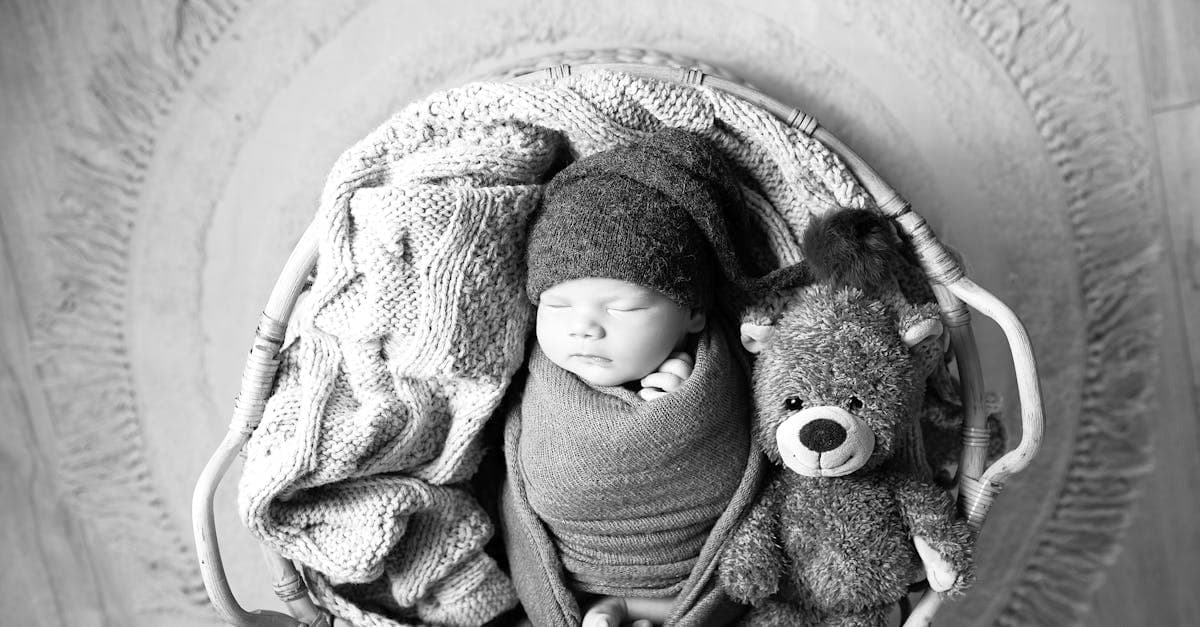
Rescue faded hospital baby pictures, studio portraits, and first-year snapshots. AI restoration for color shift, creases, and album damage.
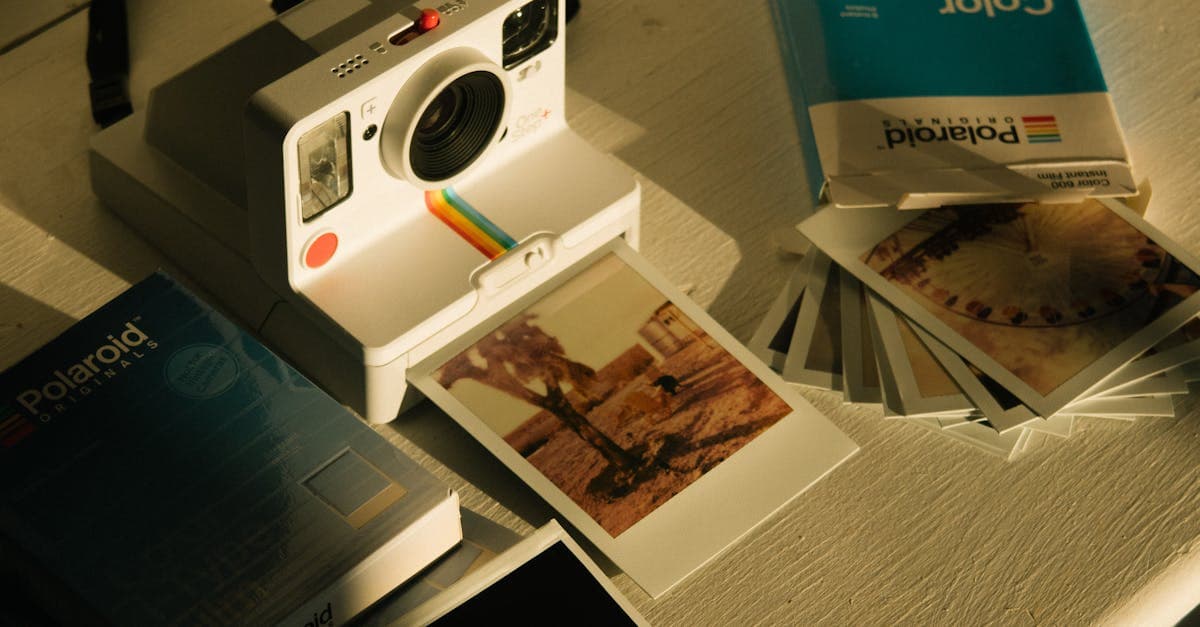
Fix faded, yellowed, or orange-shifted Polaroids. AI restoration for SX-70, 600, and Spectra instant prints with honest limits.
Restore 19th-century tintypes with rust, scratches, or fading. AI-based recovery for ferrotype portraits from the Civil War era onward.
Ready to restore your photo?
Free preview, no account needed. Download it in full resolution with a free account.
Upload a photo