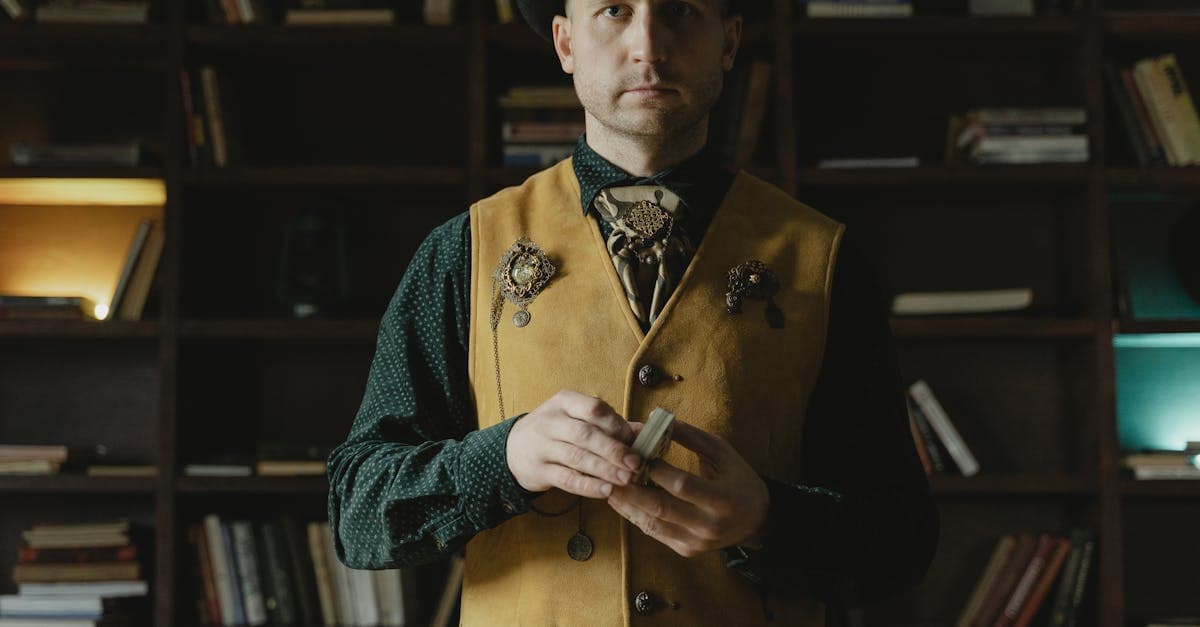
Cabinet cards are the Victorian equivalent of a headshot — formal, commercial, and mass-produced by the millions between roughly 1866 and 1900. If you've inherited a 19th-century family archive, there's almost certainly one in the box, and they age in a very particular way that makes them easy to recognize and annoying to restore without thinking about the mount as well as the image.
What cabinet cards look like — convention and damage
A cabinet card is an albumen photograph mounted on a stiff cardstock, typically around 4.25 x 6.5 inches, with the studio's name and address printed or embossed on the mount below the image. The George Eastman Museum notes that albumen prints — the photographic process used for almost all cabinet cards — are made by coating paper with egg-white (albumen) and silver salts, then contact-printing from a glass-plate negative (eastman.org). The result is a glossy, warm-toned print with exquisite resolution.
Graphics Atlas lays out the visual fingerprints: a smooth glossy surface, a warm brown-to-purple-brown image tone, and, critically, yellow-stained highlights as the albumen layer oxidizes with age (graphicsatlas.org). That yellow in the whites isn't sepia toning — it's damage.
The damage patterns are consistent across the genre:
- Highlight yellowing across the whole print as the albumen oxidizes. The Library of Congress preservation guide identifies this as near-universal in surviving cabinet cards (loc.gov/preservation/care/photo.html).
- Foxing — reddish-brown dots or blotches caused by mold or iron impurities in the paper support. Often concentrated along the mount edges and borders.
- Cracking of the mount — the cardboard is usually brittle, and corners chip or break off.
- Fading of the image into low contrast, especially in shadows.
- Silver mirroring at the edges of the image, a bluish metallic sheen.
- Tape residue and glue stains from later attempts to repair or rehouse the card.
NEDCC notes albumen prints are particularly prone to fading because the silver image particles are very finely divided and vulnerable to oxidation (nedcc.org).
What AI can fix on a cabinet card
- Highlight yellowing — huge visible improvement
- Foxing spots on the image area
- Low shadow contrast and overall muddiness
- Fading faces pulled back to legibility
- Silver mirroring on the image edges
- Cracks and chips in the image area (though not in the mount itself)
Limitation: the studio imprint on the mount — the photographer's name, the city, sometimes a fancy logo — is a crucial genealogical clue. If you're restoring the image, keep the original mount scan somewhere, because AI restoration usually focuses on the image and may not preserve or may even "clean up" mount text. Crop the image for restoration and keep the full card scan as your reference.
Example restorations
An 1880s studio portrait of a great-great-grandmother. Warm brown fading, yellow highlights across the dress, foxing along the mount edges. Restoration can pull the face and the dress detail back to something close to the original, and the foxing on the image is removable.
A family group cabinet card. Four siblings posed stiffly, one with a chair — the standard Victorian convention because long exposures needed physical supports. Mild fading, heavy yellowing. The restored version makes it possible to actually see the children's faces.
An unidentified ancestor. The standard use case in genealogy work — a cabinet card with no name on the back but a studio imprint that can date it within a decade. Restoration helps with facial comparison against other family photos.
How to restore your cabinet card
- Scan the whole card first, mount and all, at 600 DPI. Then crop a separate file to just the image area for restoration. You want both — the full card for genealogical records, the cropped image for the restoration pass.
- Upload the cropped image at /restore. The biggest visible improvement is usually the highlight yellowing.
- Keep the original scan of the full card with your family records. Mount imprints date and locate the photograph in ways the image alone can't.
Cabinet cards sit between earlier cased photographs and later snapshot-era prints. If your archive includes older material, see tintype restoration or daguerreotype restoration. For later family photos from the same surname that have gone brown, sepia photo restoration is the next step.
Pricing: one $9.99/month plan, 40 credits, every tool unlocked. Credits never expire, with a 7-day money-back guarantee. /pricing · /how-it-works.
Sources
- Graphics Atlas identification page for albumen prints — the dominant paper process of the cabinet card era
- Library of Congress on care of 19th-century mounted paper photographs
- NEDCC on albumen printing chemistry and its aging behavior, including yellowing and highlight loss
- George Eastman Museum on albumen prints and their visual characteristics
More photo types we restore
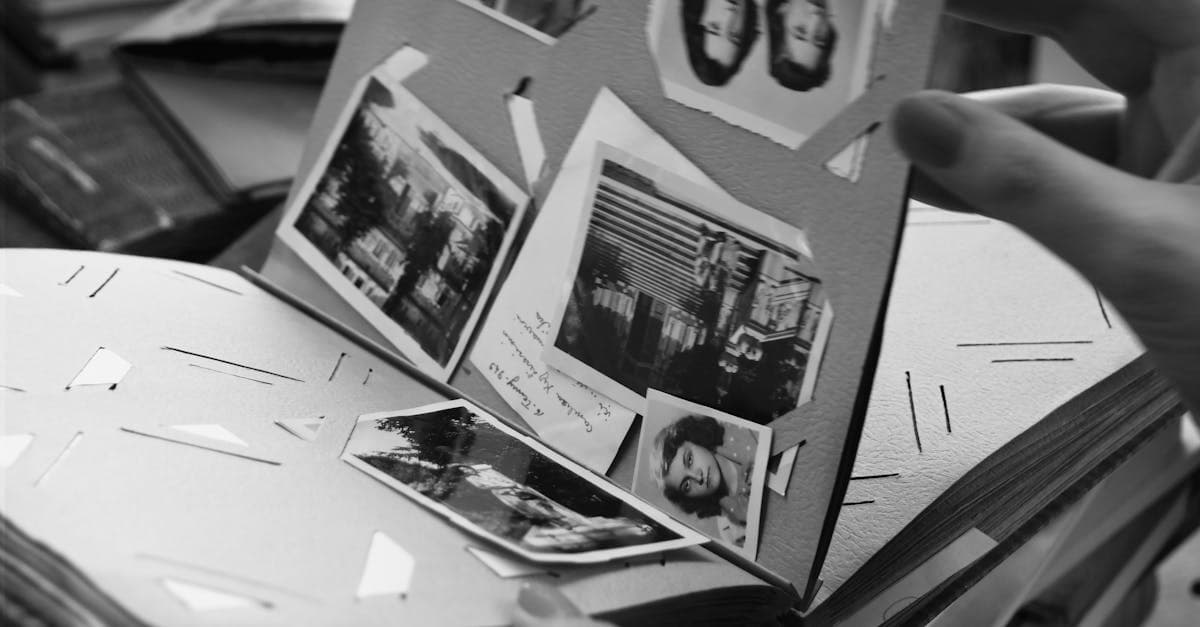
Bring cracked, yellowed, or water-stained wedding photos back to life. AI restoration for album pages, studio portraits, and reception candids.
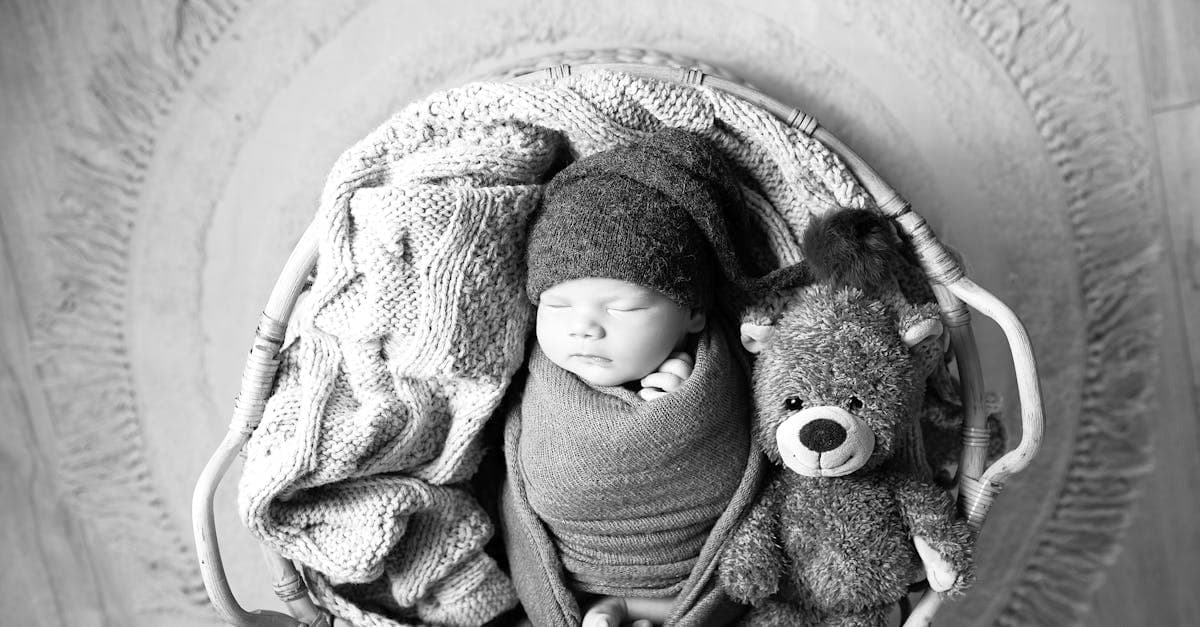
Rescue faded hospital baby pictures, studio portraits, and first-year snapshots. AI restoration for color shift, creases, and album damage.
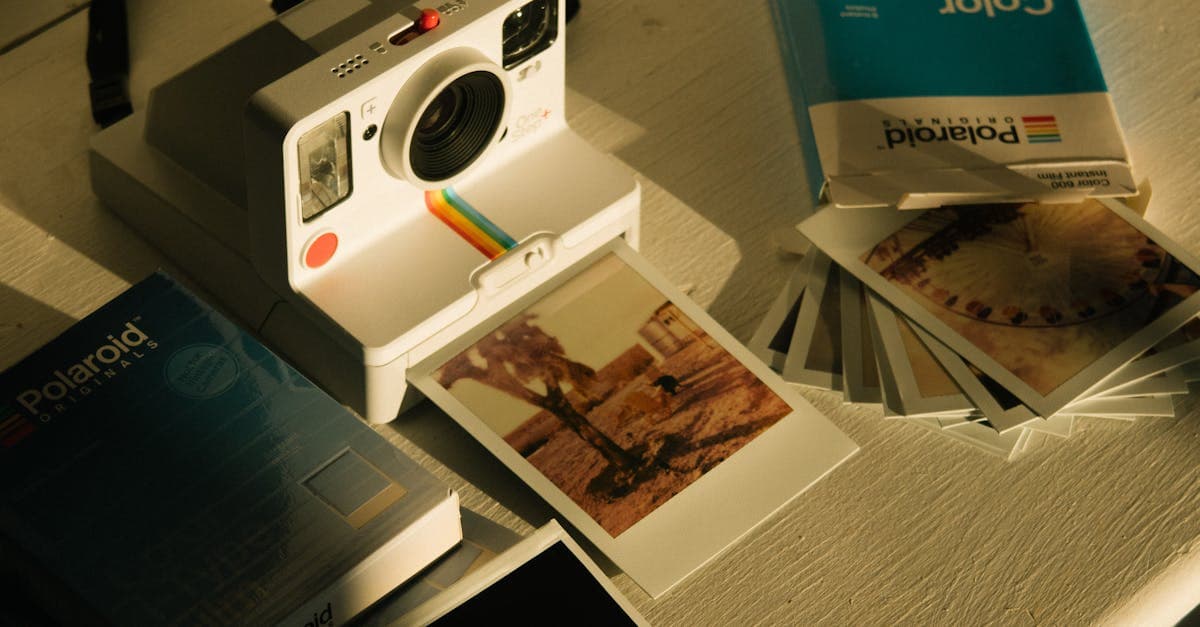
Fix faded, yellowed, or orange-shifted Polaroids. AI restoration for SX-70, 600, and Spectra instant prints with honest limits.
Restore 19th-century tintypes with rust, scratches, or fading. AI-based recovery for ferrotype portraits from the Civil War era onward.
Ready to restore your photo?
Free preview, no account needed. Download it in full resolution with a free account.
Upload a photo