Tools & Guides
Scanning, digitizing, preservation, and AI tool comparisons.
Photo Restoration Cost 2026: AI Under $1 vs $30+ at a Shop
AI restores a damaged family photo for under $1; a shop charges $30 or more. Per-photo costs for 5 AI tools, and when paying a person is worth it.
Digitize a Whole Photo Album in One Weekend (Without Going Insane)
Most people start digitizing family photos and quit after 20. Here's the workflow that gets through 200-500 photos in a weekend without burnout.
AI Photo Restoration vs Photoshop in 2026: When to Pick Each
Photoshop's Generative Fill and AI Restoration tools have closed most of the gap with dedicated services. Here's where each one wins and where it doesn't.
Scan Old Photos with Your iPhone: 6 Tips for Better Results
Apple's Notes app scanner is fine. Google PhotoScan is better. The actual best phone-based workflow uses neither default option, and skips the glass cover most family heirlooms still sit behind.
Best AI Photo Restoration Tools Compared (2026)
An honest comparison of the best AI photo restoration tools in 2026. Features, pricing, quality, and which tool is best for your needs.
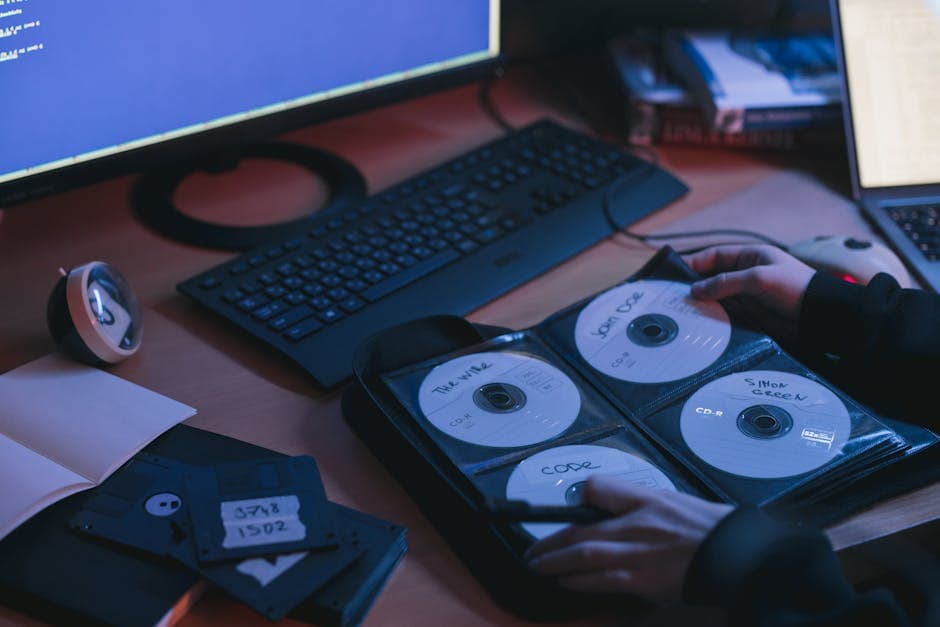
Best Image Formats for Photo Preservation
Which image format should you use to preserve your photos? JPEG, TIFF, PNG, HEIF, and WebP compared for archival storage, sharing, and printing.

Creating a Photo Memory Book: Complete Guide
How to create a beautiful photo memory book from old family photos. Covers scanning, restoration, layout, printing services, and preservation.
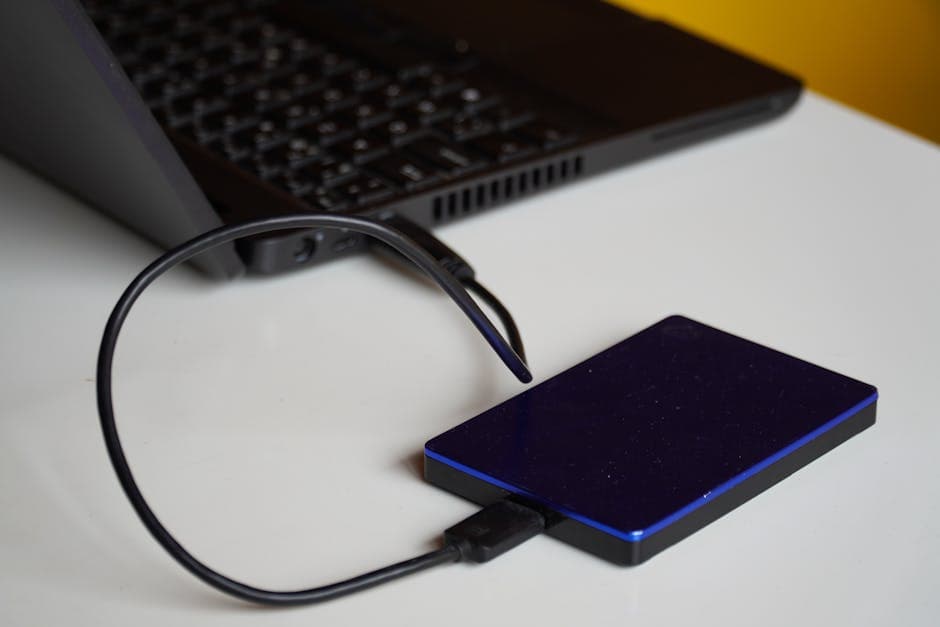
How to Backup and Preserve Digital Photos Forever
The complete guide to backing up and preserving your digital photo collection. Cloud storage, external drives, archival formats, and the 3-2-1 backup strategy.
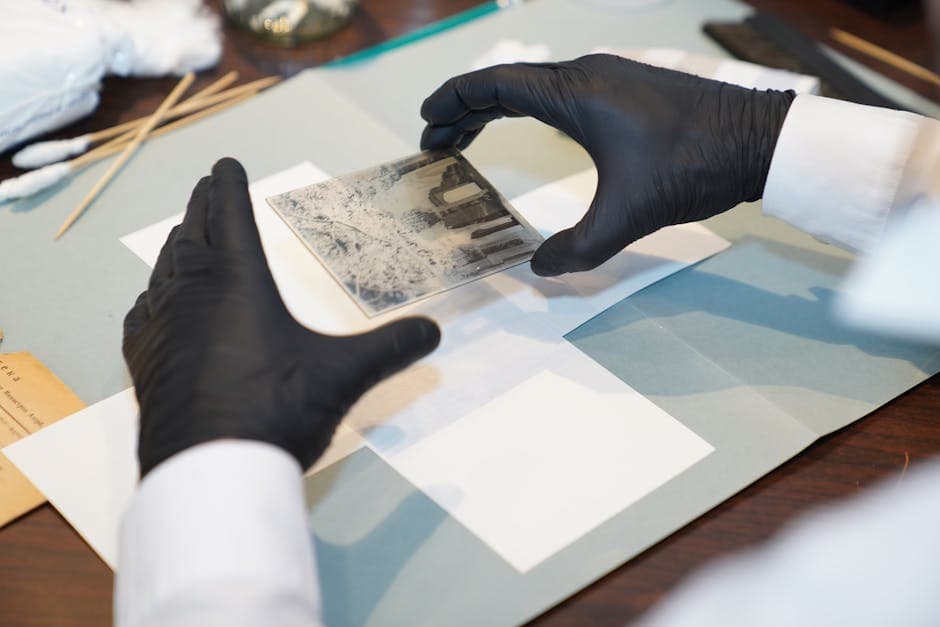
Old Photo Restoration: DIY vs Professional vs AI
Compare the three main approaches to photo restoration — doing it yourself, hiring a professional, and using AI tools. Cost, quality, and speed compared.
How to Scan Old Photos for Digital Restoration
Best practices for scanning old photos before AI restoration. DPI settings, scanner types, phone scanning tips, and file formats.