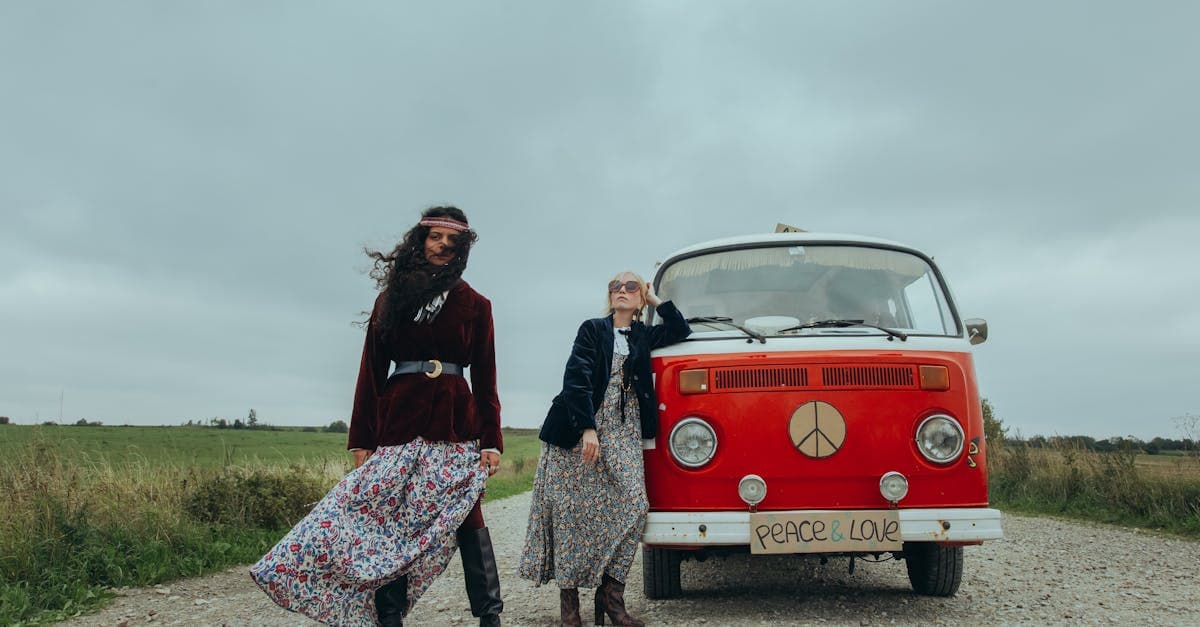
The 1960s is the decade when photography became effortless. Kodak's Instamatic 126 system (1963) introduced drop-in film cartridges that eliminated the finicky threading of earlier cameras, and suddenly anyone who could push a button could make a photograph. The resulting flood of snapshots — family vacations to national parks, birthday parties, backyard barbecues, high school graduations — fills most surviving 1960s albums. At the same time, 35mm slide photography hit its peak as a cultural medium, with millions of households owning slide projectors and hosting slideshows of their summer trips.
Emotionally, 1960s family photographs sit at a curious midpoint. They are new enough to feel almost contemporary but old enough that the people in them have changed beyond recognition or are gone entirely. The challenge with 1960s material is less about catastrophic damage and more about progressive color failure in an era when color was newly universal.
How photographs were made in the 1960s
The Kodak Instamatic 126, launched in 1963, used a drop-in cartridge loaded with 35mm-width film producing roughly square 26.5x26.5mm negatives. The small negative size meant that Instamatic prints were usually limited to 3.5x3.5 inch squares and lost detail quickly when enlarged. Kodacolor moved from C-22 to early C-41 process variants by decade's end, though most 1960s family prints are still on unstable C-22 or C-22 variant stocks.
Ektachrome progressed to the E-3 and E-4 processes during the 1960s, both of which continued to have much weaker dye stability than Kodachrome. Polaroid introduced pack film in 1963 (Type 100 series) — peel-apart instant film that produced a print and a negative, both of which have distinctive aging characteristics. The Instamatic 104 and later 126 cameras dominated the amateur market so completely that a 1960s album is often at least half Instamatic square prints.
What damage looks like on 1960s photos
Instamatic prints suffer from two compounding problems: the original negatives are small, so detail is limited even in perfect condition, and the C-22 (or early C-41) chromogenic print dyes fade toward magenta and yellow the same way 1950s Kodacolor does. The combination produces a 1960s family photo that is simultaneously soft and discolored.
Ektachrome E-3 and E-4 slides show severe cyan fade — sometimes worse than their 1950s predecessors — because the improved "speed" of these processes came at the cost of dye stability. Kodachrome slides from the 1960s, by contrast, still look excellent. Polaroid pack film prints yellow and develop a characteristic surface haze as the chemistry in the image layer oxidizes. The peel-apart negatives, which many photographers saved separately, often survive in better condition than the prints made from them.
What AI can restore on 1960s photos
PhotoFlip's restore tool handles all the signature 1960s problems: chromogenic color fade, Instamatic softness, Polaroid yellowing, and slide cyan loss. Face-restore is particularly valuable for Instamatic prints because the native resolution of a 26mm-square negative is so low that faces in a standard print often blur into suggestion. The AI can rebuild facial structure and expression from surprisingly little source information. For slides, the cyan reconstruction pipeline works as well on E-3 and E-4 Ektachrome as it does on 1950s material.
What AI cannot do: add detail to an Instamatic print that was never captured by the original small negative (there is no hidden resolution to unlock), recover Polaroid prints whose image layer has completely delaminated, or restore slides whose dye layers have separated into visible cracks or bubbles.
Tips for scanning 1960s photos
Instamatic prints should be scanned at 1200 DPI or higher because of their small native size — the goal is to give the AI enough pixels to work with. Scan slides on a film scanner at 4000 DPI; for E-3 and E-4 Ektachromes, capture a flat uncorrected scan so the restore pipeline can see the true fade state. Polaroid pack film prints should be handled by the edges — the peel-apart chemistry is often still tacky decades later — and scanned on a flatbed at 1200 DPI. Do not attempt to pry a Polaroid apart if the print and negative are still fused.
How to restore a 1960s photo with PhotoFlip
- Scan prints at 1200 DPI (especially Instamatic squares), slides at 4000 DPI.
- Upload to /restore.
- For Instamatic portraits, follow up with /face-restore to rebuild facial detail.
Frequently Asked Questions
Instamatic 126 negatives are small (roughly 26x26mm), so even sharp prints lack the detail of larger formats. What you are seeing is the native limitation of the format, not scanner blur. PhotoFlip's face-restore model rebuilds facial structure plausibly even from this soft source material, which is why so many 1960s family albums benefit from running it after the main restore pass.
Yes. That color shift is the typical cyan fade of E-3 and E-4 Ektachrome, and the AI models the known fade curve of these processes to reconstruct the missing channel. Results on 1960s Ektachrome are often excellent because the underlying silver image is intact and only the dye balance needs correction.
The cloudy film is oxidized chemistry sitting on the image layer, and the AI can usually see through it to the underlying photograph. Results depend on how far the oxidation has progressed — light haze is easily corrected, while heavy haze that obscures underlying detail is harder. Scanning the print face-up on a flatbed without pressure gives the best source for restoration.
Kodachrome's K-14 process uses dye couplers added during processing rather than incorporated into the emulsion, and the resulting dyes are extraordinarily stable under dark storage. Chromogenic print dyes of the era were not, which is why a 1960s slide often looks factory-fresh while a 1960s print from the same roll has turned magenta.
Sources
Restore photos from other decades

Ready to restore a photo from the 1960s?
Free preview, no account needed. Download it in full resolution with a free account.
Upload a photo