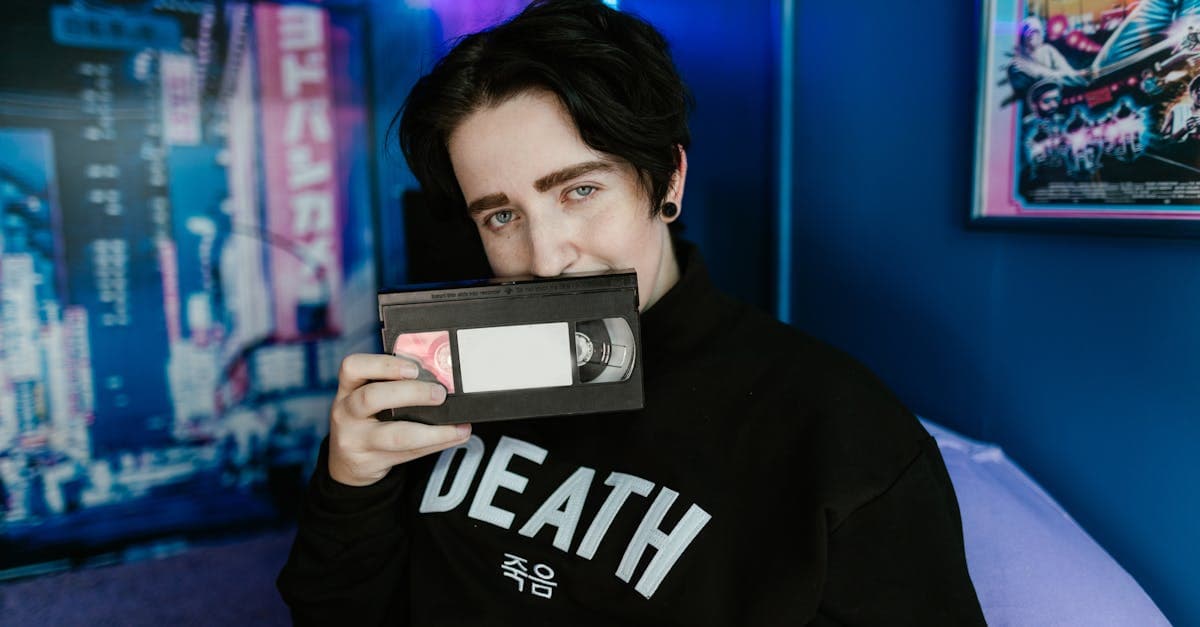
The 1980s is the decade of the one-hour minilab. Fuji and Kodak automated drugstore photo processing into a glass-walled booth at the back of every shopping mall, and suddenly Americans were shooting more photographs per year than at any previous point in history. The typical 1980s family album is hundreds of 4x6 C-41 prints, usually marked with a minilab brand on the back, interleaved with Polaroid 600s and a scattering of square disc-film prints. Color is saturated, fashion is loud, and the print paper is almost always Kodak Royal or Fuji Crystal Archive's early ancestors.
Emotionally, 1980s photographs often capture childhoods that are now sending their own children to school. The urgency of restoring them is less about century-spanning decay and more about catching them before another decade of casual storage takes its toll on already-unstable minilab paper.
How photographs were made in the 1980s
C-41 was fully mature by the 1980s, and improved chromogenic print papers (Kodak Ektacolor, Fuji Type C) extended dye stability considerably compared to the 1970s. The one-hour minilab system, introduced by Noritsu and Fuji, used automated processors to develop and print rolls in minutes — but quality varied enormously between labs, and many 1980s prints show processing inconsistencies baked in from the moment they were made.
Kodak's disc film (1982) was an attempt to miniaturize the Instamatic format further, using a rotating disc of 15 tiny negatives (8x10mm each). The format was a commercial disaster because the negatives were too small to produce sharp prints, but disc film cameras were marketed heavily and millions of family photos were made on the format before it was discontinued. Polaroid 600 film, introduced in 1981, replaced SX-70 for the consumer market with higher-speed integral film. Late in the decade, APS was being developed but did not reach consumers until 1996.
What damage looks like on 1980s photos
1980s minilab prints show a mild version of the C-41 magenta shift that plagued 1970s photos, but the dominant failure is color crossover — shadows and highlights shift in different directions, producing images where skin tones look healthy but skies have turned greenish or concrete has turned pink. This is a consequence of inconsistent minilab chemistry and the thinner dye layers used in high-speed processing paper.
Disc film prints are defined by their softness: the 8x10mm negative was simply too small to resolve facial detail at the 3.5x5 inch print size, and most disc film photos look like mild blurs of the subject. Polaroid 600 prints yellow and develop surface haze similar to SX-70s but with different chemistry — the image dyes are typically more stable, but the outer clear coat yellows noticeably over 30+ years. Prints stored in magnetic "self-adhesive" albums have often suffered the worst damage of any 1980s photos: the adhesive migrates into the emulsion and turns the back of the print yellow and brittle.
What AI can restore on 1980s photos
PhotoFlip's restore tool corrects minilab color crossover, 1980s magenta shift, Polaroid 600 yellowing, and disc film softness. The disc format is a particularly good case for AI restoration because the limiting factor is resolution rather than color or damage — face-restore can rebuild facial detail that was never fully present in the original print, producing results that often look better than the original 1982 minilab output. For magnetic-album-damaged prints, the AI can correct the yellowing and contrast loss on the image side even when the back is stained.
What AI cannot do: recover a print that has fused to a magnetic album page (removing it damages the image; conservators can sometimes help), rebuild a Polaroid 600 whose outer plastic has yellowed so badly that the underlying image is obscured beyond recognition, or restore photographs where the minilab chemistry was so far off that the original print has only one color channel with useful information.
Tips for scanning 1980s photos
If your photos are in magnetic albums, do not pull them out — try gently lifting with unflavored dental floss, or leave them and scan the whole page. Forced removal almost always tears the emulsion. Scan C-41 prints at 600 DPI; the 4x6 format reproduces well at that resolution. Disc film prints should be scanned at 1200 DPI to give face-restore enough data to work with. Polaroid 600s scan well at 1200 DPI face-up on a flatbed. For any 1980s negatives you still have, prefer scanning them over the prints — minilab prints frequently have baked-in color errors that the negatives do not.
How to restore a 1980s photo with PhotoFlip
- Scan at 600–1200 DPI depending on print size.
- Upload to /restore for color correction and damage repair.
- For disc film or small prints, finish with /face-restore.
Frequently Asked Questions
That is color crossover, and it is usually a combination of both. Early-1980s minilabs varied wildly in quality, and many prints shipped with miscalibrated color channels that have since shifted further in different directions. PhotoFlip corrects crossover by modeling each channel independently rather than applying a uniform color balance.
Not literally, but it can rebuild facial detail using its face-restore model in a way that makes disc film photos look dramatically better than the original minilab prints. The AI cannot invent resolution the original negative never captured, but it can plausibly reconstruct what faces looked like based on the soft silhouette and context. Results are often surprising.
Yes. Scan the entire album page flat and upload it to [/restore](/restore). The AI will handle the image itself, and you can crop afterward. Forcing the prints off the pages is the single worst thing you can do to 1980s family photos — the emulsion will tear and the image will be permanently destroyed.
The outer protective layer of Polaroid 600 integral film yellows over time through oxidation of the clear topcoat, while the underlying image dyes are relatively stable. PhotoFlip separates the tint of the topcoat from the image layer and returns the photograph to neutral color without over-correcting the original warm Polaroid aesthetic.
Sources
Restore photos from other decades
Ready to restore a photo from the 1980s?
Free preview, no account needed. Download it in full resolution with a free account.
Upload a photo